

 Japanese
  English
  Arabic
  German
  French
  Spanish
  Turkish
  Italian
  Russian
  Persian
  Bengali
  Hebrew
  Persian (Afghanistan)
  Scottish Gaelic
  Panjabi
  Croatian
  Slovenian
  Greek
Greek  Afrikaans
  Czech
Czech  Korean
  Portuguese





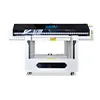
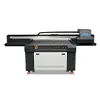
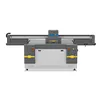
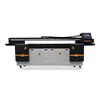
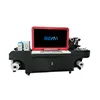
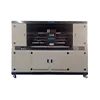
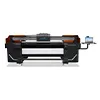
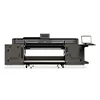

How to Choose a UV Printer for Your Products and Applications
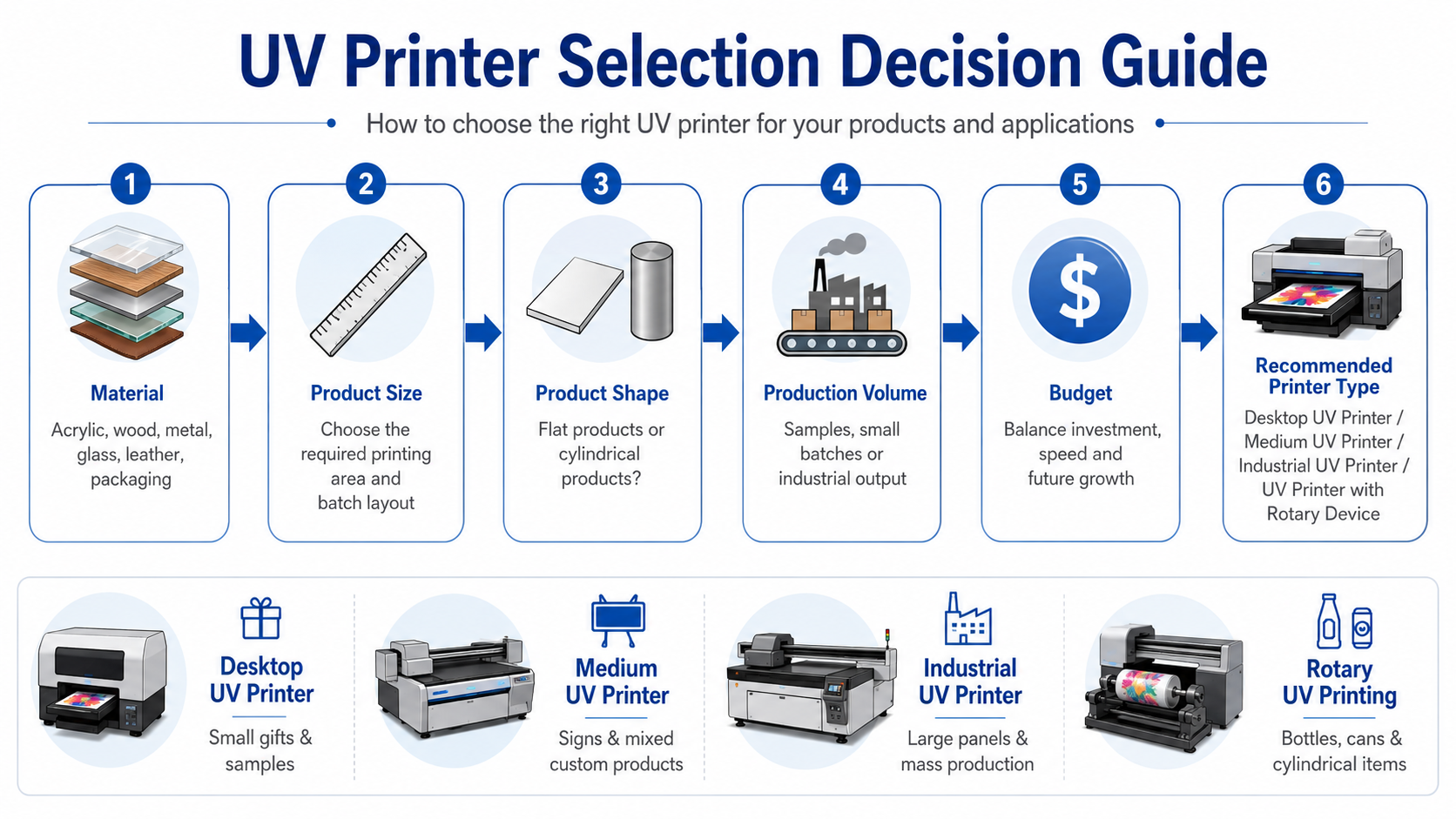
Learning how to choose a UV printer starts with understanding your products rather than comparing machine specifications alone. The right printer depends on the materials you plan to print, the size and shape of your products, your expected production volume, the required printing effects and your available budget.
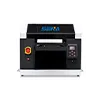
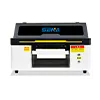
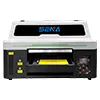
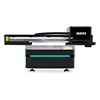
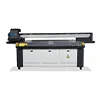
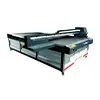
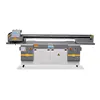
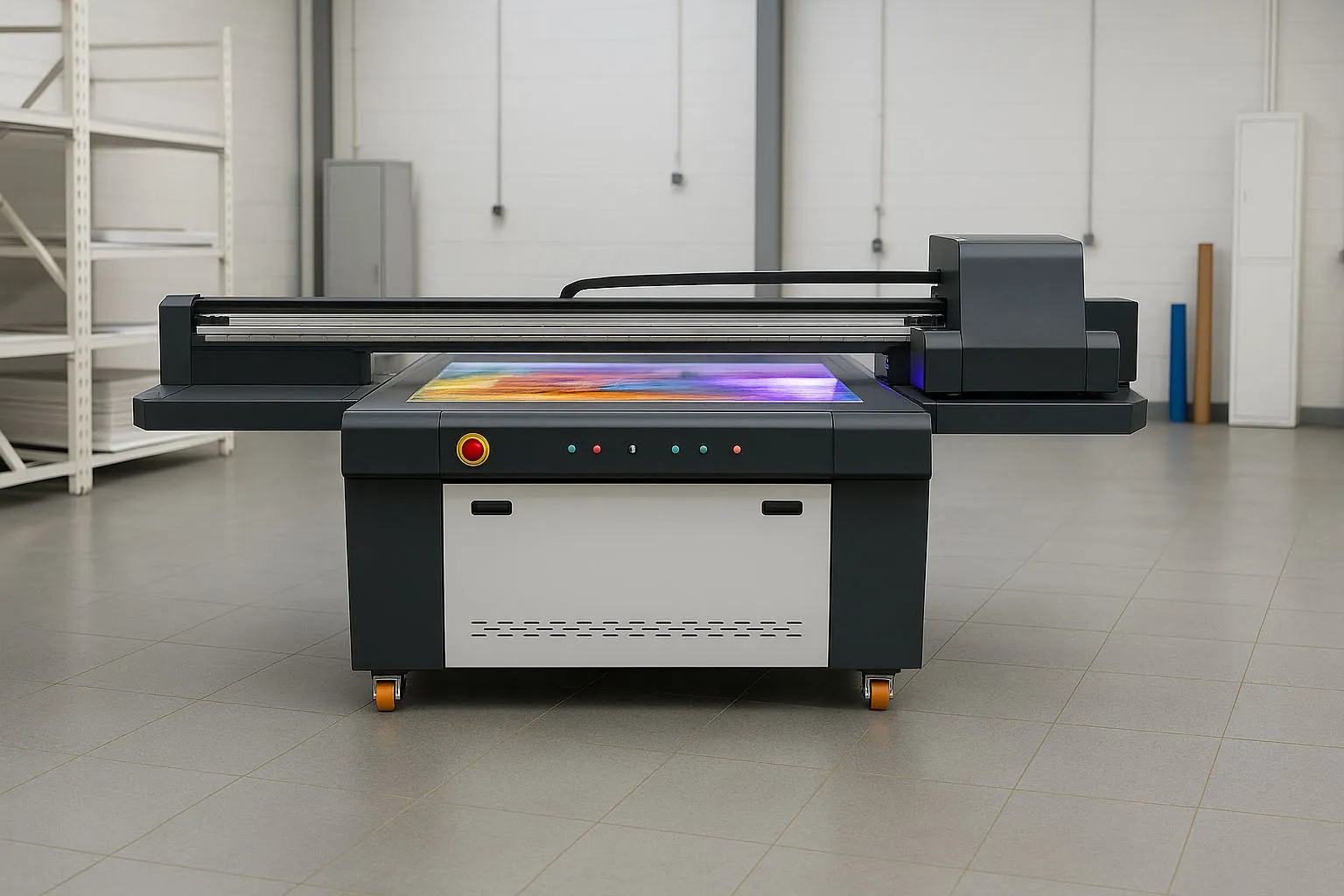
A small desktop UV printer may be suitable for phone cases, keychains and personalized gifts. A medium UV flatbed printer may be better for acrylic signs, wood panels, metal nameplates and mixed custom products. Large-format and industrial UV printers are designed for larger boards, glass panels, doors and continuous batch production.
This UV printer buying guide explains how to match your actual applications with the correct printing area, machine structure, printhead configuration and production capacity. It will also help you avoid buying a printer that is too small, too slow or unnecessarily expensive for your business.
Quick Answer: What Type of UV Printer Do You Need?
The following table provides a quick starting point. The final machine configuration should still be confirmed through actual product measurements and sample printing tests.
| Main Application | 推奨プリンタタイプ | Typical Customers |
|---|---|---|
| Phone cases, keychains, pens and small gifts | Desktop UV printer | Startups, gift shops and small studios |
| Acrylic signs, wood panels and metal plates | Medium UV flatbed printer | Sign shops and custom manufacturers |
| Large glass, doors and advertising boards | Large industrial UV flatbed printer | Factories and large sign companies |
| Bottles, cans and regular cylindrical products | UV printer with rotary device | Gift, packaging and bottle decoration businesses |
| Leather, film and flexible roll materials | Flexible-material or roll-to-roll printer | Leather, textile and advertising companies |
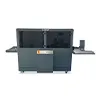
| Corrugated boxes and short-run packaging | Conveyor or packaging printer | Packaging factories and sample makers |
Step 1: How to Choose a UV Printer Based on Materials
A UV printer can print directly on many rigid and flexible materials, but not every machine is equally suitable for every application. Material type affects ink adhesion, white ink requirements, platform structure, curing settings and the need for surface treatment.
Acrylic, PVC, Wood and Metal
Acrylic, PVC, wood and metal are common materials for UV flatbed printing. They are widely used for signs, nameplates, decorative panels, labels, promotional products and personalized items.
Before selecting a machine, consider the following questions:
- Is the material surface flat, textured or uneven?
- Does the surface absorb ink or resist ink adhesion?
- Will the product require white ink under the color layer?
- Is varnish needed for gloss, texture or raised effects?
- Does the finished product need strong scratch resistance?
- Can the material fit securely on the printer platform?
Wood and other porous materials may provide good ink adhesion, but strong surface texture can reduce the clarity of small text and fine lines. Smooth metal may produce sharp details, but some metal surfaces require primer before printing.
For more detailed material guidance, read our guides to
木材へのUV印刷 そして
UV printing on metal.
Glass and Other Low-Adhesion Materials
Glass, ceramic, coated metal and some plastics have relatively low surface adhesion. A printer may successfully place ink on the surface, but the printed image may not remain durable without proper preparation.
For these applications, ask the supplier to test:
- Primer or coating compatibility
- Ink adhesion after curing
- Cross-hatch or tape adhesion performance
- Scratch and abrasion resistance
- Indoor or outdoor durability requirements
Do not choose a machine only because the supplier says it can print on glass. Ask for a test using your actual glass type, surface treatment and required printing process.
Learn more about white ink, reverse printing and surface preparation in our
UV printing on glass guide.
Dark and Transparent Materials
Dark, colored and transparent products normally require white ink. Without a white ink layer, the color image may appear weak, transparent or inaccurate.
Typical printing modes include:
- White plus color: commonly used on dark materials.
- Color plus white: often used for reverse printing on transparent materials.
- Color, white and color: used when an image must be visible from both sides.
- White, color and varnish: used for decorative products with gloss or texture.
If your main products are transparent acrylic, glass or dark-colored panels, choose a printer with a stable white ink circulation and stirring system. White ink maintenance should also be included in the operator training.
Flexible and Roll Materials
A conventional flatbed printer may handle individual flexible sheets, but it is not always suitable for continuous roll production.
If your main materials include leather rolls, flexible film, advertising media, soft PVC, carpets or large mats, consider a printer with one or more of the following structures:
- Conveyor belt feeding
- Roll-to-roll feeding and take-up
- Vacuum adsorption for flexible materials
- Anti-static devices
- Material tension and alignment control
The correct feeding system is often more important than the maximum advertised print resolution.
Step 2: What Size UV Printer Do I Need?
When customers ask, “What size UV printer do I need?” the answer should be based on the full product dimensions, batch layout and fixture requirements rather than the printed image alone.
Measure the Complete Product
Record the following dimensions before requesting a machine recommendation:
- Total product length
- Total product width
- Total product height
- Actual printable area
- Required fixture or jig space
- Loading and unloading clearance
For example, a product may require only a 300 × 200 mm printed image, but the complete product may measure 450 × 350 mm. If a positioning fixture is added, the required platform area becomes even larger.
Calculate the Batch Layout
Do not consider only whether one product can fit on the platform. Calculate how many products can be printed in one batch.
A larger platform may significantly improve production efficiency when printing phone cases, promotional gifts, nameplates or industrial labels. However, this advantage only matters when the machine can maintain stable printing quality across the full platform.
A practical calculation is:
Required printing area = Product dimensions × Planned batch layout + Fixture clearance
Allow Space for Future Applications
Your current products should remain the main selection factor, but it is reasonable to reserve some capacity for future orders.
| Printer Size | Typical Applications | Suitable Production Level |
|---|---|---|
| A3 / SN-3045 | Small gifts, samples, labels and phone cases | Startup and low-volume production |
| SN-6090 | Promotional products, signs, panels and mixed applications | Small to medium batch production |
| 1300 × 900 mm | Larger signs, boards, packaging and industrial parts | Medium commercial production |
| SN-2513 | Glass, doors, advertising boards and large panels | Industrial and continuous production |
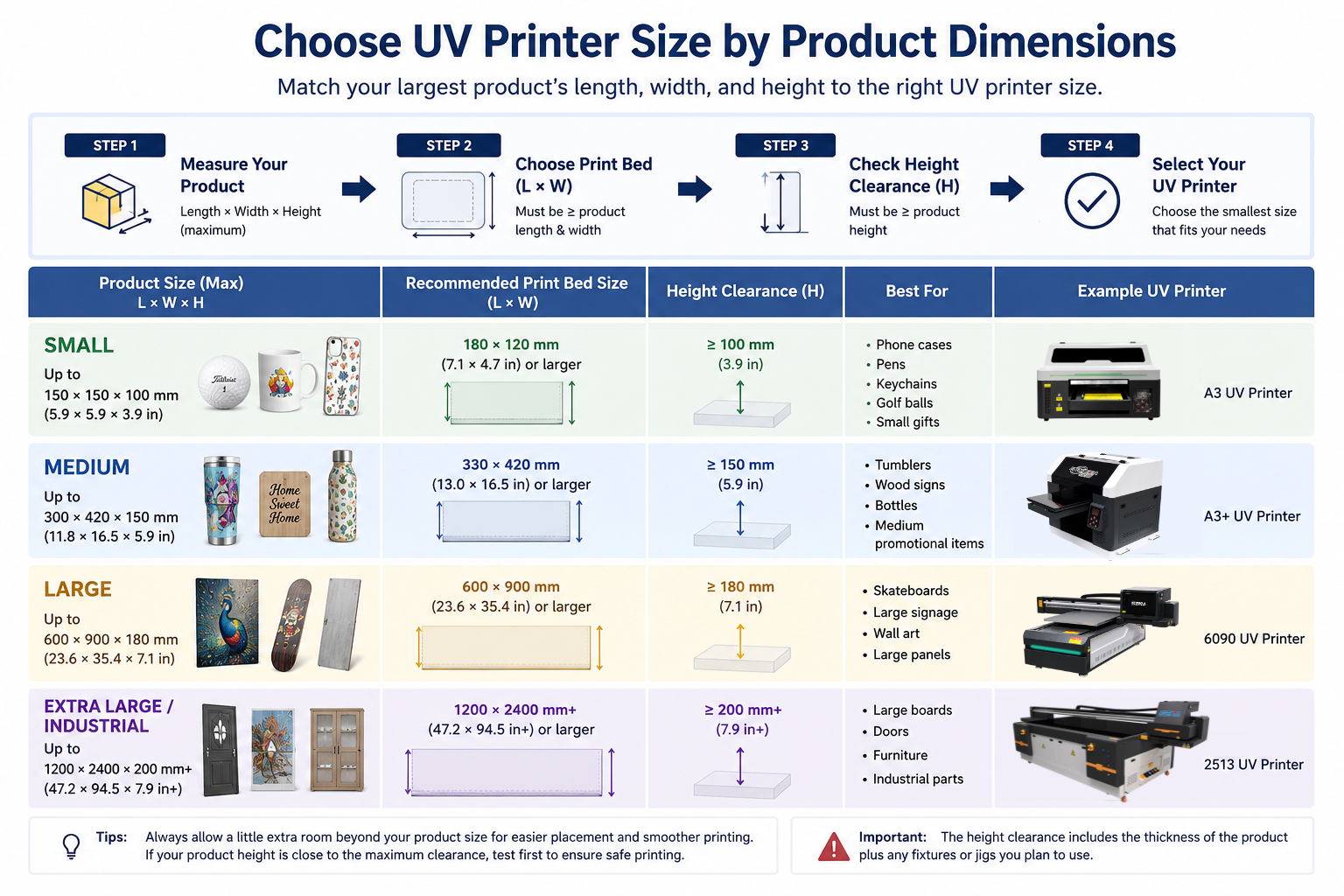
A platform that is much larger than your actual needs increases machine cost, transportation cost and workshop space. A platform that is too small may quickly limit the products and orders you can accept. The best choice is usually a machine that supports current production with reasonable room for growth.
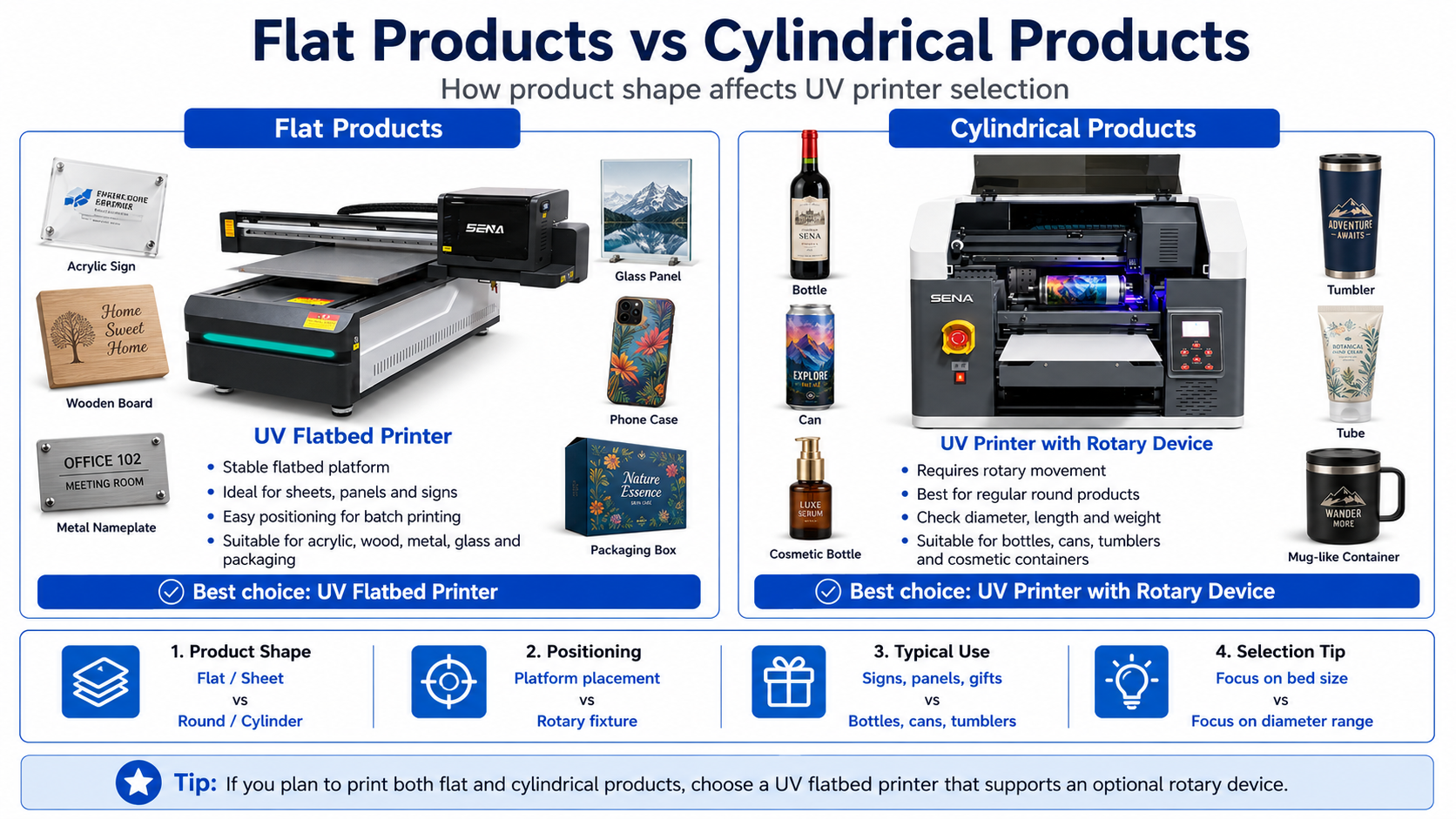
Step 3: Choose Between Flat and Cylindrical Printing
UV Printing on Flat Products
A standard UV flatbed printer is suitable for many flat or sheet-shaped products, including:
- Acrylic sheets and signs
- Wood boards and wooden boxes
- Metal plates and industrial labels
- Glass panels
- PVC and foam boards
- Phone cases and flat gifts
- Packaging boxes
- Decorative panels
A vacuum adsorption platform is especially useful for lightweight sheets and flat boards. Product fixtures can improve positioning accuracy when printing multiple small items in one batch.
UV Printing on Regular Cylindrical Products
Bottles, cans, tumblers, cosmetic containers and tubes require rotational movement during printing. Some UV flatbed printers can use an optional rotary device, while dedicated cylinder printers are designed specifically for higher-volume cylindrical production.
Before choosing a rotary system, confirm:
- Minimum and maximum product diameter
- Maximum printable product length
- Maximum supported weight
- Printable circumference
- Image seam alignment
- Required product fixture
- Whether the product surface is straight or tapered
Irregular and Tapered Cylinders
A standard rotary device normally works best with regular cylindrical products. Conical cups, bottles with handles, curved containers and products with large diameter changes may require a special fixture or a dedicated printing solution.
Do not assume that every rotary device can print every round product. Send product photos, dimensions and samples to the supplier before ordering the machine.
For more information, read our complete guide to
UV printing on cylindrical products with a rotary device.
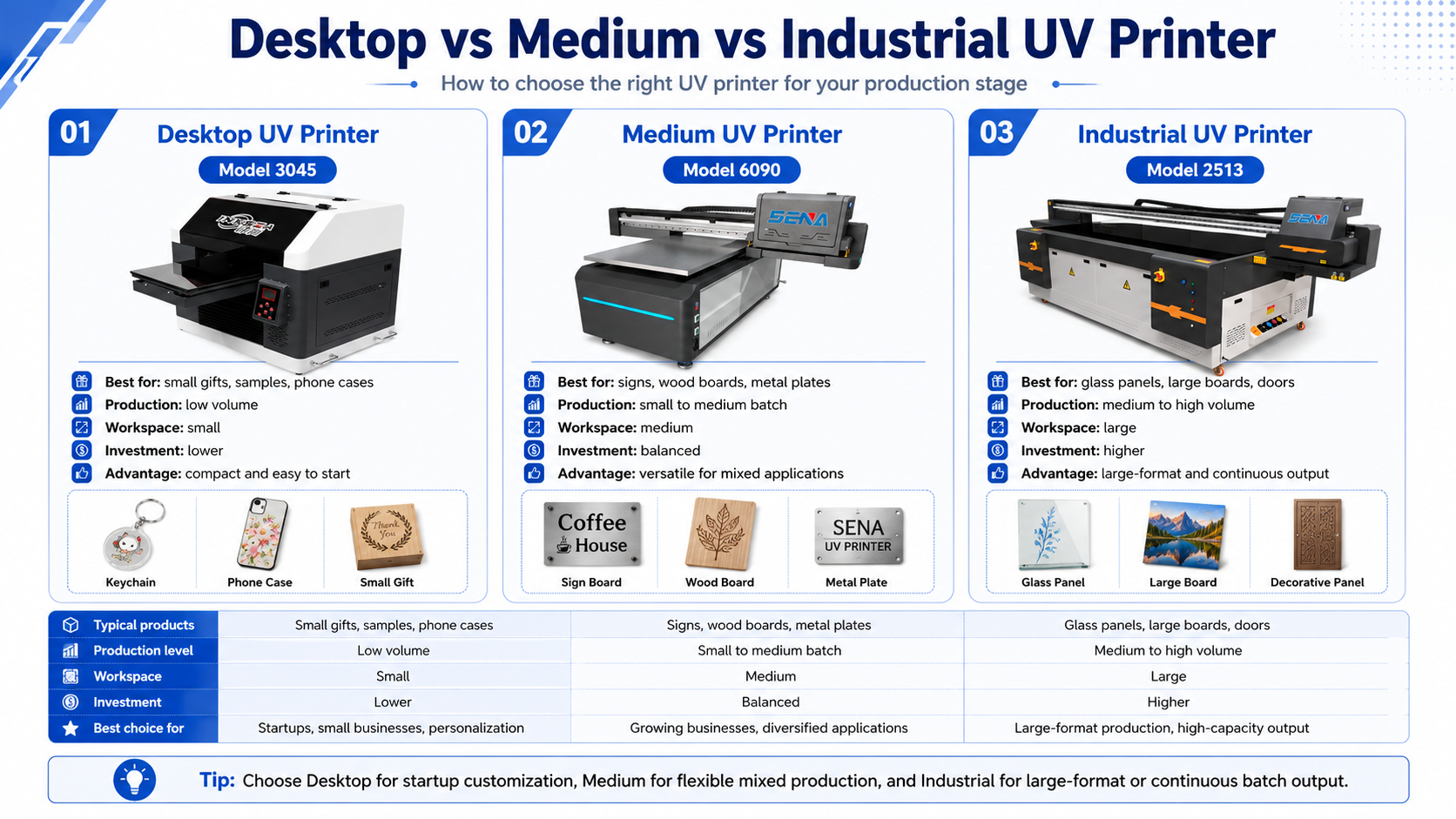
Step 4: Desktop vs Medium vs Industrial UV Printer
The difference between a desktop and industrial UV printer is not only the machine size. It also includes platform capacity, printhead configuration, production speed, structural stability and expansion potential.
| 要素 | Desktop UV Printer | Medium UV Printer | Industrial UV Printer |
|---|---|---|---|
| Typical products | Gifts, samples and small parts | Signs, panels and mixed products | Large boards, glass and industrial parts |
| Production level | Low volume | Low to medium volume | Medium to high volume |
| Workspace | 小さい | 中くらい | Large |
| Batch capacity | 限定 | フレキシブル | 高い |
| 印刷速度 | より低い | Balanced | より高い |
| Initial investment | より低い | 中くらい | より高い |
| Expansion potential | 限定 | 良い | Strong |
When to Choose a Desktop UV Printer
A desktop UV printer is suitable when:
- You are starting a personalized printing business.
- Your products are relatively small.
- Your daily order volume is limited.
- You have limited workshop space.
- You mainly produce samples, prototypes or short orders.
Desktop machines can reduce the initial investment, but they may require more manual loading and repeated batches. Consider whether the machine can still meet your production needs during busy periods.
When to Choose a Medium UV Printer
A medium UV printer is often the most balanced choice for growing businesses. It can handle a wider range of materials and product sizes without the investment and floor space required by a large industrial machine.
It is suitable for businesses that print:
- Promotional gifts
- Acrylic signs
- Wood and metal panels
- Packaging samples
- Industrial labels
- Mixed customized products
A medium printer also provides more space for fixtures and batch production than a small desktop machine.
When to Choose an Industrial UV Printer
An industrial UV printer is suitable when production stability and daily output are more important than the lowest purchase price.
Choose an industrial configuration when you need:
- Large-format printing
- Continuous production
- Multiple work shifts
- Higher batch capacity
- More printheads for faster output
- Heavy or large product loading
- Consistent results across large areas
Step 5: Balance Production Volume, Speed and Budget
A suitable printer should provide enough production capacity without creating unnecessary investment pressure. The lowest-priced machine is not always the lowest-cost production solution, and the fastest machine is not always necessary for a startup.
Start with Daily Production Requirements
Estimate your actual production needs using:
- Average daily order quantity
- Number of products printed per batch
- Average printed area
- Available working hours per day
- Peak-season order volume
- Expected growth over the next one to three years
If your normal production is 20 customized products per day, a compact printer may be sufficient. If you need to produce hundreds of signs, labels or panels per day, a larger platform and multiple printheads may provide a lower production cost per item.
Do Not Compare Only Maximum Printing Speed
The advertised printing speed is usually measured under a specific print mode. Your real production speed may change according to:
- Print resolution and pass mode
- Number of installed printheads
- White ink layer requirements
- Varnish or raised printing effects
- Product loading and unloading time
- Fixture positioning time
- RIP file preparation
- Cleaning and maintenance
- Reprinting caused by positioning errors
A more useful comparison is the number of acceptable finished products produced per hour, not only the maximum square meters printed per hour.
Calculate the Total Investment
A realistic UV printer budget should include more than the machine price.
- Printer purchase price
- Shipping and import costs
- Ink consumption
- Primer, coating and cleaning liquid
- Printheads and spare parts
- Maintenance costs
- Operator time
- Product fixtures and rotary devices
- Computer and RIP software
- Workshop space and electrical preparation
A cheaper machine may become expensive if it produces frequent errors, requires excessive maintenance or cannot complete your normal orders efficiently.
Buy for Current Production with Reasonable Growth Capacity
Avoid purchasing a very large machine for occasional small orders. At the same time, avoid choosing a machine that will limit your product size or production capacity after only a few months.
The best investment normally supports your current orders and provides enough capacity for realistic business growth.
Step 6: Match UV Printer Features to Your Applications
| Printer Feature | When It Is Needed |
|---|---|
| 白インク | Dark, colored and transparent materials |
| ワニス | Gloss, texture, spot effects and raised printing |
| Vacuum platform | Flat sheets, boards and lightweight materials |
| High material clearance | Boxes, helmets, sports products and thick objects |
| Rotary device | Bottles, cans, tumblers and regular cylinders |
| Visual positioning | Irregularly placed small products and customized items |
| Multiple printheads | Higher speed and commercial batch production |
| Conveyor system | Packaging, boxes and continuous material feeding |
| Roll-to-roll system | Flexible media and continuous roll printing |
| Automatic height detection | Products with different thicknesses |
Do not pay for features that your business will not use. However, optional functions such as a rotary device or varnish configuration may be worthwhile when they allow you to enter a profitable new product category.
Recommended UV Printer Setups for Different Businesses
Custom Gift and Souvenir Business
A desktop or medium UV printer is normally suitable for customized gifts and souvenirs. Recommended functions include:
- 白インク
- Optional varnish
- Small product positioning fixtures
- Optional rotary device
- Accurate printing of small text and graphics
Typical products include keychains, pens, nameplates, phone cases, gift boxes and souvenirs.
Read more about
UV printing for promotional gifts and personalized products.
Sign and Advertising Company
A medium or large UV flatbed printer is more suitable for sign makers. Important functions include:
- Vacuum adsorption platform
- White ink for colored and transparent boards
- Large printing area
- Stable batch production
- Strong color consistency
Common applications include acrylic signs, PVC boards, metal signs, display panels and directional signs.
See our guide to
UV printing for signs and displays.
Industrial Labels and Nameplates
Industrial applications require more than attractive colors. Customers should evaluate:
- Small text clarity
- Barcode and QR code readability
- Repeat positioning accuracy
- Color consistency between batches
- Scratch and abrasion resistance
- Fixture support for batch production
A medium-format machine with stable positioning may be more practical than a very large printer if the products are small but produced in high quantities.
Glass and Decorative Panel Business
Glass and decorative panel production usually requires:
- A printing area suitable for the complete panel
- Stable white ink output
- Reverse printing capability
- Strong material adhesion
- A stable platform and accurate movement system
- Sample testing with the actual glass surface
Packaging and Short-Run Customization
Packaging companies should pay attention to:
- Maximum product height
- Conveyor or platform structure
- Variable information printing
- Barcode and small text clarity
- Fast changeover between designs
- Short-run production without printing plates
Learn more about
UV printing on packaging and corrugated boxes.
Common Mistakes When Choosing a UV Printer
1. Choosing by Price Alone
The cheapest machine may not provide the required platform accuracy, production capacity, ink system or technical support.
2. Looking Only at Maximum Resolution
High resolution is useful, but stable ink output, mechanical accuracy and correct print modes are equally important.
3. Ignoring Product Height
A product may fit within the platform length and width but exceed the machine’s maximum height clearance.
4. Choosing a Printing Area That Is Too Small
A small platform may reduce batch capacity and prevent you from accepting larger products.
5. Assuming Every Material Prints Without Primer
Some glass, metal and plastic surfaces require primer or surface treatment for reliable adhesion.
6. Assuming Every Rotary Device Prints Tapered Products
Regular cylinders are easier to print than conical or irregular products. Always test the actual item.
7. Ignoring White Ink Maintenance
White ink requires circulation, stirring and regular maintenance. A suitable ink system and clear operating procedure are essential.
8. Comparing Speed Without Comparing Print Modes
Two speed figures are not comparable unless the machines use similar resolution, pass mode and ink-layer settings.
9. Buying Without Testing Actual Products
Supplier samples may use easy-to-print materials. Testing your own product provides more useful information.
10. Ignoring Spare Parts and Technical Support
Printheads, filters, dampers, ink pumps and other parts may require replacement. Confirm availability, warranty terms and technical support before purchasing.
To understand more purchasing risks, read our
overseas UV printer buyer pain points series.
What Information Should You Send Your UV Printer Supplier?
A professional supplier cannot recommend the correct machine based only on the words “I need a UV printer.” Send detailed application information to receive a more accurate recommendation.
Provide the following:
- Clear product photos
- Material type and surface treatment
- Complete product dimensions
- Actual printable area
- Flat, curved or cylindrical shape
- Daily production quantity
- Required white ink or varnish effects
- Required print quality and durability
- Country and voltage standard
- Available workshop space
- Target investment budget
- Possible future applications
Ask the supplier to provide a sample printing video, close-up photos and a clear explanation of the machine configuration used for the test. When possible, request a sample using your actual product.
Not Sure Which UV Printer Fits Your Products?
Send us your product photos, material, dimensions and expected daily output. We can recommend a suitable printer configuration and arrange a sample printing test before you make a decision.
Frequently Asked Questions About Choosing a UV Printer
What size UV printer do I need?
Choose the printing area according to the full product dimensions, fixture space and planned batch layout. Do not calculate the machine size only from the printed image area.
Can one UV printer print both flat and cylindrical products?
Some UV flatbed printers can print regular cylindrical products with an optional rotary device. Confirm the supported product diameter, length, weight and shape before purchasing.
Is a desktop UV printer suitable for commercial production?
Yes. A desktop UV printer can be suitable for small products, personalized orders, samples and low-volume production. Larger or faster machines are usually more efficient for continuous batch production.
Do all materials require primer before UV printing?
No. Some materials provide good direct adhesion, while glass, coated metal and certain plastics may require primer or surface treatment. Test the actual material before production.
Is a larger UV printer always better?
No. A larger printer increases the purchase price, transportation cost and required workshop space. Choose a machine that supports your current products and reasonable future growth.
How many printheads should I choose?
The required number of printheads depends on production volume, printing speed, white ink configuration, varnish requirements and budget. More printheads can improve output but also increase investment and maintenance costs.
Should I test my products before buying a UV printer?
Yes. A real sample test helps you evaluate color, adhesion, small text clarity, printing speed, surface effects and estimated production cost.
Conclusion: Choose the Application Before Choosing the Machine
The most reliable way to understand how to choose a UV printer is to begin with the products you intend to sell. Identify the materials, maximum dimensions, product shape, daily production requirements and required printing effects before comparing machine models.
A desktop UV printer is often suitable for startups, samples and small personalized products. A medium UV printer offers a practical balance for growing sign, gift and custom printing businesses. An industrial UV printer is more suitable for large-format materials, high production volumes and continuous factory operation.
Do not choose a machine based only on price, print resolution or advertised speed. Ask the supplier to test your actual products and explain the complete machine configuration, ink process, production speed and maintenance requirements.
The right UV printer should not only print your current products. It should provide stable results, practical production efficiency and enough flexibility to support the future development of your business.