

 Panjabi
  English
  Arabic
  German
  French
  Spanish
  Turkish
  Italian
  Russian
  Persian
  Bengali
  Hebrew
  Persian (Afghanistan)
  Scottish Gaelic
  Croatian
  Slovenian
  Greek
Greek  Afrikaans
  Czech
Czech  Korean
  Japanese
  Portuguese





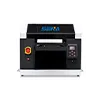
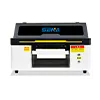
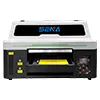
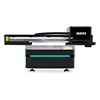
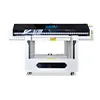
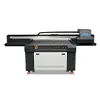
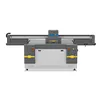
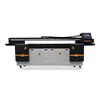
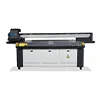
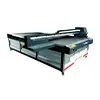
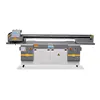
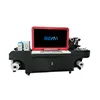

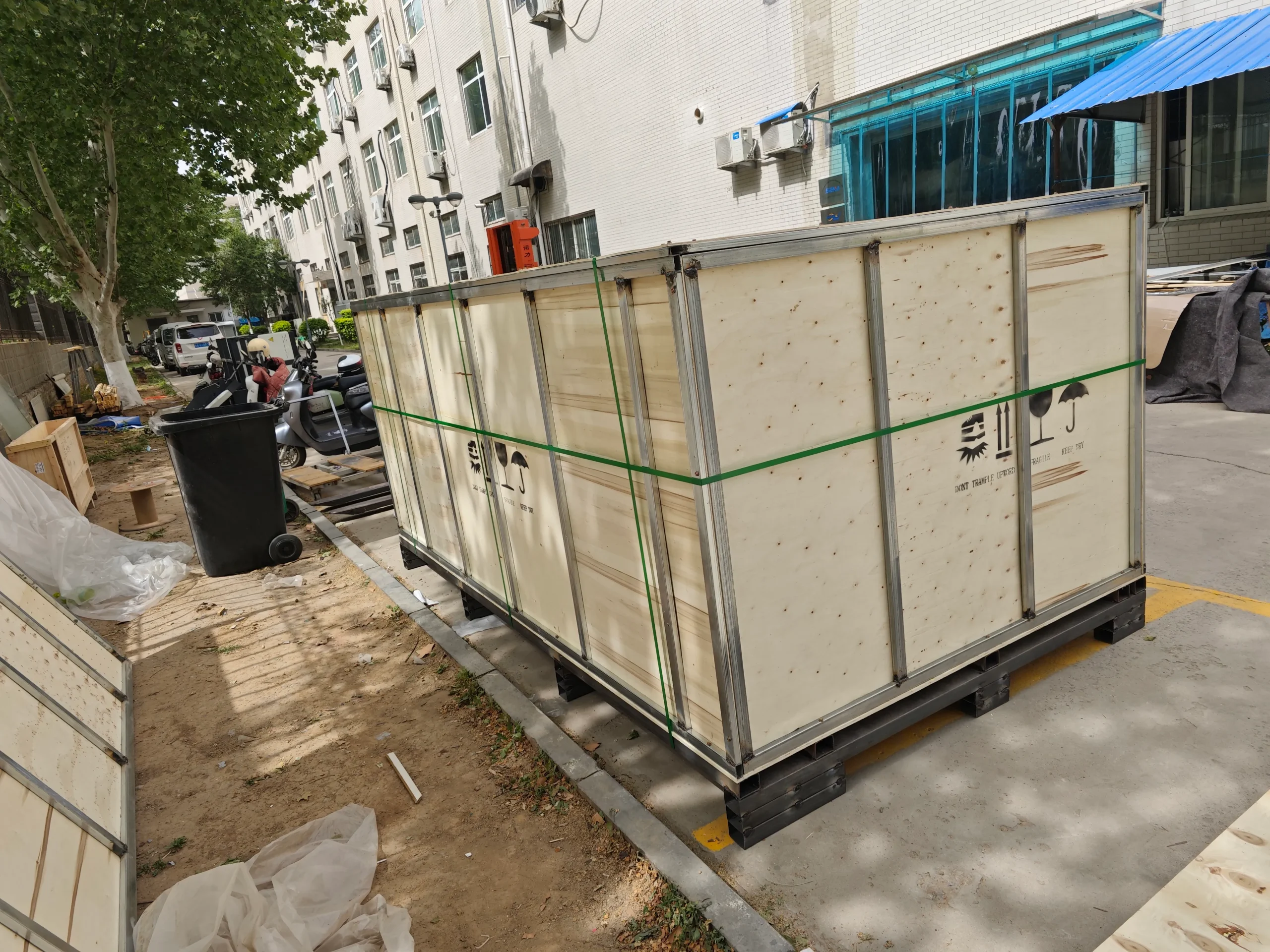
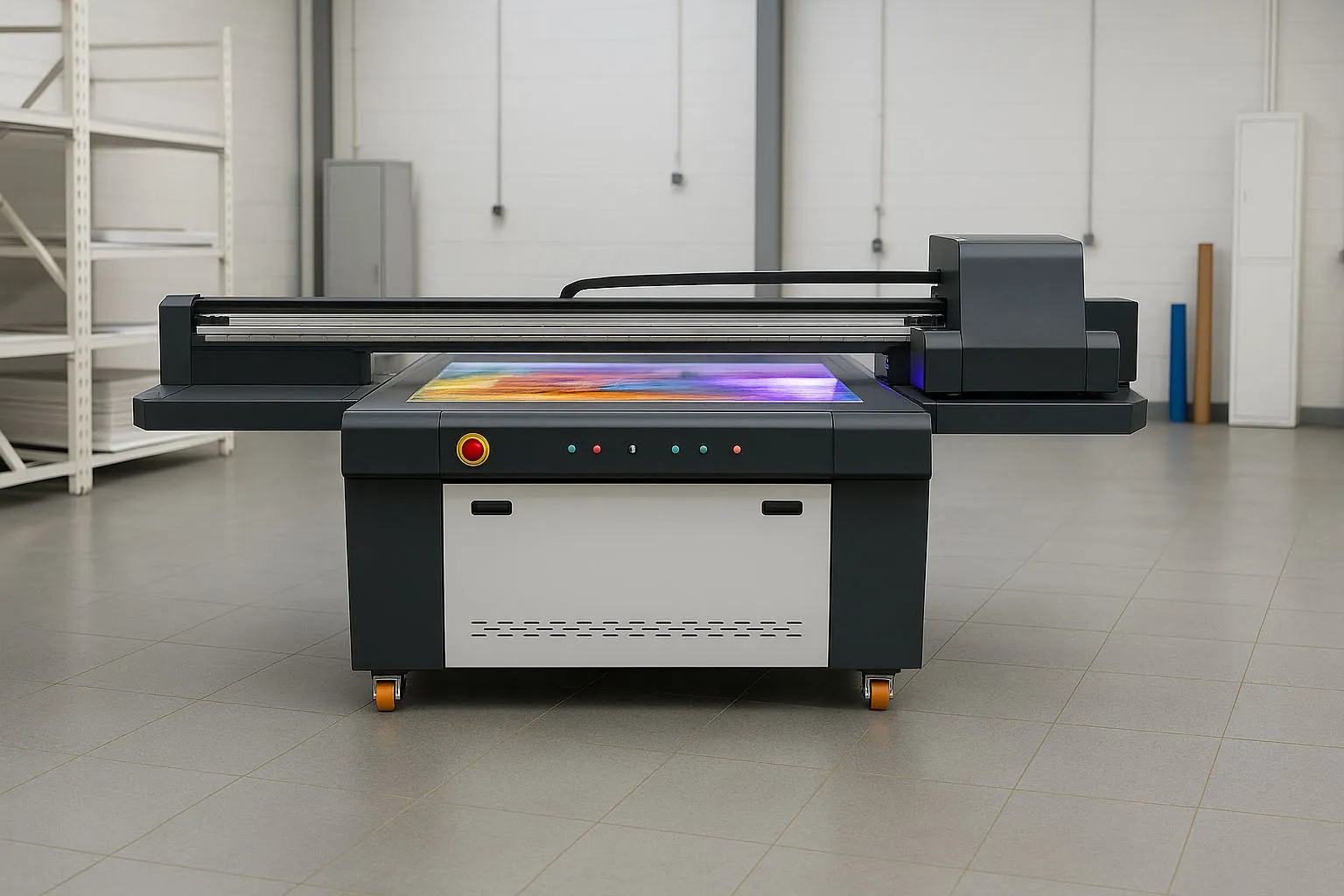
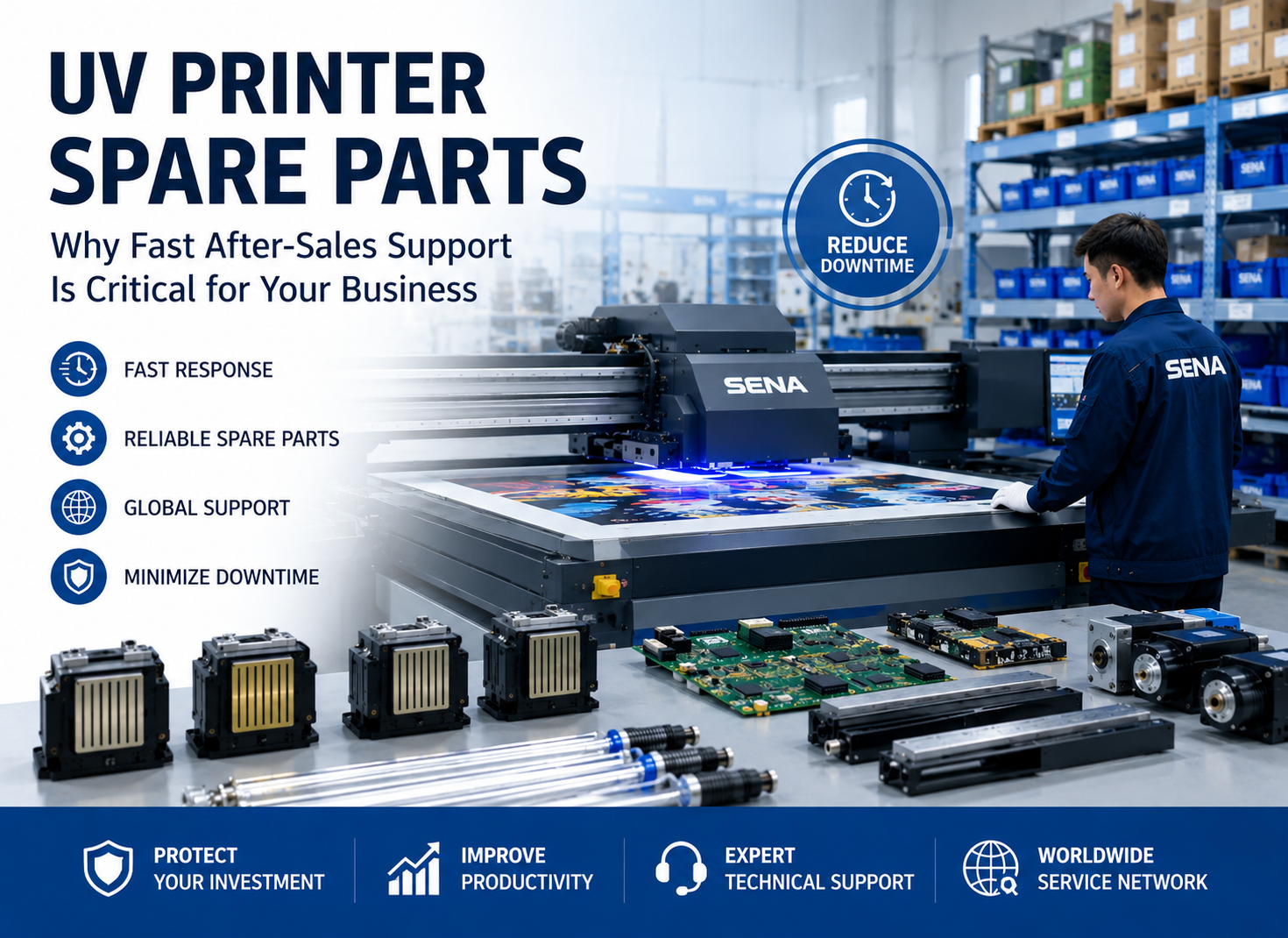
Buying a UV printer from an overseas supplier can offer more machine options and competitive pricing. However, the machine price and printing performance are not the only factors buyers need to consider.
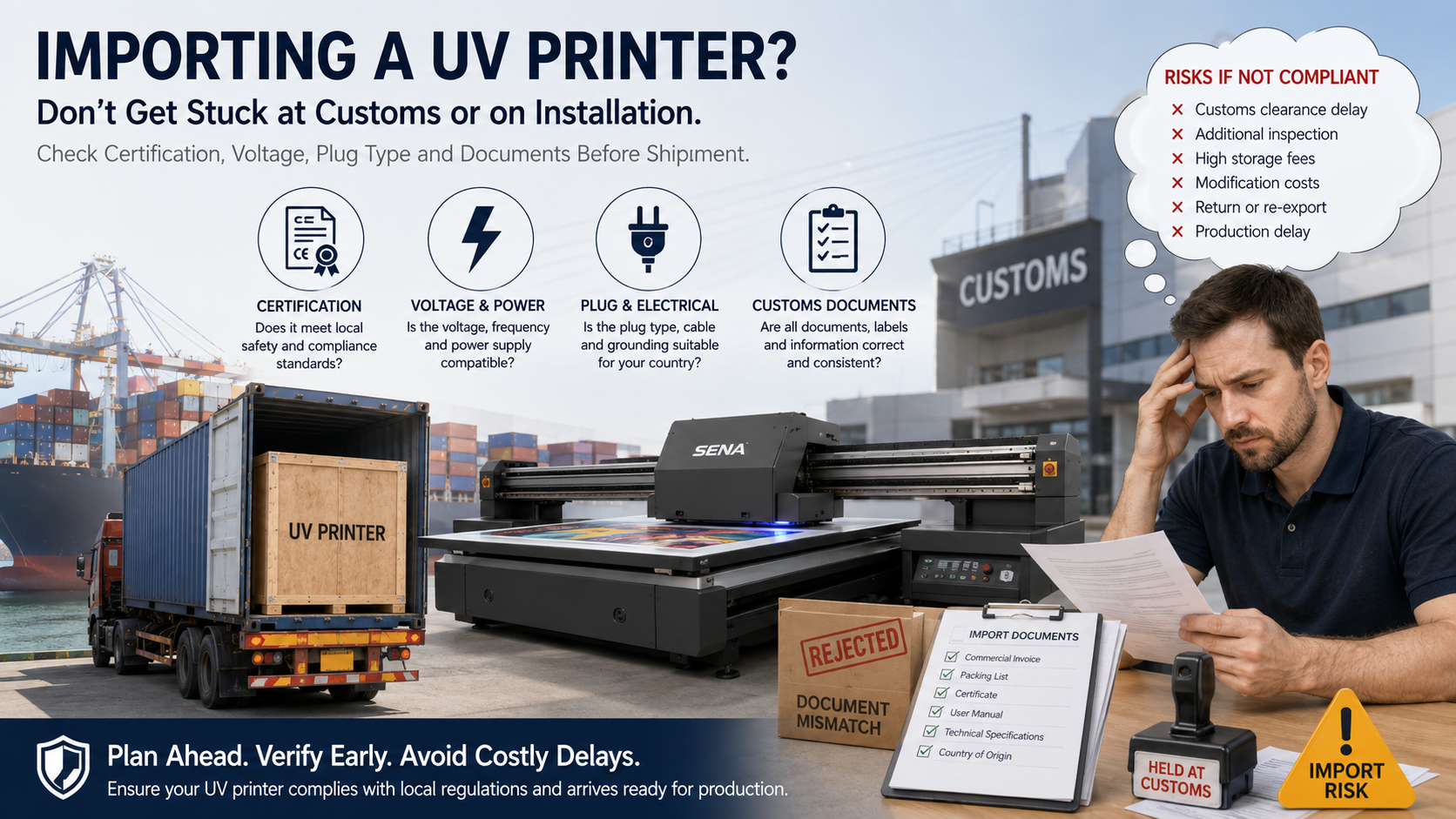
If the printer does not meet local electrical, certification or import requirements, it may be delayed at customs, require expensive modifications or become difficult to use legally and safely.
Before placing an order, buyers should confirm the technical configuration and compliance documents required in their market. Careful preparation before production and shipment can reduce risks, unexpected costs and delivery delays.
1. Why Local Compliance Matters
Requirements for imported industrial equipment vary between countries and regions. A UV printer accepted in one market may require different documents, electrical components or labels in another.
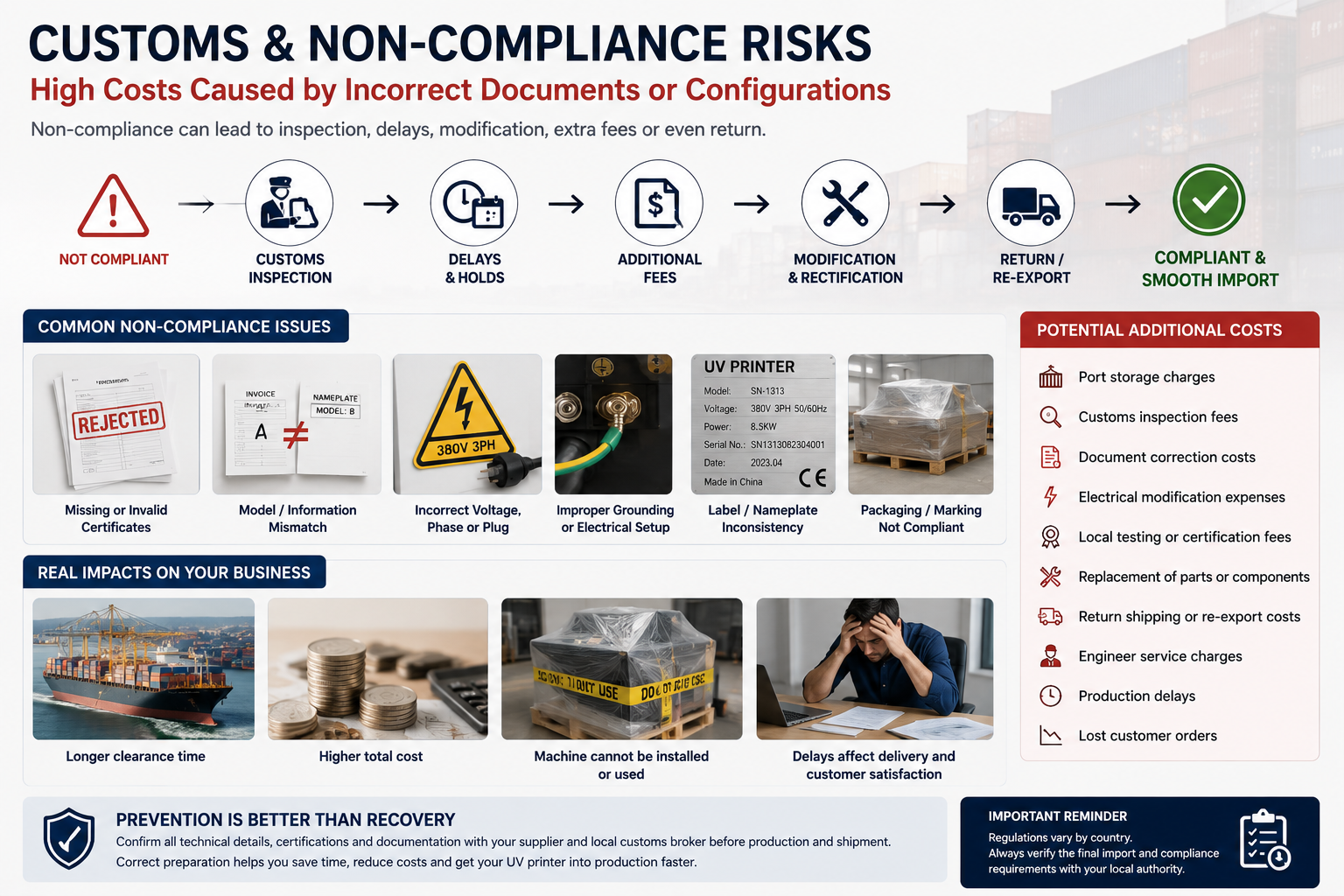
Depending on local rules, an unsuitable machine may lead to:
- Customs clearance delays
- Additional inspections
- Missing-document requests
- Electrical modification costs
- Certification or testing expenses
- Restrictions on installation or commercial use
- Return or re-export risks
These problems are much easier to prevent before shipment than to solve after the machine has arrived at the destination port.
Buyers should consult a local customs broker, electrical professional or relevant authority before ordering. The supplier can provide machine information, but the importer should confirm the final local requirements.
2. Check the Required Certification Documents
Certification requirements depend on the destination market and the way the machine will be used.
For example, some buyers may request CE-related documents for the European market, while other countries may have their own electrical safety, electromagnetic compatibility or import requirements. A certificate requested by one market may not be sufficient in another.
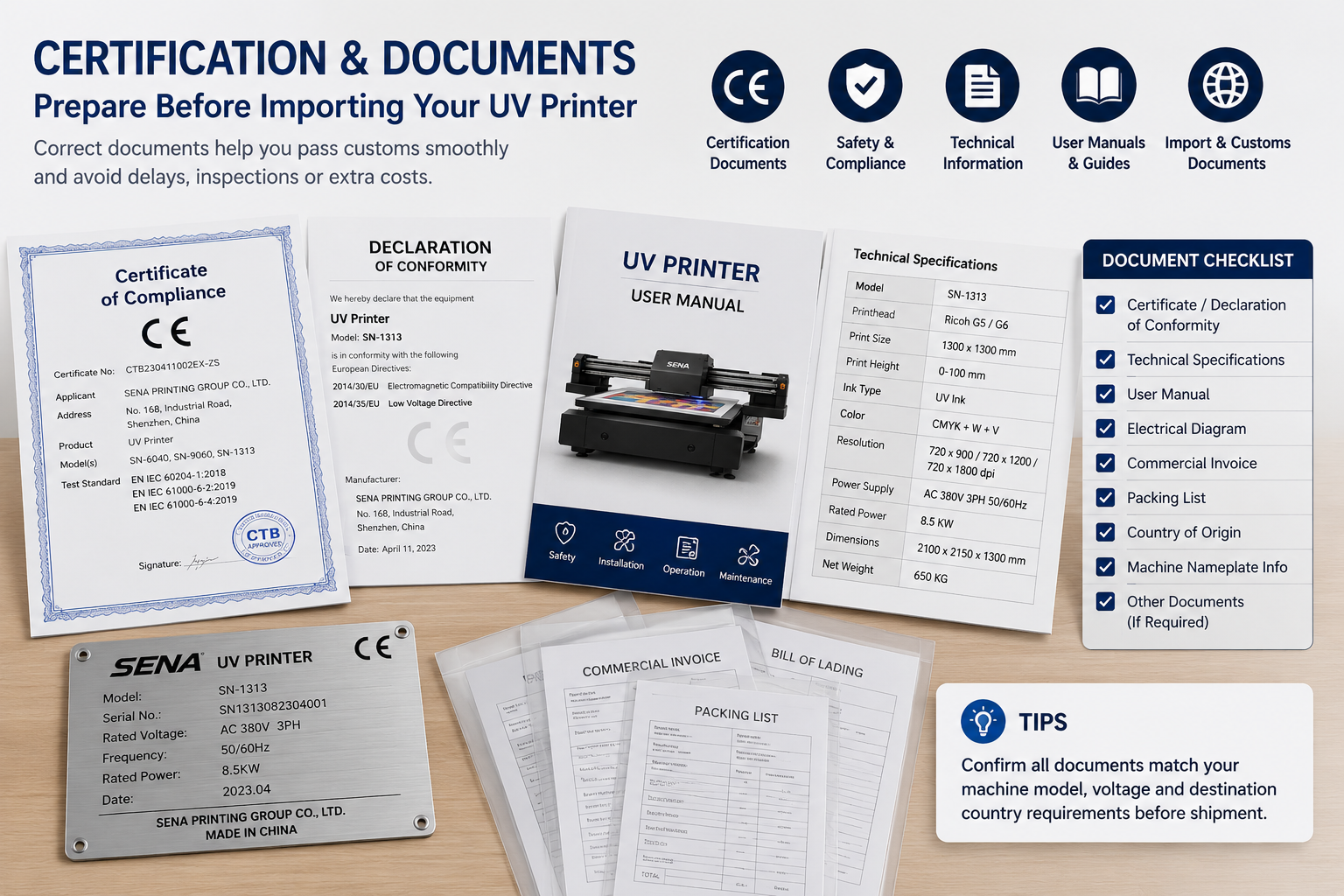
Before purchasing a UV printer, confirm whether the supplier can provide the necessary documents, such as:
- Declaration of conformity, when applicable
- Product certification documents
- Electrical specifications
- Machine technical data sheet
- User manual
- Safety instructions
- Commercial invoice
- Packing list
- Country-of-origin information
- Machine nameplate details
Do not check only whether the supplier can provide a certificate image. The document should match the actual machine model, manufacturer information and relevant configuration.
Incorrect or inconsistent information may create problems during customs clearance, inspection or equipment registration.
3. Confirm Voltage, Frequency and Power Supply
Electrical compatibility is one of the most important issues when importing a UV printer.
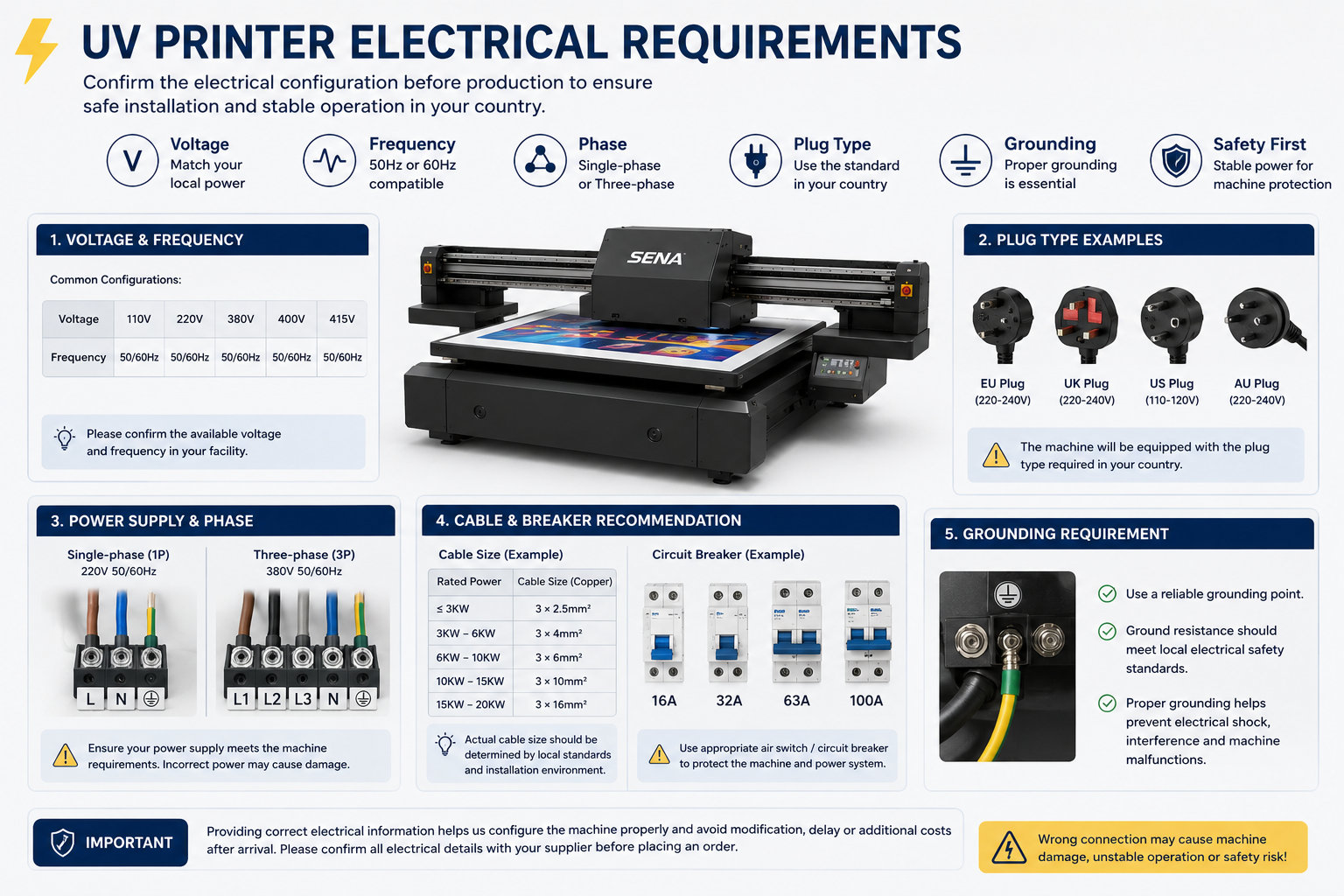
Changing the plug is not always enough. The machine’s voltage, frequency, phase and total power requirements must match the customer’s workshop conditions.
Before production, confirm the following information with the supplier:
- Local voltage
- Electrical frequency
- Single-phase or three-phase power
- Plug and socket type
- Total machine power
- Cable specifications
- Grounding requirements
- Need for a voltage stabilizer
For example, a machine configured for 380V three-phase power cannot simply be connected to a workshop that only provides 220V single-phase electricity.
An incorrect electrical configuration may cause unstable operation, machine alarms or damage to electrical components. It can also increase installation time and require additional modification after delivery.
The buyer should send clear photos or technical information about the local power supply to the supplier before the machine is manufactured.
4. Check the Plug, Cable and Electrical Components
Even when the voltage is correct, the plug, socket and cable specifications may still be unsuitable.
Different countries use different plug standards. Industrial UV printers may also require dedicated circuit breakers, thicker power cables or professional electrical installation.
Buyers should ask the supplier to confirm:
- The plug standard
- Cable length and cable size
- Rated current
- Circuit breaker requirements
- Ground wire configuration
- Emergency stop and safety components
For larger UV flatbed printers, installation should normally be completed or checked by a qualified local electrician.
This can help prevent unstable voltage, poor grounding and electrical safety risks.
5. Verify the Machine Nameplate and Shipping Documents
The information on the machine, packaging and import documents should be consistent.
Before shipment, buyers should request photos of the final machine nameplate and check:
- Manufacturer name
- Machine model
- Serial number
- Rated voltage
- ਬਾਰੰਬਾਰਤਾ
- Power consumption
- Country of origin
- Production information
The machine model on the nameplate should match the model shown on the commercial invoice, packing list and other technical documents.
Buyers should also confirm the product description and HS code with their local customs broker. The final classification should be based on local customs rules rather than assumptions made by the supplier.
Accurate documentation can reduce the risk of inspections, clearance delays, corrections and additional port storage fees.
6. Understand the Hidden Costs of Non-Compliance
A machine that does not meet local requirements can create costs far beyond the original purchase price.
Possible additional expenses include:
- Port storage charges
- Customs inspection fees
- Document correction costs
- Electrical modification expenses
- Local testing or certification fees
- Replacement of plugs or electrical components
- Return shipping or re-export costs
- Engineer service charges
- Production delays
- Lost customer orders
In serious cases, the machine may arrive at the customer’s factory but still cannot be installed or operated.
A cheaper quotation is not truly cost-effective if the machine requires major changes after delivery.
7. Questions to Ask Before Placing an Order
Before paying a deposit, buyers should ask the supplier these questions:
- Can the machine be configured for my local voltage and frequency?
- Does it require single-phase or three-phase power?
- Which plug and cable will be installed?
- What is the machine’s total power consumption?
- Which certification or conformity documents are available?
- Do the documents match the exact machine model?
- Can you provide the final nameplate design for confirmation?
- What customs and shipping documents will be supplied?
- Can the machine configuration be adjusted for special local requirements?
- What technical support is available if installation problems occur?
A professional supplier should answer these questions clearly and confirm important details in writing before production.
Conclusion: Confirm Compliance Before Production and Shipment
When buying a UV printer overseas, buyers should not compare only the price, print speed and printhead model.
Certification documents, voltage, frequency, plug type, electrical components, machine labels and customs information can directly affect whether the printer can be imported, installed and operated smoothly.
SENA works with customers to confirm machine configuration, electrical requirements, nameplate information and export documents before shipment. We also provide remote installation guidance, operation training and after-sales technical support.
However, local regulations may vary, so buyers should always verify the final import and compliance requirements with their local customs broker or relevant authority.
Confirming these details before production can reduce customs risks, prevent expensive modifications and help the UV printer enter production faster.