Чтобы избежать задержки ответа на ваш запрос, пожалуйста, укажите ваш WhatsApp/WeChat/Skype вместе с сообщением, чтобы мы могли связаться с вами в первый же момент.
Мы ответим вам в течение 24 часов. Если срочно, пожалуйста, добавьте WhatsApp: +8617888313102, или WeChat: +86 17864107808. Или позвоните +86 17864107808 напрямую.
*Мы уважаем вашу конфиденциальность, и вся информация защищена. Мы будем использовать вашу информацию только для ответа на ваш запрос и никогда не будем отправлять нежелательные электронные письма или рекламные сообщения.
1. Introduction: Why UV Printing Dominates Phone Case Market
Phone case printing has evolved from simple transfers to sophisticated direct-to-object digital printing. The УФ планшетный принтер has become the industry-standard tool for this application, offering unmatched versatility and quality. Unlike traditional methods, a УФ-принтер uses instant-curing УФ-чернила to bond directly with various case materials—plastic, silicone, TPU, and even hard polycarbonate.
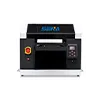
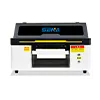
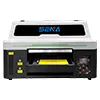
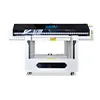
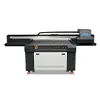
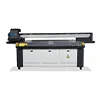
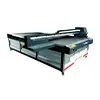
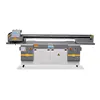
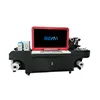
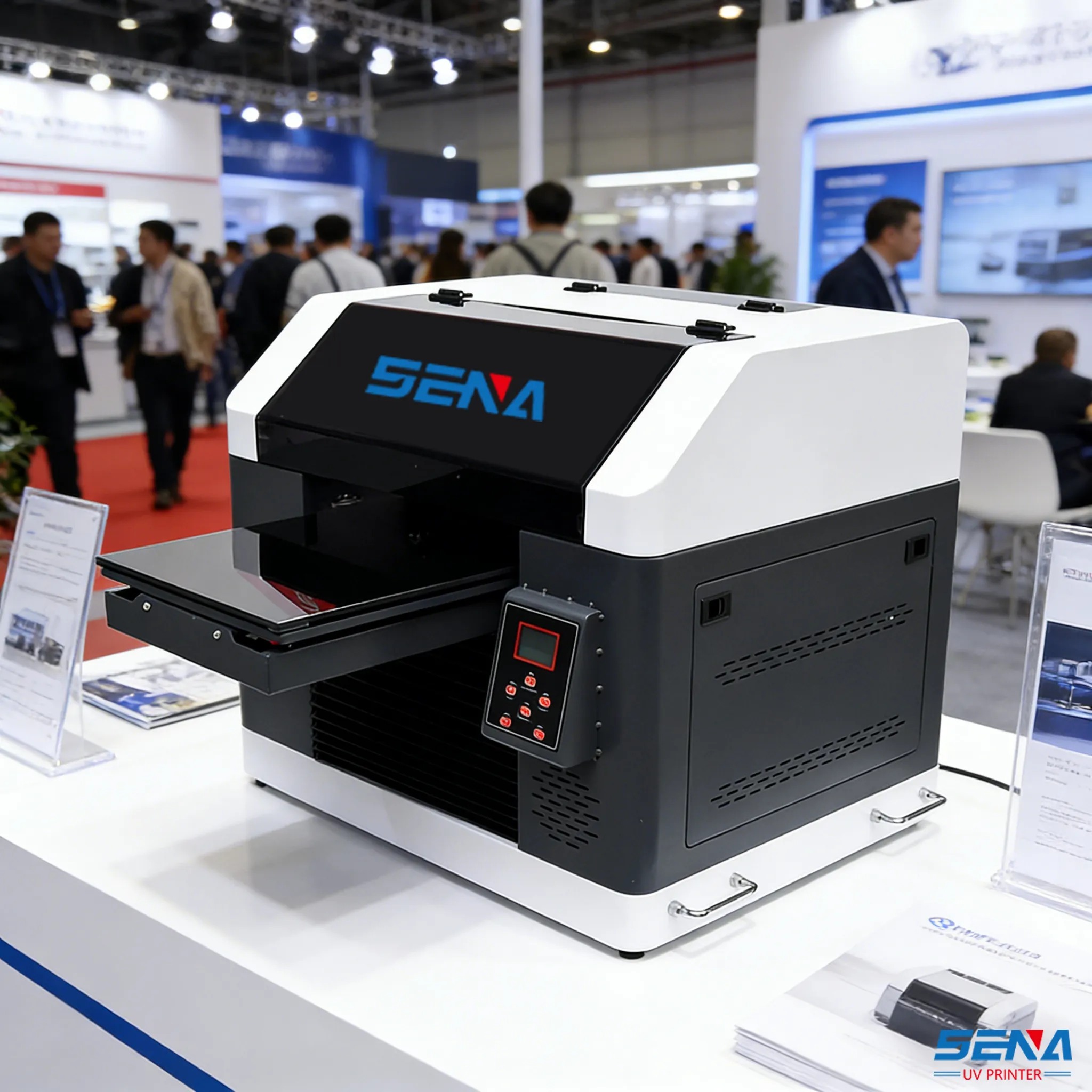
Figure 1: A SENA UV flatbed printer creating high-resolution custom phone cases with perfect registration.
This tutorial provides a complete, step-by-step guide to mastering печать на чехле для телефона с multifunctional UV flatbed printer. We’ll cover everything from machine selection to final quality control, with special focus on the advanced features of the newly launched SENA UV Printer series that make this process exceptionally efficient and profitable.
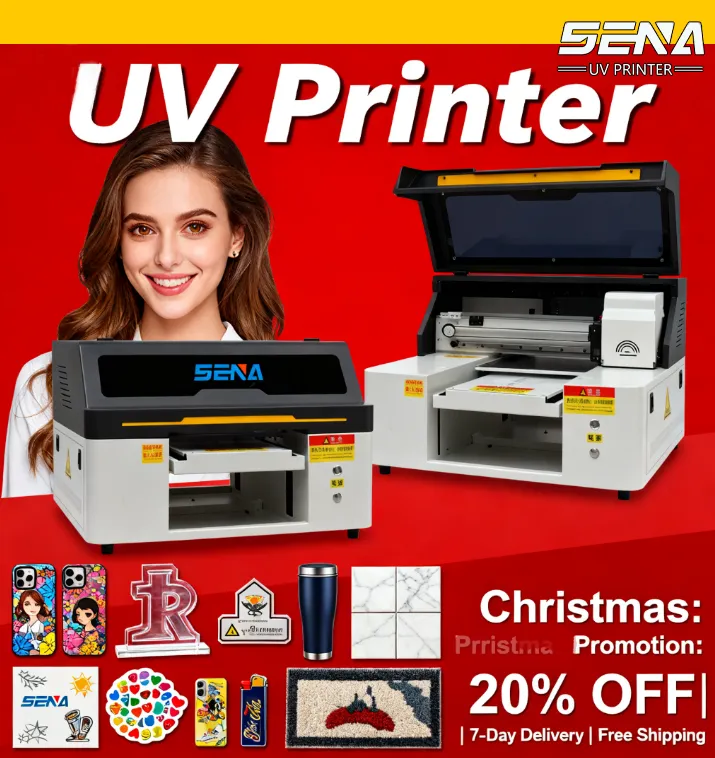
!Key Advantage: A single УФ-струйный принтер can handle not just phone cases, but also thermos cups, pen logos, наружная вывеска, и ceramic tile printing—making it a versatile investment for any custom printing business.
2. Step 1: Choosing the Right UV Flatbed Printer for Phone Cases
Выбор подходящего flatbed printer for sale is crucial. For печать на чехле для телефона, specific features determine success.
Essential Feature: CCD Visual System
The optional CCD visual scanning system is a game-changer. It automatically scans and aligns the print file with each phone case’s position, ensuring perfect registration every time—even with irregularly placed cases. This eliminates manual adjustment and reduces waste.
Essential Feature: Auto Cleaning & Height Adjustment
Ан automatic cleaning system maintains printhead health during high-volume production. The automatic lifting platform adjusts to different case thicknesses (from slim to rugged cases) without manual intervention.
Essential Feature: Precision Printheads
Индивидуальный Epson or Ricoh industrial printheads deliver the высококачественная печать resolution needed for intricate designs and photorealistic images on phone cases.
For businesses specializing in phone cases, a небольшой планшетный УФ-принтер like the SENA SN-3045 might be perfect. For those offering diverse products, a medium-format machine provides more flexibility. Each size is designed to meet the customer’s customized requirements, and our company provides one-to-one customization to match your exact production needs.
3. Step 2: Pre-Press Setup & File Preparation
Proper preparation ensures flawless printing. Follow this checklist:
Case Preparation: Clean cases with isopropyl alcohol to remove oils and dust. Ensure surfaces are completely dry.
File Design: Create designs at 300+ DPI. Use CMYK color mode with rich black (C:40, M:40, Y:40, K:100) for deeper blacks.
Template Alignment: Use the УФ-принтер software to create precise templates for each phone model. The CCD system will use these as reference.
Ink Check: Use only internationally certified UV ink that is fade-resistant and flexible enough to adhere to case materials without cracking.
Fixture Setup: Install appropriate fixtures or jigs to hold cases securely during printing. Some multifunctional UV flatbed printers предложение rotary printing attachments for cases with curved edges.
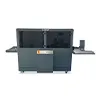
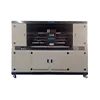
Figure 2: Proper fixture setup and CCD camera alignment are critical for batch consistency in печать на чехле для телефона.
4. Step 3: The Printing Process – Detailed Workflow
1Positioning: Place phone cases on the automatic lifting platform. If using the CCD visual scanning system, цифровая печатная машина will automatically detect their positions.
2File Loading & Alignment: Load your design file. The software will align it precisely with each case’s position using data from the CCD camera.
3Print Settings: Select the appropriate profile for the case material. Adjust УФ-светодиод curing power based on ink coverage and material type.
4Printing Execution: Start the print job. The УФ-струйный принтер will apply ink layer by layer, with instant curing between passes for vibrant, tactile results.
5Automatic Maintenance: Between jobs, the automatic cleaning system engages to prevent nozzle clogging, ensuring consistent высококачественная печать.
Совет профессионала: For textured or “grip” cases, consider applying a white underbase layer first to enhance color vibrancy. Some advanced Планшетные УФ-принтеры can even apply varnish printing for glossy or matte finishes in the same cycle.
Curing Check: Ensure all areas are fully cured. Some materials may require additional curing time.
Adhesion Test: Perform a cross-hatch tape test to verify ink adhesion to the case субстрат.
Edge Inspection: Check that designs align perfectly with case edges, cutouts, and buttons.
Flexibility Test: Gently flex the case to ensure the УФ-чернила doesn’t crack or peel—a sign of using proper flexible ink formulations.
Packaging: Use anti-scratch bags or sleeves to protect the printed surface during shipping.
The durability of prints from a quality УФ-принтер meets or exceeds commercial standards, withstanding daily wear, UV exposure, and minor abrasions thanks to fade-resistant ink technology.
6. Step 5: Common Issues & Troubleshooting
Issue
Possible Cause
Решение
Poor Adhesion
Dirty surface, wrong ink type
Thorough cleaning; use ink formulated for flexible materials
Несоосность
Incorrect template or CCD calibration
Recalibrate the CCD visual scanning system; update template
Ink Cracking
Ink too rigid, over-curing
Регулировать УФ-светодиод power; ensure flexible ink is used
Color Inconsistency
Clogged nozzles, incorrect profile
Run automatic cleaning system; recalibrate color profile
With SENA’s 24-hour engineer online support and comprehensive one-year warranty, technical assistance is always available to minimize downtime.
7. Business Tips: Maximizing Profit with Phone Case Printing
Diversify Product Range
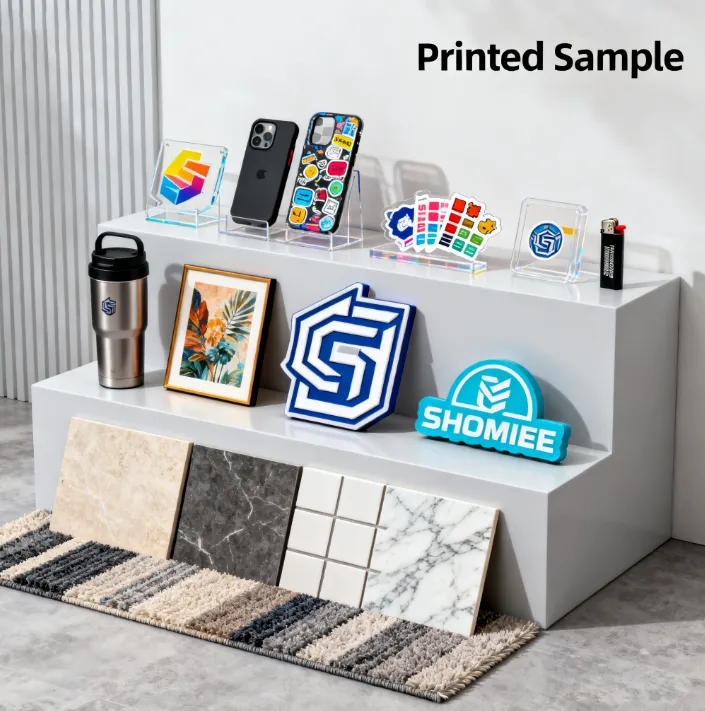
Твой multifunctional UV flatbed printer can also print on thermos cups, pen logos, sticker labels, и ceramic tile printing. Offer bundled packages to increase average order value.
Implement Batch Printing
Use the full print bed to produce multiple cases simultaneously. The CCD visual scanning system allows mixing different phone models in the same batch without manual repositioning.
Offer Premium Finishes
Использовать varnish printing capabilities to offer glossy, matte, or textured finishes. This allows premium pricing for specialty products.
The low maintenance cost и high cost-performance ratio of a modern УФ-струйный принтер make even small-batch production economically viable. With fast shipping of cases and supplies, you can maintain lean inventory while offering rapid turnaround.
The Ideal Machine for Your Phone Case Business
The newly launched SENA UV Printer series is specifically engineered for applications like печать на чехле для телефона. С factory-direct pricing and complete customization, these machines offer features that streamline production:
Optional CCD Visual Scanning System: For perfect alignment on every case
Don’t miss this opportunity! Наш company provides one-to-one customization to ensure your УФ планшетный принтер perfectly matches your production volume, case types, and space constraints.
Ready to Start Your Phone Case Printing Business?
Get expert guidance on selecting and configuring the perfect УФ-принтер for your needs. Our specialists will help you choose between a небольшой планшетный УФ-принтер or larger format model based on your business goals.
Bonus: Mention this tutorial when contacting us to receive a complimentary phone case printing starter kit with sample materials and optimized print profiles.


 Russian
  English
  Arabic
  German
  French
  Spanish
  Turkish
  Italian
  Persian
  Bengali
  Hebrew
  Persian (Afghanistan)
  Scottish Gaelic
  Panjabi
  Croatian
  Slovenian
  Greek
Greek  Afrikaans
  Czech
Czech  Korean
  Japanese
  Portuguese