

 Russian
  English
  Arabic
  German
  French
  Spanish
  Turkish
  Italian
  Persian
  Bengali
  Hebrew
  Persian (Afghanistan)
  Scottish Gaelic
  Panjabi
  Croatian
  Slovenian
  Greek
Greek  Afrikaans
  Czech
Czech  Korean
  Japanese
  Portuguese





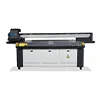
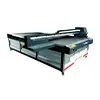
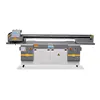

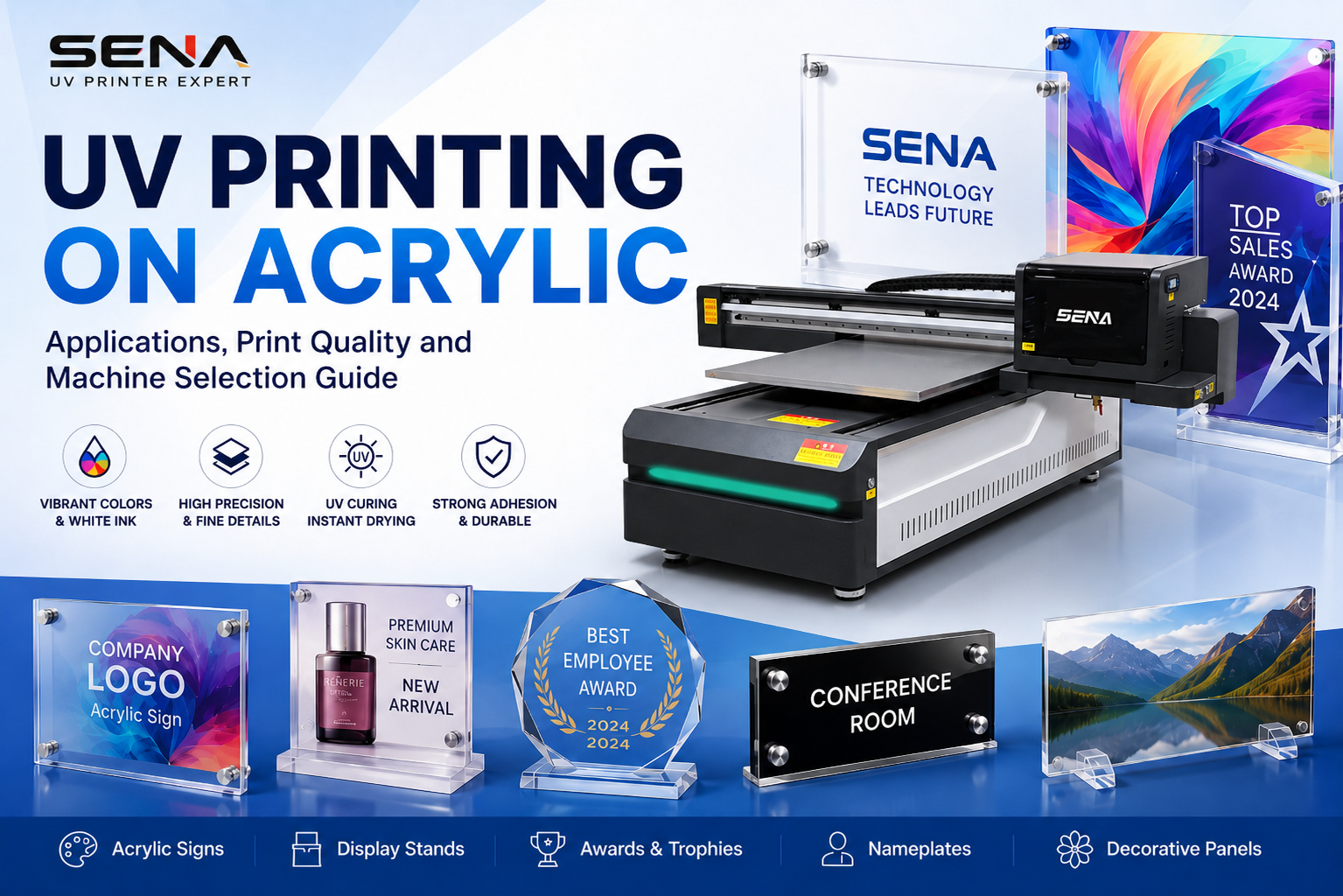
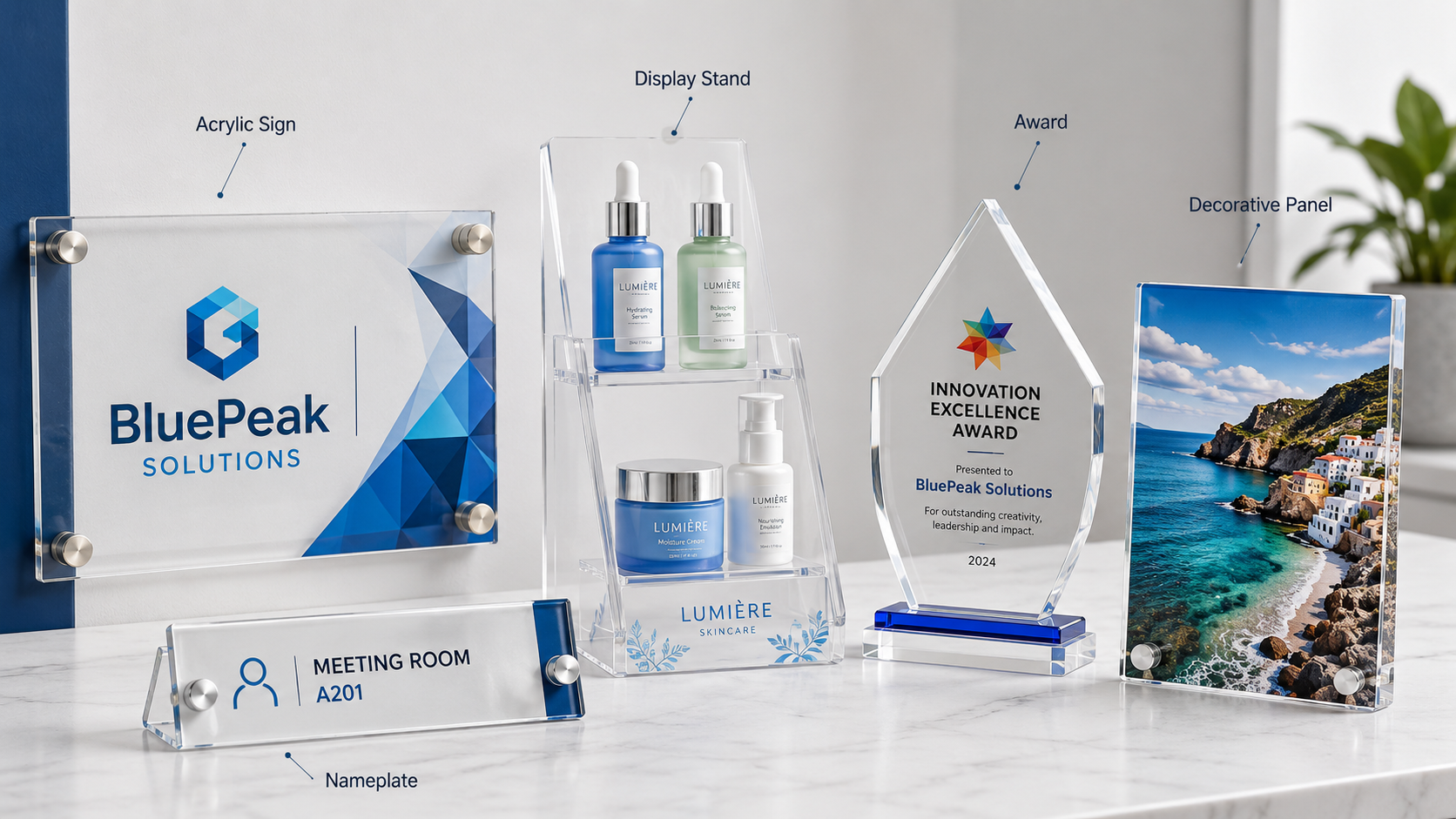
УФ-печать на акриле is widely used to produce signs, display stands, awards, nameplates and decorative panels. A UV printer can print full color, white ink and varnish directly onto clear, white, black or colored acrylic. This guide explains common acrylic printing applications, reverse printing, white ink, adhesion, surface cleaning and how to choose a suitable acrylic UV printer.
What Is UV Printing on Acrylic?
UV printing on acrylic is a direct digital printing process. The UV printer sprays ink onto the acrylic surface, while built-in UV lamps cure the ink immediately. The printed product can normally be handled soon after printing, without waiting for a long drying process.
An acrylic UV printer can reproduce photographs, logos, fine text, gradients, barcodes and complex designs. It can be used on transparent acrylic, white acrylic, black acrylic and many colored acrylic sheets.
Unlike traditional screen printing, digital UV printing does not require a separate printing plate for every design. This makes it suitable for customized products, short production runs and orders that contain several different designs.
However, the final result depends on the acrylic surface, file quality, ink configuration, printhead condition and printing settings. Testing the actual material before mass production is always recommended.
Common Applications of Acrylic UV Printing
Acrylic is lightweight, attractive and easy to process. These advantages make it popular in advertising, retail display, interior decoration and customized gift production.
Acrylic Signs and Nameplates
Acrylic sign printing is commonly used for company signs, door plates, warning signs, room numbers, product nameplates and directional signs. UV printing can reproduce brand colors, small text, QR codes and detailed graphics without making a separate printing plate.
Acrylic Display Stands
Retail businesses use printed acrylic for cosmetics displays, jewelry displays, product information boards, menu holders and promotional stands. Logos, product information and decorative graphics can be printed directly onto the display components.
Acrylic Awards and Trophies
Full-color graphics, white ink and spot varnish can be combined to produce customized awards, employee recognition plaques, sports trophies and event souvenirs. Variable names, dates and designs can be printed without changing a physical plate.
Acrylic Decorative Panels
UV printing can also be used for personalized photo panels, wall decorations, hotel signs, office decoration and commercial interior panels. It is especially useful for short-run designs and customized projects.
How to Print on Transparent Acrylic
Transparent acrylic can be printed from the front or from the back. The correct method depends on the required appearance and how the finished product will be used.
Front-Side Printing
With front-side printing, the design is printed directly onto the visible surface. This method is simple and suitable for many standard signs, display boards and promotional products.
Because the ink is exposed on the front, the buyer should consider scratch resistance, cleaning methods and the final installation environment.
Reverse Printing on Transparent Acrylic
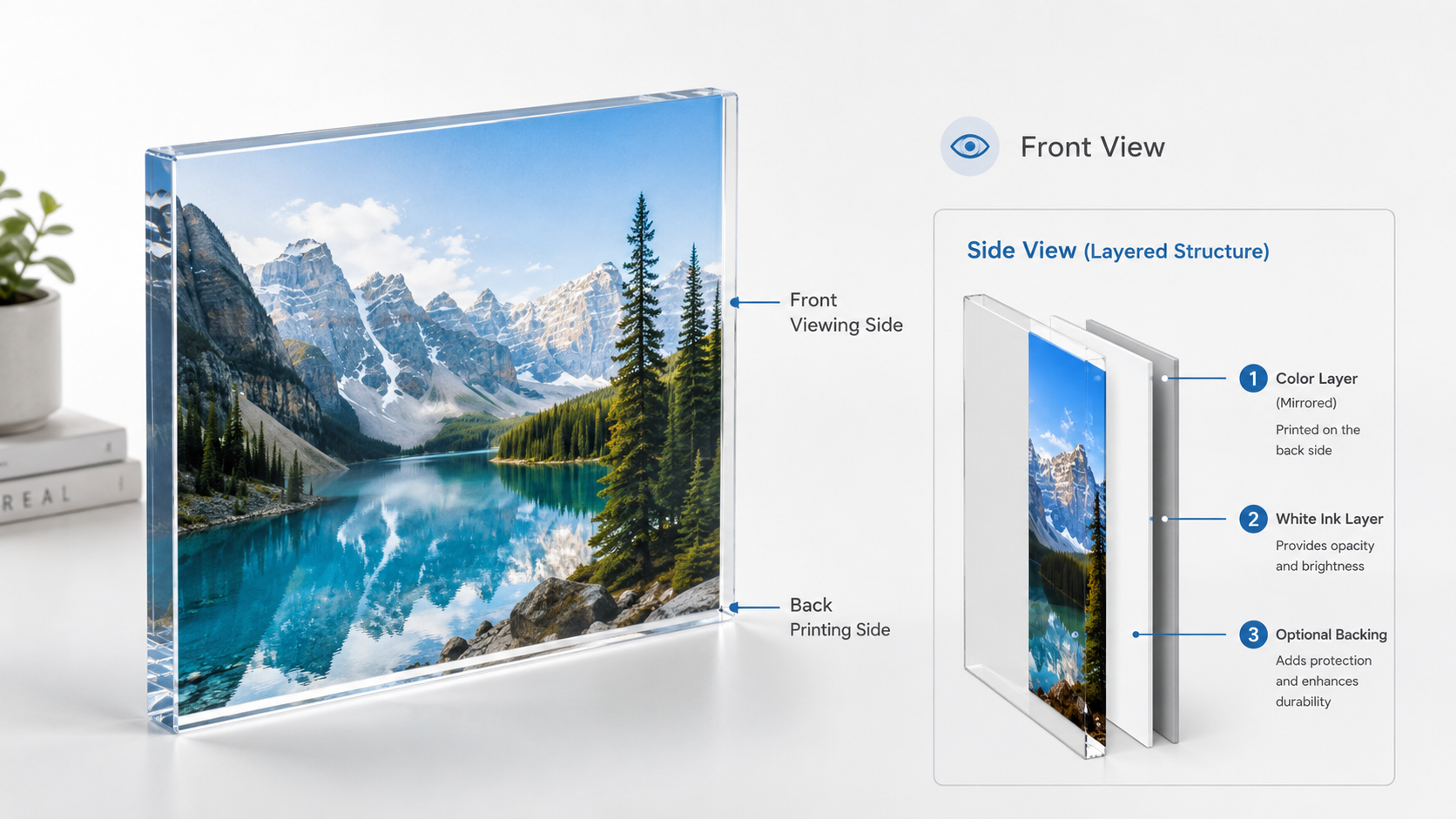
Reverse printing means printing a mirrored image onto the back of a transparent acrylic sheet. The finished design is then viewed through the front of the material.
This method allows the acrylic sheet to protect the printed image. It can also create a smooth, glossy and more premium appearance.
A common reverse-printing sequence is:
- Prepare and mirror the color image.
- Print the color layer onto the back of the acrylic.
- Print white ink behind the color layer.
- Add a backing panel or protective layer when required.
Reverse printing is frequently used for high-end acrylic signs, decorative panels, retail displays and branded products.
Why White Ink Is Important in UV Printing on Acrylic
Transparent acrylic does not provide a natural white background. If only color ink is printed, some designs may appear too transparent, weak or different from the original artwork.
White ink creates an opaque base under the color layer. It improves contrast, color saturation and visibility, especially on transparent, dark or colored acrylic.
Common white ink modes include:
- White under color: White ink is printed below the color design.
- Color over white: Color is printed onto a white base.
- White only: White text or graphics are printed without color ink.
- Partial white: White ink is used only under selected areas.
The correct white ink layout should be prepared in the design or RIP software before printing. A professional supplier should explain how the white layer is created and managed.
Color, White Ink and Varnish Effects
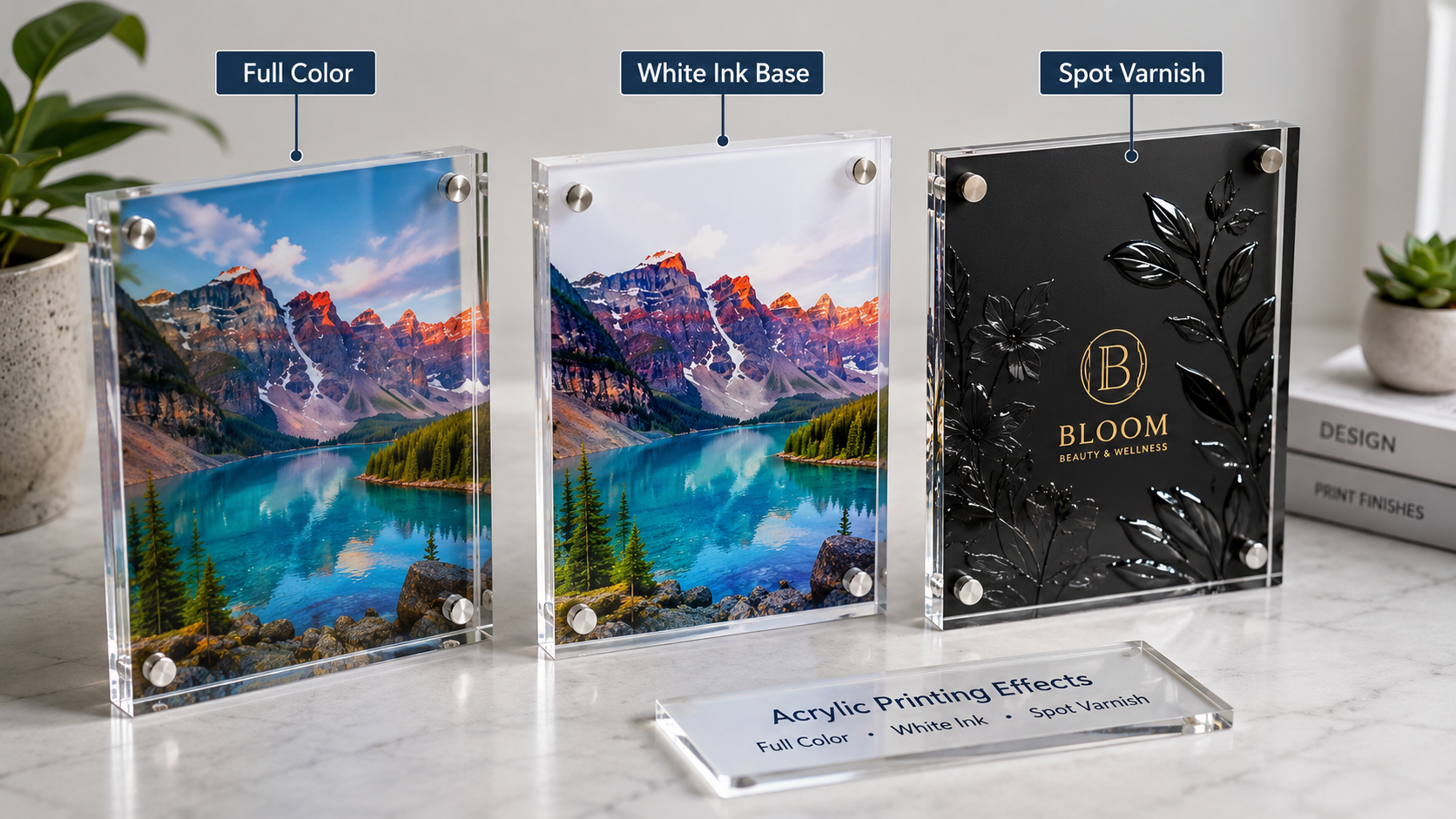
Полноцветная печать
Full-color UV printing can reproduce photographs, logos, gradients and detailed artwork. High-resolution files and a suitable printing mode are important when the design contains small text or fine lines.
White Ink Printing
White ink is used to print white graphics, improve color coverage or create a background on transparent and dark materials. A stable white ink circulation system helps reduce settling and supports more consistent output.
Spot Varnish and Glossy Effects
Varnish can be printed over selected areas or across the complete design. Spot varnish is often used to highlight a logo, text, pattern or important product detail.
Multiple varnish layers may create a raised texture or simple embossed appearance. The result depends on the printer configuration, ink, layer settings and design file.
How to Improve Ink Adhesion on Acrylic
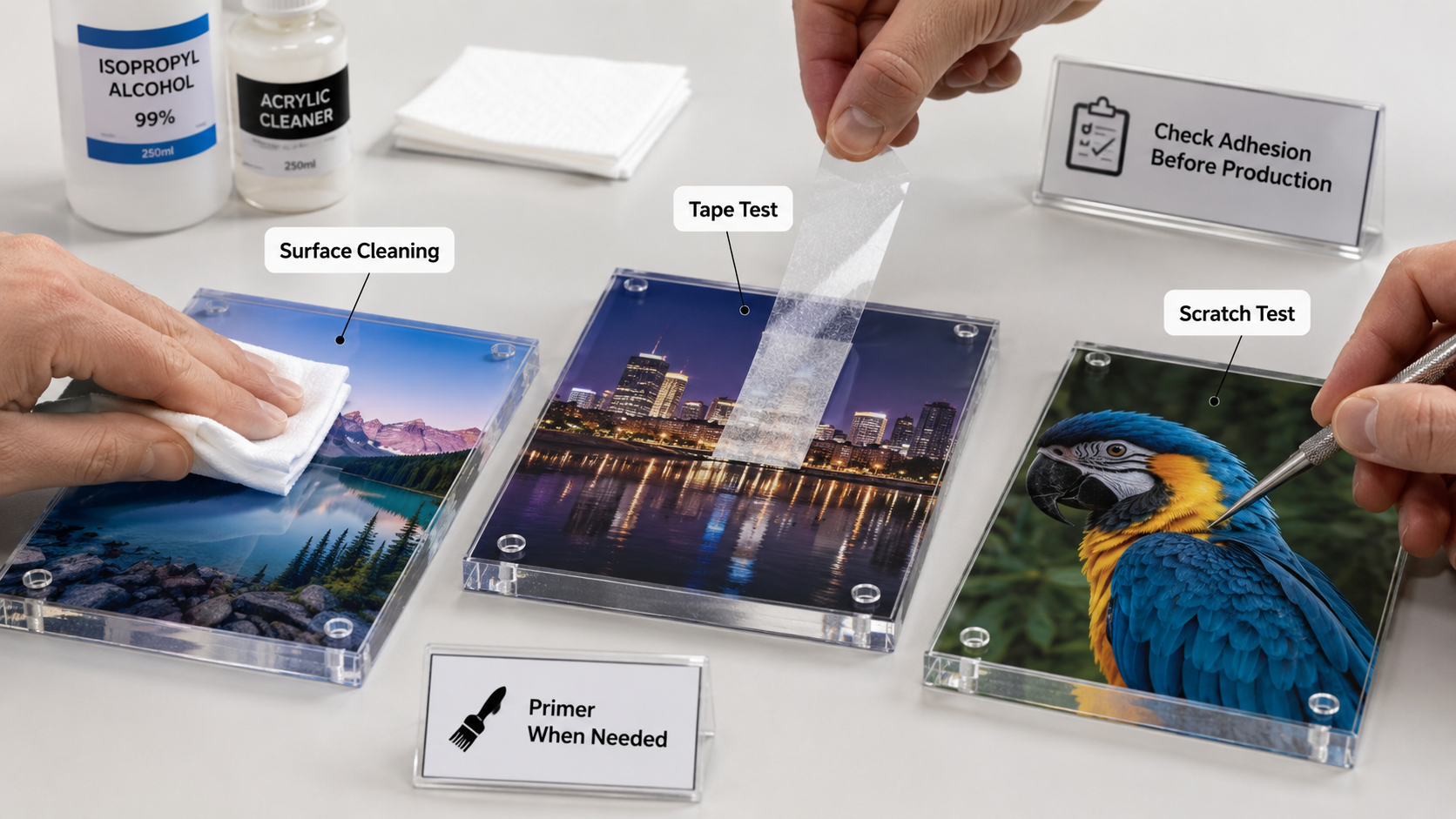
Good ink adhesion starts with correct surface preparation. Dust, fingerprints, oil, moisture and protective-film residue can reduce printing quality.
Clean the Acrylic Surface
- Remove the protective film before printing.
- Use a clean, lint-free cloth.
- Remove dust, fingerprints and grease.
- Keep the printing surface dry.
- Avoid touching the cleaned area with bare hands.
Use Primer When Necessary
Not every acrylic material requires primer. However, different acrylic sheets may have different surface treatments and adhesion performance. A suitable primer may be required when the ink does not bond strongly enough.
Primer should first be tested on a small area. Incorrect application may affect transparency, color or the appearance of the finished product.
Check UV Curing Settings
UV lamp power, printing speed and ink volume can affect curing. Excessive or insufficient curing may reduce flexibility, gloss or adhesion. Settings should be adjusted according to the acrylic type and required printing effect.
Perform an Adhesion Test
Before mass production, check the sample with a tape test, light scratch test or actual-use test. The final test should match the environment in which the product will be used.
Common Acrylic UV Printing Problems and Solutions
Problem 1: Colors Look Too Transparent
This often happens when the design does not include a white ink base. Add a suitable white layer and check the white ink density.
Problem 2: Ink Peels Off Easily
Check whether the surface contains oil, dust or protective-film residue. Clean the acrylic, test primer when necessary and review the UV curing settings.
Problem 3: Small Text Is Not Clear
Use a high-resolution design file, select a suitable printing mode and check the nozzle condition. Very small text should be tested before batch production.
Problem 4: White Ink Is Uneven
Uneven white ink may be caused by settling, nozzle problems or incorrect software settings. Check the white ink circulation system, perform a nozzle test and follow the daily maintenance procedure.
How to Choose an Acrylic UV Printer
The best acrylic UV printer depends on product size, material thickness, output, printing effect and available workspace. Buyers should not choose a machine based only on maximum printing size.
A3 Desktop UV Printer
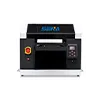
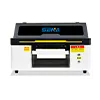
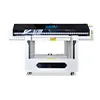
An A3 desktop UV printer is suitable for small acrylic signs, awards, nameplates, promotional gifts and personalized products. It requires less floor space and is suitable for small workshops, startups and customized printing businesses.
For small acrylic products, buyers can review the
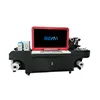
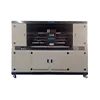
SN-3045 UV Flatbed Printer
.
Medium-Format UV Flatbed Printer
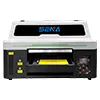
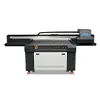
Medium-format machines are suitable for display boards, advertising signs, decorative panels and batch production. Several small items can also be placed on the flatbed and printed at the same time.
Suitable options may include the
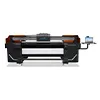
Планшетный УФ-принтер SN-6090
and other medium-format configurations.
Large-Format Industrial UV Printer
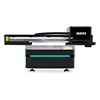
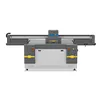
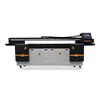
Large-format UV printers are designed for large advertising boards, commercial displays, decorative sheets and higher-volume production. Businesses processing full-size acrylic sheets may require an industrial machine such as the
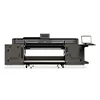
SN-2513 UV Flatbed Printer
.
Important Selection Factors
- Maximum acrylic sheet size
- Максимальная толщина материала
- Required daily production volume
- Required printing speed and resolution
- White ink and varnish configuration
- Automatic height detection
- White ink circulation system
- Printhead type and maintenance cost
- Technical support and spare parts availability
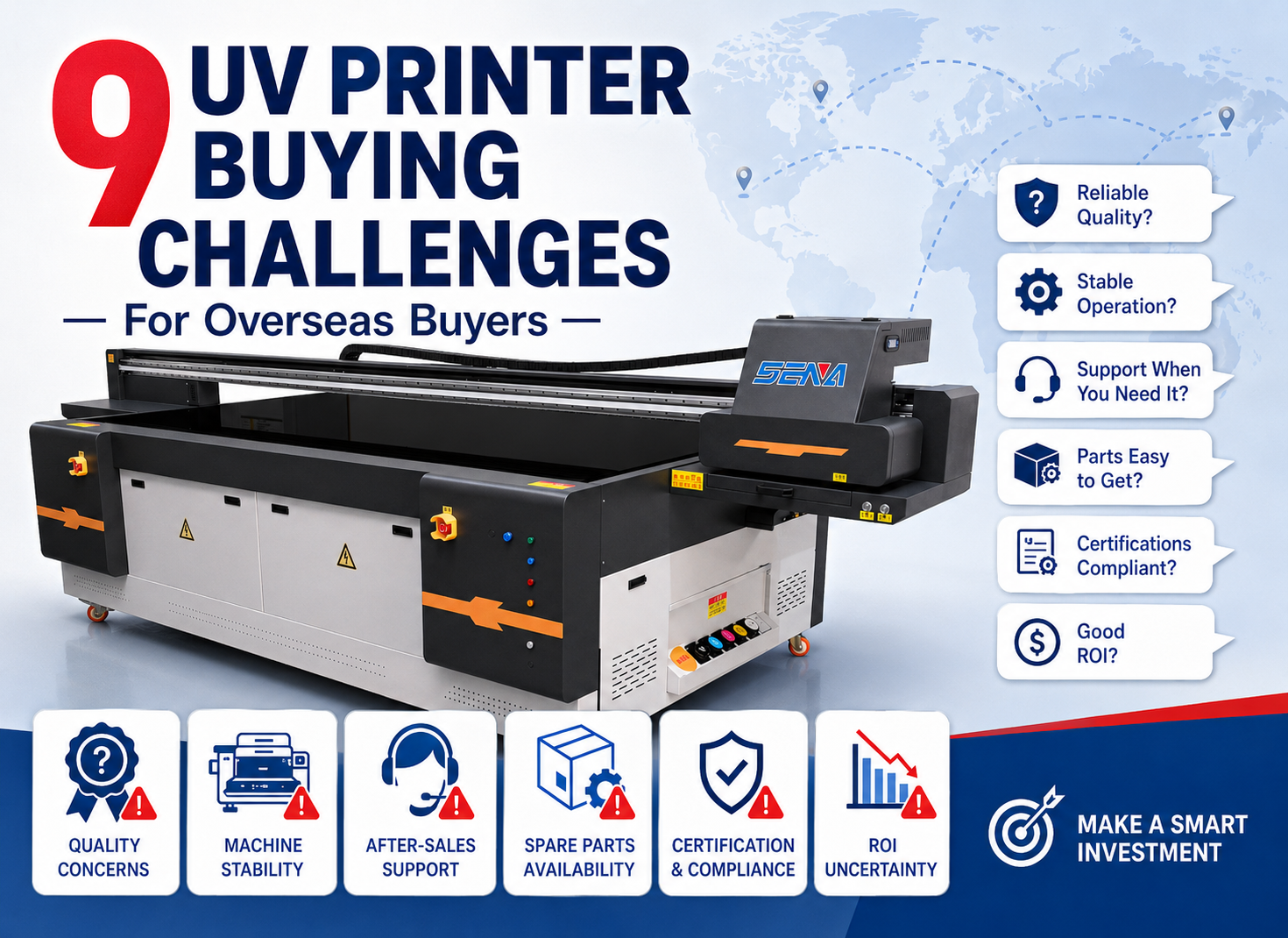
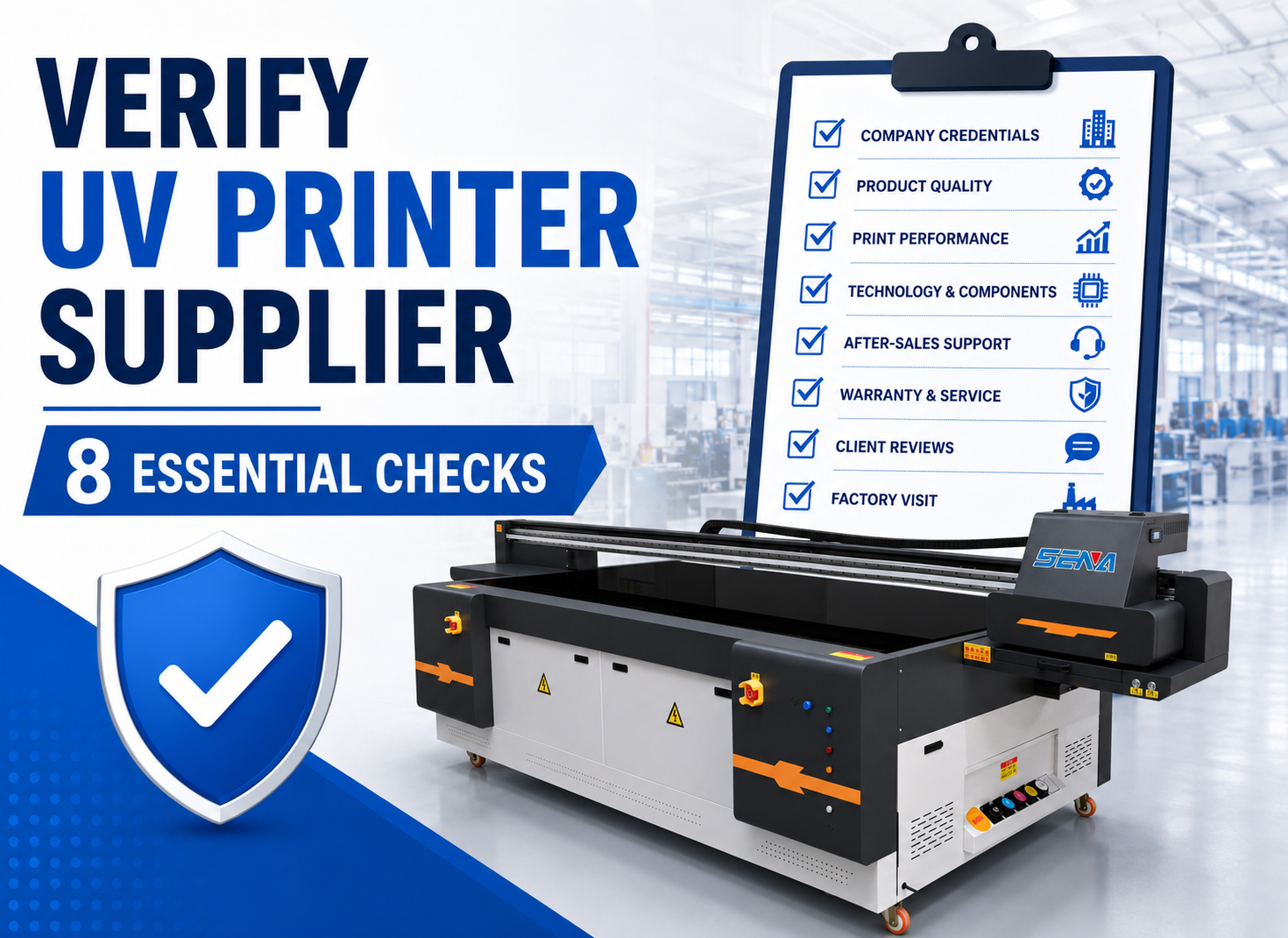
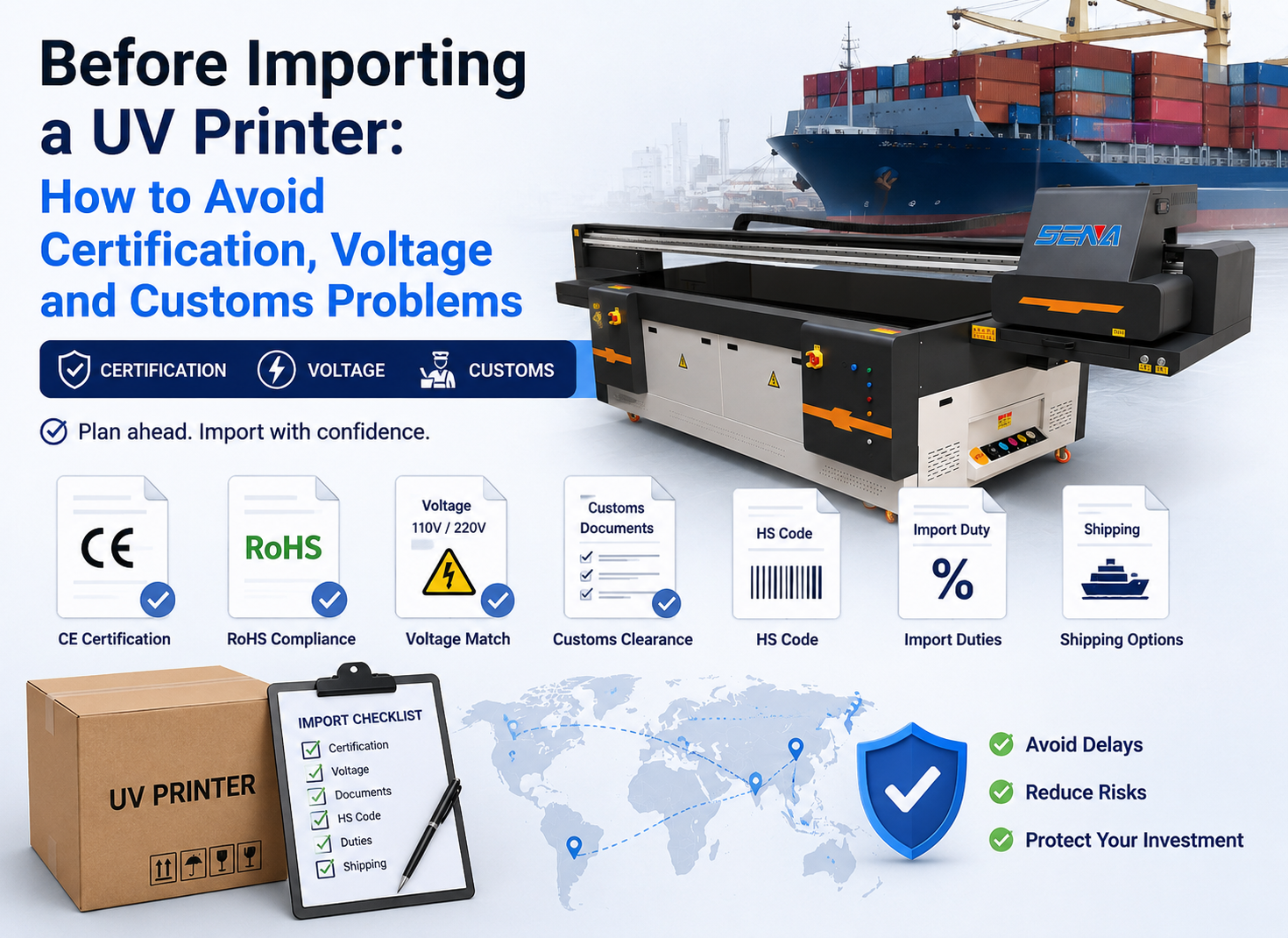
Before ordering a machine, overseas buyers should also review the
nine common UV printer purchasing challenges
and learn
how to verify a reliable UV printer supplier
.
Is Acrylic UV Printing Suitable for Small-Batch Production?
Yes. Digital acrylic sign printing is well suited to small orders and customized production because it does not require traditional printing plates.
Operators can change names, numbers, photographs and designs from one job to the next. This is useful for:
- Advertising and sign shops
- Customized gift businesses
- Acrylic display manufacturers
- Online sellers
- Design studios
- Printing service companies
UV printing can also reduce the need to keep large quantities of pre-printed products in stock. Products can be printed after an order is received.
Request Acrylic Sample Testing Before Purchase
Sample testing is the best way to confirm whether a printer, ink and acrylic material can produce the required result.
Before testing, provide the supplier with:
- Acrylic type, color and surface finish
- Product dimensions and thickness
- Printing artwork or design file
- Required color, white ink and varnish effects
- Indoor or outdoor application information
- Required adhesion and scratch resistance
The completed sample should be checked for color accuracy, small-text clarity, white ink coverage, varnish effect, adhesion, scratch resistance and production time.
Buyers who need help choosing a suitable configuration can
contact SENA for acrylic sample testing
.
Choose the Right Acrylic UV Printing Solution
UV printing on acrylic provides a flexible solution for signs, displays, awards, promotional products and decorative panels. High-quality results depend on correct file preparation, white ink settings, surface cleaning, curing and material testing.
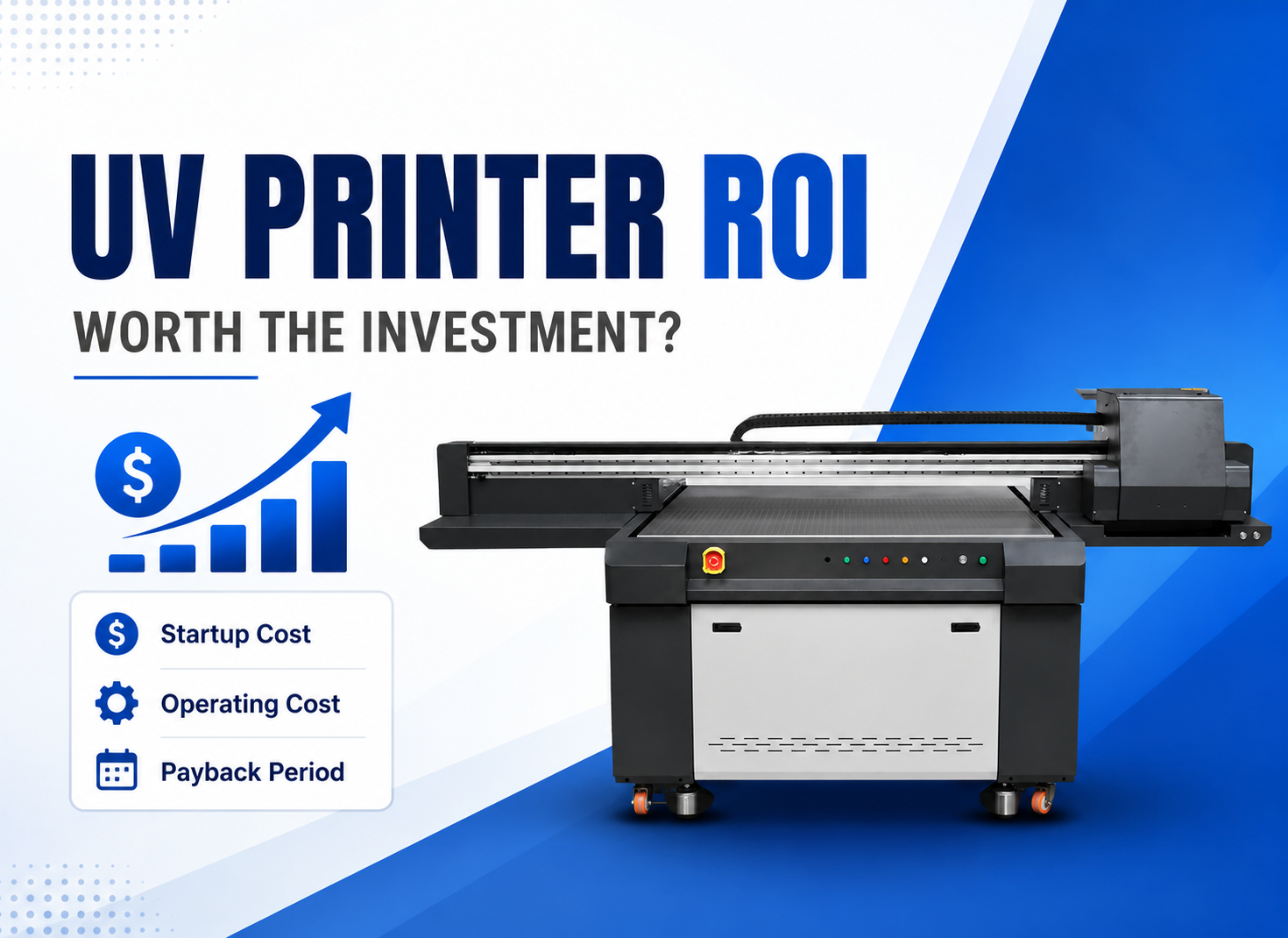
A suitable acrylic UV printer should match the product size, required effect, production volume and available budget. Real sample testing before purchase helps confirm printing quality and reduces investment risk.
For general information about acrylic material, buyers can also review this
reference about polymethyl methacrylate
, commonly known as acrylic or PMMA.
Frequently Asked Questions About UV Printing on Acrylic
Can a UV printer print directly on acrylic?
Yes. A UV flatbed printer can print directly onto many acrylic sheets. Surface cleaning and sample testing are recommended before production.
Does acrylic always require primer?
No. Some acrylic materials provide acceptable adhesion without primer, while others may require surface treatment. Test the actual material before mass production.
Why is white ink used on transparent acrylic?
White ink creates an opaque background behind the color layer. It improves contrast, visibility and color saturation.
Can UV printers create raised effects on acrylic?
Some printers can build multiple white ink or varnish layers to create a raised texture. The result depends on the printer configuration and software settings.
Which UV printer is suitable for acrylic signs?
Small signs can be produced with an A3 desktop UV printer. Medium and large signs require a larger flatbed model selected according to the maximum sheet size and expected output.
Need to Test Your Acrylic Products?
Send SENA your acrylic material, product size, printing file and required effect. Our team can arrange sample testing and recommend a suitable UV printer based on your actual production needs.