

 Arabic
  English
  German
  French
  Spanish
  Turkish
  Italian
  Russian
  Persian
  Bengali
  Hebrew
  Persian (Afghanistan)
  Scottish Gaelic
  Panjabi
  Croatian
  Slovenian
  Greek
Greek  Afrikaans
  Czech
Czech  Korean
  Japanese
  Portuguese





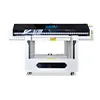
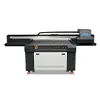
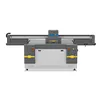
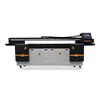
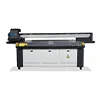
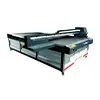
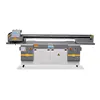
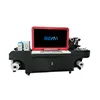
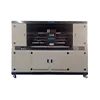
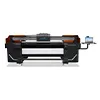
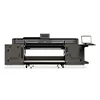

How a US Sign Manufacturer Improved Fine-Text Quality and Production Efficiency with a 2513 UV Flatbed Printer
For sign manufacturers, print speed is important—but speed alone does not determine whether a production system is profitable. When a job includes small warning text, QR codes, barcodes, thin lines, corporate logos, aluminum panels, or transparent acrylic signs, print accuracy and production consistency become equally important.
This was the challenge faced by a US sign manufacturer producing safety signs, directional signage, equipment identification panels, acrylic displays, and short-run custom graphics. As order volume increased, the company needed a production system that could handle larger sheets, maintain clearer fine details, reduce unnecessary reprints, and process multiple sign jobs more efficiently.
The company therefore upgraded its production workflow with a 2513 UV printer featuring a 2500 × 1300 mm printing area. Instead of focusing only on maximum printing speed, the upgrade was designed around four practical goals: fine-text quality, QR-code readability, batch consistency, and large-format production efficiency.
This case study explains the problems behind the upgrade, why a 2513 UV flatbed printer was selected, how fine-text and QR-code printing should be evaluated, and what other sign manufacturers should test before investing in an industrial UV printing system.
1. Customer Profile: A US Sign Manufacturer Handling Diverse Orders
1.1 Main Products
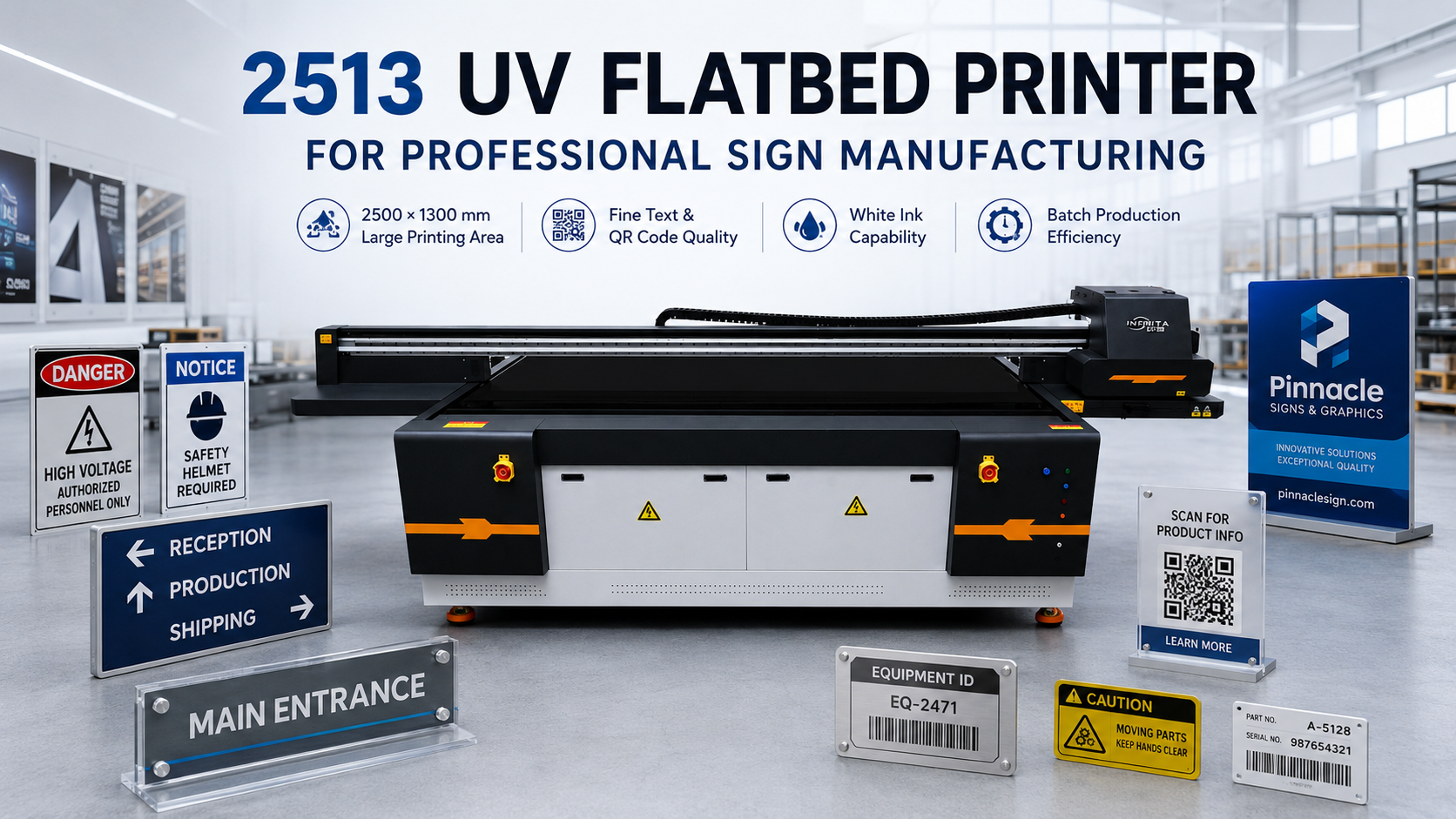
The customer serves commercial and industrial clients that regularly require different types of printed signage. Unlike a business focusing on only one standardized product, its daily production includes a mix of materials, sizes, graphics, and order quantities.
Typical products include:
- Safety and warning signs
- Aluminum signs and aluminum panels
- Acrylic signs and display panels
- لافتات إرشادية
- Equipment identification plates
- Industrial labels
- QR-code information signs
- Custom branded panels
- Short-run promotional signage
This product mix creates a demanding production environment. A machine suitable for large graphics may not automatically perform equally well when the same job contains very small letters, thin lines, barcodes, or detailed logos. For this reason, choosing a UV printer for signage requires more than comparing advertised printing speeds.
If aluminum signs are one of your main products, you can learn more about surface preparation, adhesion, white ink and printing methods in our guide to UV printing on aluminum.
1.2 Typical Customer Requirements
Many industrial and commercial signs contain information that must remain easy to read at close distance. Warning instructions, serial information, operating directions, product identification, and compliance-related text can include relatively small characters.
QR codes and barcodes introduce another challenge. A printed QR code may look acceptable to the human eye but still fail to scan reliably if its edges are blurred, the contrast is insufficient, or ink spreads into the small spaces between modules.
The customer also needed stable reproduction of company logos and corporate colors. When a corporate client orders the same signage repeatedly, significant differences between the first batch and later batches can create quality complaints.
These requirements made fine-detail printing and repeatability important purchasing criteria for the new industrial UV flatbed printer.
2. What Was Limiting the Previous Production Setup?
2.1 Small Text Lost Sharpness
Small-text printing is affected by several factors. Printhead performance is only one of them. Media flatness, ink volume, print mode, dot placement, surface treatment, carriage stability, artwork quality, and printhead condition can all influence the final result.
On some previous jobs, very small text did not remain as sharp as required after printing. Thin strokes could appear heavier, while the spaces inside small characters became less distinct.
This problem becomes more obvious on industrial signs because customers often inspect them at close range. A large advertising graphic can look excellent from several meters away even if tiny details are not perfect. A machine identification panel containing small technical instructions is different: every character needs to remain readable.
2.2 QR Codes and Barcodes Increased Reprint Risk
QR-code printing requires more than high visual resolution. The printed code needs sufficient contrast and clean separation between its individual black-and-white areas.
Several factors can reduce scanning reliability:
- Excessive ink spread
- Incorrect artwork scaling
- Poor registration between white and color layers
- Material movement during printing
- Surface contamination
- Low contrast on dark or transparent materials
If a QR-code sign fails inspection after printing, the actual loss is larger than the cost of the ink. The manufacturer may also lose substrate, machine time, operator time, finishing time, and delivery time.
For this reason, reducing reprint risk became one of the customer’s priorities when evaluating a new UV printer for QR codes and industrial signage.
2.3 Large Panels Required Additional Production Steps
The previous production method was also less efficient when handling larger sign panels or multiple smaller jobs.
If the available printing area is too small, operators may need to reposition material, divide artwork into different production stages, or process several separate print runs. Each additional operation creates another opportunity for positioning errors, wasted labor, or inconsistent output.
For a growing sign company, these small inefficiencies can become significant when they occur dozens of times every day.
2.4 Batch-to-Batch Consistency Was Difficult
Industrial customers often reorder the same signs months later. The new batch should look as close as possible to the original batch.
Differences in color, white-ink density, positioning, or fine-detail sharpness can become obvious when new signs are installed next to existing ones.
The customer therefore wanted a production system that could provide more stable output under standardized settings—not simply a machine capable of producing one impressive demonstration sample.
3. Why the Customer Chose a 2500 × 1300 mm UV Printer
3.1 2500 × 1300 mm Printing Area
The 2500 × 1300 mm printing area was one of the most important reasons for choosing a 2513 UV flatbed printer for signs.
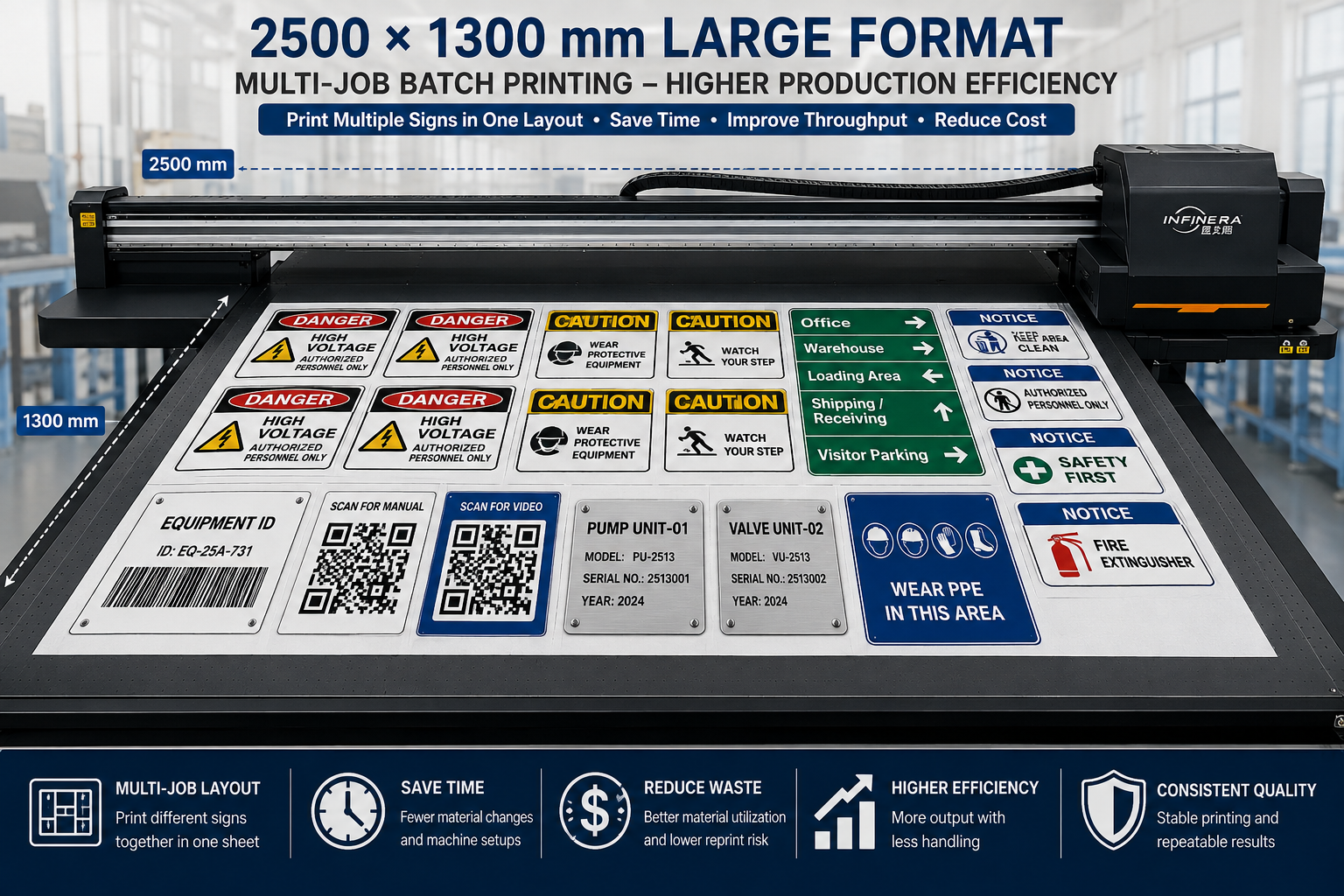
The benefit of a large bed is not only the ability to print one large panel. It also gives manufacturers more flexibility when arranging multiple smaller products on the same sheet.
For example, one production layout may contain several safety signs, multiple equipment labels, directional panels, and QR-code signs. When jobs can be grouped efficiently, operators spend less time loading and unloading materials between individual orders.
A larger flatbed can also support better use of standard sheet materials. Instead of cutting every substrate into small pieces before printing, suitable jobs can be nested on a larger panel and processed together.
This is particularly useful for sign companies handling a mixture of short-run customized orders.
3.2 Vacuum Adsorption Platform
Material stability is directly related to printing accuracy.
A vacuum adsorption platform helps keep compatible flat materials such as aluminum sheets, acrylic, PVC boards, and other sign substrates stable during printing.
This becomes especially important when the artwork contains small letters, thin lines, QR codes, or precise white-underbase layers. If a thin sheet lifts or moves slightly while the carriage is printing, the final result may lose edge definition or registration accuracy.
Keeping the substrate flat therefore contributes not only to operational safety but also to repeatable print quality.
3.3 Industrial Printhead Configuration
For a sign manufacturer, the value of an industrial printhead configuration should be evaluated through real production requirements rather than a single advertised resolution number.
Important factors include:
- Stable ink output
- Accurate droplet placement
- Consistent nozzle condition
- Suitable production speed at the required quality mode
- Reliable performance during repeated batch production
When comparing an industrial UV flatbed printer, buyers should therefore request samples produced under realistic settings instead of judging quality only from the highest-resolution demonstration mode.
3.4 White Ink and Varnish Capability
White ink significantly expands the range of materials a sign manufacturer can produce.
For transparent acrylic, white ink can be used as an underbase behind color graphics. On colored or dark materials, it can improve color visibility and help maintain the intended appearance of printed designs.
For buyers working with transparent, white or colored acrylic sheets, our guide to طباعة الأشعة فوق البنفسجية على الأكريليك explains adhesion, white ink, print quality and application considerations in more detail.
Depending on the application and machine configuration, varnish can also be used for spot-gloss details, highlighted logos, decorative surfaces, or premium visual effects.
These capabilities allow one 2513 UV printer to cover more applications than a workflow limited to basic CMYK printing.
3.5 Multiple Signs in One Layout
One of the largest workflow improvements came from multi-job production.
Instead of treating every small order as an independent printing cycle, compatible jobs can be arranged together. A single layout may contain warning labels, equipment identification plates, directional graphics, QR-code panels, and customer logos.
This does not mean every job should automatically be combined. Material type, thickness, printing mode, white-ink requirements, and finishing method must still be considered. However, when production conditions are compatible, multi-job layouts can reduce setup frequency and improve effective machine utilization.
4. Fine-Text, QR Code and Edge-Quality Printing Tests
Before choosing the new printer, print quality needed to be evaluated using the type of artwork that the customer actually produces.
This is an important lesson for any sign manufacturer: the best printer test is not the manufacturer’s standard demonstration image—it is your own difficult artwork on your own typical material.
4.1 Test Materials
For sign-production evaluation, suitable test materials may include:
- Coated aluminum panels
- White or transparent acrylic sheets
- PVC boards
- Other rigid sheets commonly used in the customer’s production
Testing more than one substrate is useful because ink behavior and adhesion can vary with surface energy, coating, texture, and material color.
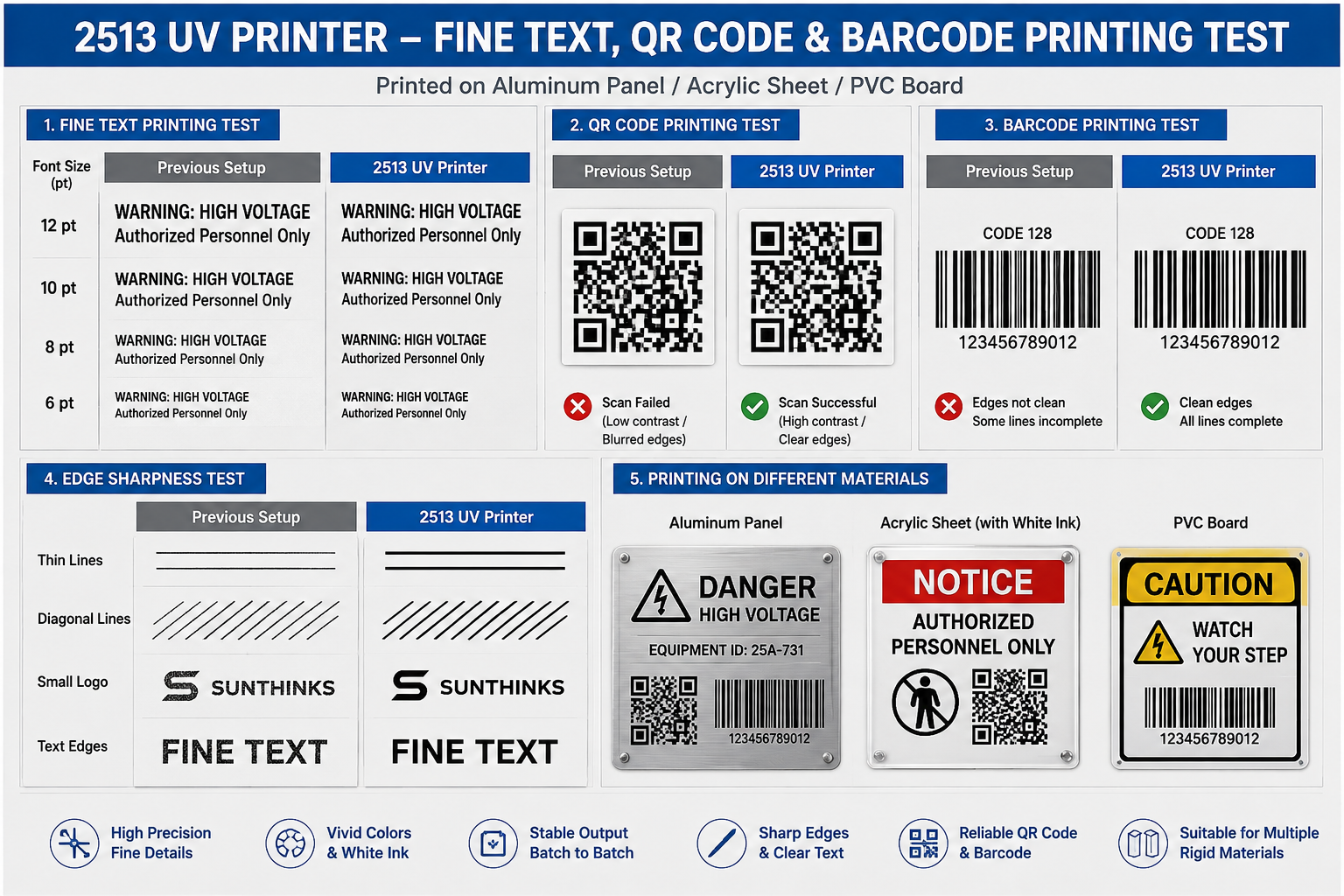
4.2 Small-Font Printing Test
A practical fine-text test should include progressively smaller characters rather than one large paragraph.
The operator can compare:
- Thin and bold fonts
- Positive text on a light background
- Reversed white text on a dark background
- Numbers and technical symbols
- Uppercase warning text
- Fine lines surrounding small characters
The purpose is not simply to identify the smallest possible font the machine can produce. The more useful question is: what is the smallest text size that remains consistently readable under the customer’s normal production mode?
This distinction matters because an extreme high-quality mode used for a sample may not provide the production speed required for everyday orders.
4.3 Barcode and QR Code Testing
For QR-code testing, the printed result should be checked with real scanning devices rather than judged only visually.
A good test uses the same artwork and comparable production settings to determine whether the code remains clean after printing.
Important factors include:
- Clear boundaries between modules
- Sufficient contrast
- Correct physical size
- Stable printing on repeated copies
- Accurate registration when a white underbase is required
Testing several copies is also more meaningful than scanning only one successful sample. A sign manufacturer needs repeatable results across the whole batch.
4.4 Edge Sharpness Comparison
Fine-detail evaluation can also include thin straight lines, diagonal lines, small logos, narrow outlines, and closely spaced graphic elements.
These patterns make it easier to identify excessive ink spread, positioning problems, or unstable detail reproduction.
4.5 Before vs. After Production Comparison
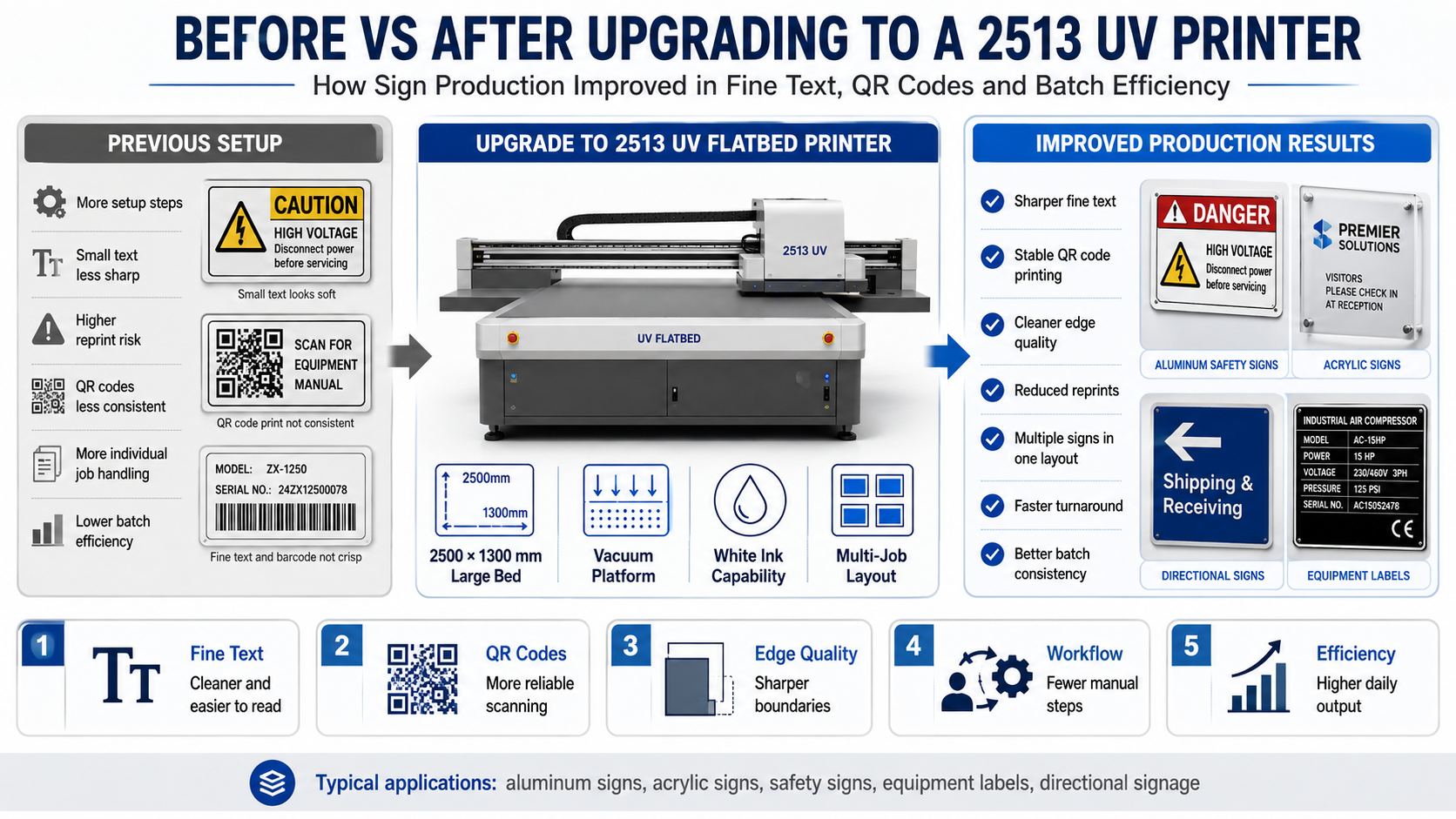
| Test Area | Previous Production Setup | 2513 UV Printer Workflow |
|---|---|---|
| Fine Text | Some small text required additional adjustment | Cleaner fine details under suitable print settings |
| QR Codes | Greater risk of reprints on demanding jobs | More stable QR-code reproduction after workflow optimization |
| Edge Quality | Fine boundaries could require adjustment | Sharper edges with optimized material and print settings |
| Large Panels | More handling or separate production stages | Larger direct-to-board printing area |
| Batch Jobs | More individual loading and setup | Multiple compatible jobs can share one layout |
Important: Actual print quality depends on artwork, substrate, ink, printhead configuration, RIP settings, maintenance condition, printing mode, and operating environment. Buyers should always perform sample testing using their own production files before making a purchasing decision.
5. Production Workflow After Installing the 2513 UV Printer
5.1 Artwork Preparation
High-quality UV printing starts before the material reaches the printer.
The artwork team checks font size, image resolution, QR-code dimensions, barcode structure, spot-white layers, color settings, and cutting or drilling positions before production.
For frequently repeated products, standardized files can reduce preparation time and help maintain consistent output.
5.2 Multi-Job Layout
Orders using the same material and compatible print settings can be arranged together on the 2500 × 1300 mm bed.
This improves material utilization and reduces the number of separate production cycles. It can be especially effective for small and medium-sized safety signs, equipment labels, and directional panels.
Efficient nesting also makes short-run jobs more attractive because several customer orders can sometimes share the same production setup.
5.3 Material Positioning and Vacuum Fixing
The operator places the substrate on the flatbed, confirms the printing origin, and activates the required vacuum zones.
Correct material positioning remains essential. A large-format UV printer cannot compensate for poor preparation or an incorrectly positioned sheet.
5.4 Direct-to-Board UV Printing
One advantage of UV flatbed technology is the ability to print directly onto many rigid sign materials.
UV-curable ink is exposed to UV light during the printing process, allowing the printed surface to cure quickly. Depending on the substrate and application, the panel may then move directly to inspection, cutting, drilling, mounting, or packaging.
For some workflows, this can reduce intermediate production steps compared with processes that require printing on another medium and then mounting the graphic onto a rigid board.
5.5 Inspection and Finishing
The customer checks important details before products leave the production area.
Inspection may include:
- Visual examination of small text
- QR-code scanning
- Barcode verification
- Color comparison
- White-layer registration
- Surface inspection
- Cutting and drilling accuracy
This step is particularly important for safety and industrial signage because a visually attractive sign is not enough if its functional information cannot be read or scanned correctly.
6. What Changed After the Upgrade?
6.1 Better Fine-Text Clarity
After the printing parameters and production workflow were optimized for the customer’s materials, fine details became easier to control.
Small warning text showed cleaner character boundaries, thin strokes were better defined, and detailed logos could be reproduced more consistently under appropriate printing modes.
The improvement was especially valuable on industrial panels where customers examine the printed information at close range.
6.2 Fewer Unnecessary Reprints
Improving first-pass quality has a direct impact on production cost.
A reprint does not only consume additional ink. It can also require another substrate, another machine cycle, additional operator time, repeated inspection, and possibly another finishing operation.
Therefore, reducing preventable reprints can create meaningful savings even when the nominal ink cost per square meter changes very little.
6.3 Higher Batch Production Efficiency
The production improvement did not come from print speed alone.
The larger printing area allowed the company to organize more compatible jobs in one layout, while vacuum fixation helped reduce unnecessary handling during printing.
The resulting workflow included:
- Fewer material changes
- More efficient job nesting
- Less repeated positioning
- Better use of larger sheets
- Lower operator intervention per individual sign
This illustrates an important point when evaluating a 2513 UV printer: effective daily output depends on the complete workflow, not only the printer’s advertised square-meter-per-hour specification.
6.4 Faster Turnaround for Short-Run Orders
Short-run custom signage is often difficult to price efficiently when every order requires significant setup.
By combining compatible jobs and printing directly onto suitable boards, the customer gained more flexibility for urgent and lower-volume orders.
This helped make customized safety signs, prototype panels, replacement signs, and small corporate orders more practical to produce internally.
7. Business Impact: More Than Better Print Quality
7.1 Lower Effective Cost per Sign
When buyers calculate UV printing cost, they often focus first on ink consumption. However, the real cost of a finished sign includes much more.
Depending on the workflow, total production cost may include:
- حبر
- الركيزة
- Operator labor
- Artwork preparation
- Machine setup
- Reprints
- الانتهاء
- صيانة
- Downtime
A printer that reduces handling and rework can therefore lower the effective cost per finished sign even when its ink consumption is not dramatically different from another machine.
7.2 Lower Labor Requirements per Batch
Large-format production can reduce repeated loading and positioning when several products are printed together.
This does not eliminate the need for skilled operators, but it allows the operator’s time to be used more efficiently.
For a growing sign manufacturer, labor efficiency becomes increasingly important as daily order volume increases.
7.3 Better Ability to Accept Short-Run Orders
Traditional production methods can be highly efficient for large standardized quantities but less attractive for small personalized batches.
Direct digital UV printing provides another option for customers requesting:
- One-off replacement signs
- Prototype signage
- Small customized batches
- Multiple designs in one order
- Personalized equipment identification
- Short promotional campaigns
This gives a sign company more flexibility when deciding which orders to accept.
7.4 Wider Product Range
The combination of CMYK, white ink, optional varnish effects, and a large flatbed also allows the business to expand beyond standard printed signs.
Potential products include acrylic display panels, decorative branded boards, customized industrial plates, premium logo panels, retail displays, and other rigid customized products.
For more information about different UV printer applications, see our complete UV printer application guide.
7.5 Stronger Customer Retention Through Consistency
Repeat business is particularly important in B2B signage.
A factory, warehouse, retail chain, construction company, or equipment manufacturer may reorder similar signs several times each year. These customers expect the new batch to match the existing signage as closely as possible.
Stable production settings and standardized workflows help reduce unnecessary variation, supporting stronger long-term customer relationships.
8. Is a 2513 UV Printer Right for Your Sign Business?
A 2513 UV flatbed printer can be a strong option for sign manufacturers, but it is not automatically the best machine for every business.
For detailed machine specifications and configuration options, visit our 2513 UV flatbed printer product page.
أ 2513 UV printer for signage may be worth considering if your company:
- Regularly prints medium or large rigid sheets
- Produces aluminum signs, acrylic signs, PVC panels, or similar products
- Needs readable fine text and detailed graphics
- Frequently prints QR codes or barcodes
- Handles mixed short-run and medium-volume orders
- Wants to arrange several jobs on one large sheet
- Needs white ink for transparent or colored substrates
- Wants to reduce outsourcing of rigid-board printing
- Needs greater flexibility for custom signage
However, a smaller UV flatbed printer may be more economical if most of your products are small, daily order volume is limited, workshop space is restricted, or you rarely use materials approaching the 2500 × 1300 mm printing area.
Printer selection should therefore be based on your product dimensions, materials, daily volume, quality requirements, available space, labor cost, and expected return on investment.
If you are comparing different machine sizes, you can also read our UV printer selection guide.
9. What Sign Manufacturers Should Test Before Buying a UV Printer
One of the most useful lessons from this project is that buyers should test difficult real-world files before choosing a machine.
9.1 Send Your Smallest Real Text
Do not rely only on large promotional graphics. Send the smallest warning text, technical labels, serial information, or instructions you commonly print.
9.2 Send a Real QR Code or Barcode
Ask the supplier to print and scan the code using the proposed machine configuration and a realistic production print mode.
9.3 Test Your Actual Material
Whenever practical, provide the same aluminum, acrylic, PVC, or other substrate used in your normal production.
Printing results can vary between materials, so a successful test on one board does not guarantee identical results on every surface.
9.4 Request a Batch Test
A single perfect sample does not prove production stability.
If batch consistency matters to your business, ask to see several repeated prints or a multi-job layout.
9.5 Evaluate Production Speed at the Required Quality
Ask how fast the machine runs at the print mode that actually meets your quality standard.
The fastest draft mode is irrelevant if your customers will not accept its fine-text or color quality.
This type of testing gives buyers much more useful information than simply comparing maximum resolution or headline printing speed.
10. FAQ About 2513 UV Printers for Sign Manufacturing
Can a 2513 UV printer print small text clearly?
Yes, a properly configured 2513 UV printer can produce detailed small text on suitable materials. However, the final result depends on printhead condition, artwork quality, print mode, ink control, substrate flatness, surface properties, RIP settings, and machine calibration. Buyers should test their own smallest text before purchasing.
Can a UV printer print scannable QR codes?
Yes. UV printers are widely used for QR-code and barcode applications. Successful scanning depends on clean edges, sufficient contrast, correct code size, stable material positioning, and suitable printing parameters. Every production batch should still be checked when scanning performance is critical.
Can a 2513 UV printer print directly on aluminum signs?
Yes, aluminum signs and panels are common applications for UV flatbed printing. Surface treatment can influence ink adhesion, so some aluminum surfaces may require cleaning, pretreatment, primer, or an appropriate coating before printing. Sample testing is recommended before mass production.
Can it print on acrylic signage?
Yes. Acrylic is one of the most common materials used with UV flatbed printers. White ink is particularly useful when printing transparent acrylic because it can create an opaque base behind the color image. Different acrylic surfaces should still be tested for adhesion and appearance.
What is the printing size of a 2513 UV printer?
A standard 2513-class UV flatbed printer is designed around a printing area of approximately 2500 × 1300 mm. Actual machine specifications should always be confirmed with the manufacturer before purchase.
Why is a vacuum platform important for sign printing?
The vacuum adsorption platform helps keep compatible sheet materials flat and stable. This can improve positioning accuracy, reduce material movement, and support more consistent reproduction of text, lines, QR codes, and layered white-ink graphics.
Is white ink necessary for sign manufacturing?
Not every sign requires white ink. It is especially useful for transparent acrylic, dark materials, colored boards, and applications where the color image needs an opaque underbase. If your business only prints on white substrates, your white-ink requirements may be lower.
Can multiple signs be printed at the same time?
Yes. One of the main advantages of a 2500 × 1300 mm flatbed is the ability to arrange multiple compatible products in one layout. This can reduce repeated loading and improve batch efficiency, especially for small and medium-sized signs.
Is a 2513 UV printer better than a smaller UV printer?
Not necessarily. A 2513 provides a larger printing area and greater batch-production flexibility, but a smaller printer may provide a better return on investment for businesses mainly producing small items at low daily volumes. Machine size should match actual order dimensions and production demand.
What should I send a supplier before requesting a sample test?
For a useful test, send your actual artwork, product dimensions, material information, smallest text, QR codes or barcodes, required colors, white-ink requirements, expected daily volume, and photos of the finished product you want to produce. The more realistic the test conditions are, the easier it is to evaluate whether the printer matches your business.
Conclusion: Print Quality and Production Efficiency Must Be Evaluated Together
For this US sign manufacturing application, upgrading to a 2513 UV printer was not simply about purchasing a larger or faster machine. The real objective was to improve the complete production process.
Fine-text clarity, QR-code readability, material stability, large-format capability, multi-job layout efficiency, and repeatable batch quality all contributed to the purchasing decision.
This is also why sign manufacturers should avoid choosing an industrial UV printer based only on maximum speed, maximum resolution, or price. The more useful question is whether the machine can produce your actual products at the required quality and volume with a stable, repeatable workflow.
If your business produces aluminum signs, acrylic panels, safety signs, QR-code labels, directional signage, or other short-run customized products, we recommend performing a real sample test before making a final decision.
Send us your material, product size, artwork, daily production requirement, and expected applications. Our team can help you evaluate whether a 2513 UV flatbed printer or another UV printer size is more suitable for your production needs and arrange a sample printing test based on your actual product.