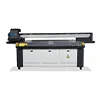
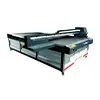
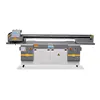
How to Choose the Right UV Printer for Your Business (2026 Buyer’s Guide)
Choosing the right UV printer is not just about price or machine size — it’s about matching the printer to your actual business needs. In this guide, we explain the differences between 3045, 6090, and 2513 UV printers, the key specifications that matter, and the common mistakes buyers should avoid before purchasing.
فهرست مطالب
- Step 1 — First Decide What You Actually Print
- Step 2 — Don’t Choose by Price First
- Step 3 — Understand the 5 Parameters That Actually Matter
- Step 4 — Choose Based on Your Business Stage
- Common Mistakes Buyers Make
- Which UV Printer Is Best for You?
- سوالات متداول
Step 1 — First Decide What You Actually Print
One of the biggest mistakes buyers make is choosing a UV printer before clearly understanding what they actually plan to print.
The right UV printer depends more on your business model and products than on technical specifications.
Phone Cases & Small Custom Products
If you are selling personalized products online, starting an Etsy shop, or testing a small custom printing business, a compact desktop UV printer is often the smartest choice.
Products commonly include:
- کیف های گوشی
- Keychains
- Pens
- Small acrylic products
- Promotional gifts
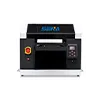
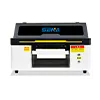
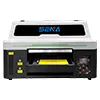
A3 UV printers and 3045 UV printers are popular because they require lower investment, take up less space, and are easier for beginners to operate.
Acrylic Signs & Promotional Products
For businesses producing acrylic signs, PVC boards, promotional displays, and branded products, production requirements become very different.
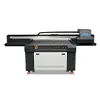
A 6090 UV printer is often one of the most balanced choices for growing print shops because it offers:
- Larger printing area
- Better production stability
- Higher efficiency
- Greater material flexibility
Furniture, Doors, Glass & Wood Panels
Industrial applications require larger production capacity and more stable continuous operation.
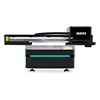
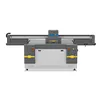
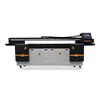
For products such as furniture panels, glass doors, ceramic tiles, and wood boards, large-format flatbed UV printers like 2513 models are commonly used.

These machines are designed for:
- Large-format materials
- Industrial production
- Higher daily output
- Commercial manufacturing environments
Step 2 — Don’t Choose by Price First
For many buyers, price is the first thing they compare when choosing a UV printer.
But in the UV printing industry, the cheapest machine is often the most expensive mistake.
Many low-cost printers may look similar in photos, but the real differences usually appear after production begins.
Common problems with cheaper machines often include:
- Excessive ink waste
- Unstable white ink circulation
- Frequent nozzle clogging
- Poor RIP software performance
- Slow print speed
- Weak after-sales support
A cheaper printer may save money upfront, but frequent maintenance, wasted materials, downtime, and lost orders often cost far more in the long run.
Step 3 — Understand the 5 Parameters That Actually Matter
Many buyers get overwhelmed by UV printer specifications. In reality, most buying decisions come down to five key factors.
1. Print Size
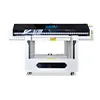
UV printer model names like 3045, 6090, or 2513 usually refer to the printing area.
- 3045 = 30×45cm
- 6090 = 60×90cm
- 2513 = 250×130cm
2. Print Head
Common print head options include:
- Epson XP600
- Epson i3200
- سر چاپ ریکو
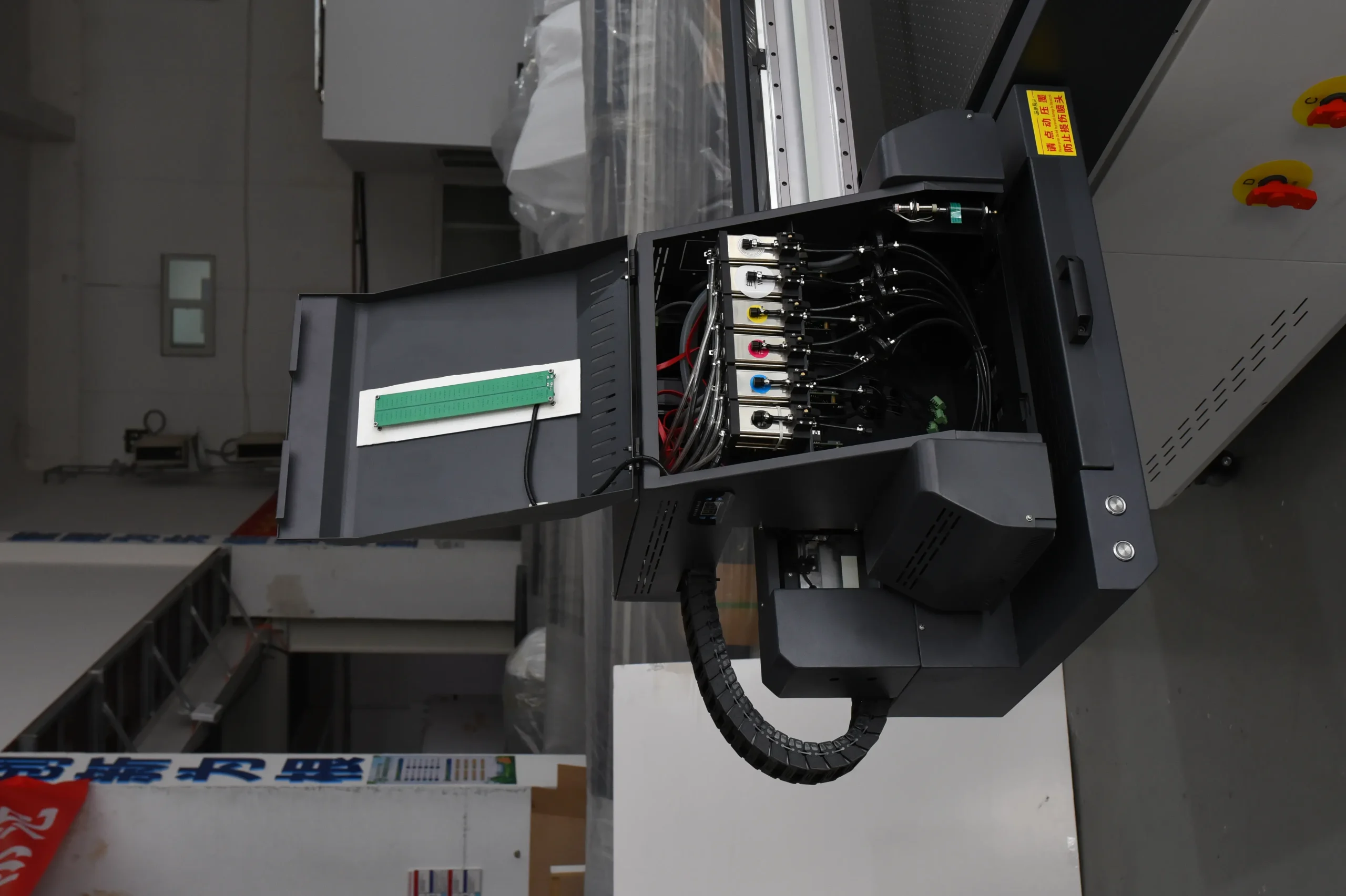
The print head affects print quality, speed, and long-term stability.
3. White Ink System
A stable white ink system helps reduce ink settling, nozzle clogging, and maintenance problems.
This becomes especially important when printing on acrylic, glass, or dark materials.
4. Production Speed
Do not only focus on maximum print speed.
Reliable production efficiency and stable print quality matter more than theoretical speed numbers.
5. Material Compatibility
Before buying, always confirm the machine supports your actual products and materials.
Common printable materials include:
- اکریلیک
- شیشه ای
- چوب
- فلز
- پی وی سی
- چرم
- کاشی و سرامیک
Step 4 — Choose Based on Your Business Stage
The best UV printer should match your current business stage and production needs.
Startup Business
Small desktop UV printers are suitable for startups, personalized products, and online custom printing businesses.
They require lower investment and are easier to operate.
Growing Custom Printing Shop
For growing businesses, 6090 UV printers offer better production stability, larger print size, and improved efficiency.
Learn more about 6090 UV Printers
They are widely used for:
- Acrylic signs
- PVC boards
- محصولات تبلیغاتی
- Custom business signage
Industrial Production
2513 UV printers are designed for industrial production and large materials such as wood boards, glass panels, and decoration materials.
Learn more about 2513 UV Printers
Main advantages include:
- Large-format direct printing
- Higher production efficiency
- Better handling of heavy materials
- Stronger continuous production capability

Common Mistakes Buyers Make
Mistake 1: Buying Too Large Too Early
Many startup businesses purchase large machines before having stable production demand, increasing unnecessary investment pressure.
Mistake 2: Ignoring After-Sales Support
Reliable technical support is critical for installation, maintenance, troubleshooting, and daily operation.
Mistake 3: Choosing Only by Lowest Price
Low-cost machines may create long-term problems such as unstable printing, ink waste, and production delays.
Mistake 4: Not Testing Materials Before Purchase
Different materials require different adhesion and printing conditions. Testing actual products before purchase helps avoid costly mistakes.
Which UV Printer Is Best for You?
The table below provides a simple comparison based on common business applications.
| نوع کسب و کار |
مدل پیشنهادی |
| Phone cases & personalized products |
A3 / 3045 UV Printer |
| Acrylic signs & promotional products |
چاپگر UV 6090 |
| Wood, glass & decoration panels |
2513 UV Printer |
| High-volume industrial production |
Industrial Flatbed UV Printer |

سوالات متداول
What size UV printer do I need?
The right size depends on the products you print most often and your production volume.
Is a 6090 UV printer enough for a small business?
Yes. For many growing businesses, a 6090 UV printer provides an excellent balance between cost and production capability.
Which print head is best for UV printing?
XP600 heads are common for entry-level machines, while i3200 and Ricoh heads are preferred for higher production requirements.
Can UV printers print on acrylic?
Yes. UV printers are widely used for acrylic printing because UV ink adheres well to acrylic surfaces.
What is the difference between 3045 and 6090 UV printers?
The main differences are printing area and production capacity.
How much should I budget for a UV printer?
The budget depends on machine size, print head configuration, and production requirements.
Can UV printers print on wood and glass?
Yes. Most flatbed UV printers support wood, glass, acrylic, PVC, and other rigid materials.
Is white ink maintenance difficult?
Regular maintenance is necessary, but stable white ink systems help reduce clogging and downtime.
How long does a UV printer print head last?
Print head lifespan depends on maintenance, ink quality, and production environment.
Should I choose the cheapest UV printer available?
Not necessarily. Stable performance and reliable support are usually more important than the lowest upfront price.


 Persian (Afghanistan)
  English
  Arabic
  German
  French
  Spanish
  Turkish
  Italian
  Russian
  Persian
  Bengali
  Hebrew
  Scottish Gaelic
  Panjabi
  Croatian
  Slovenian
  Greek
Greek  Afrikaans
  Czech
Czech  Korean
  Japanese
  Portuguese