

 Japanese
  English
  Arabic
  German
  French
  Spanish
  Turkish
  Italian
  Russian
  Persian
  Bengali
  Hebrew
  Persian (Afghanistan)
  Scottish Gaelic
  Panjabi
  Croatian
  Slovenian
  Greek
Greek  Afrikaans
  Czech
Czech  Korean
  Portuguese




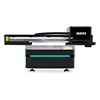
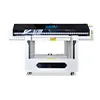
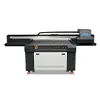
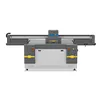
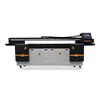
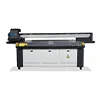
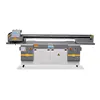
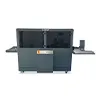
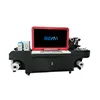
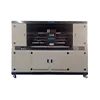
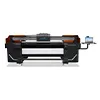

How a Brazilian Manufacturer Increased Floor Mat Production with a Conveyor UV Printer
For manufacturers working with floor mats, PVC mats, leather, and other flexible products, printing speed is only one part of production efficiency. A printer may produce excellent image quality, but if operators spend too much time loading, aligning, removing, and repositioning flexible materials, the real output of the production line can remain limited.
This was the challenge faced by a Brazilian manufacturer producing customized floor mats and other flexible products. As order volumes increased and customers requested more personalized designs, the company needed a printing process that could support repeated batch production without relying on constant manual loading and unloading.
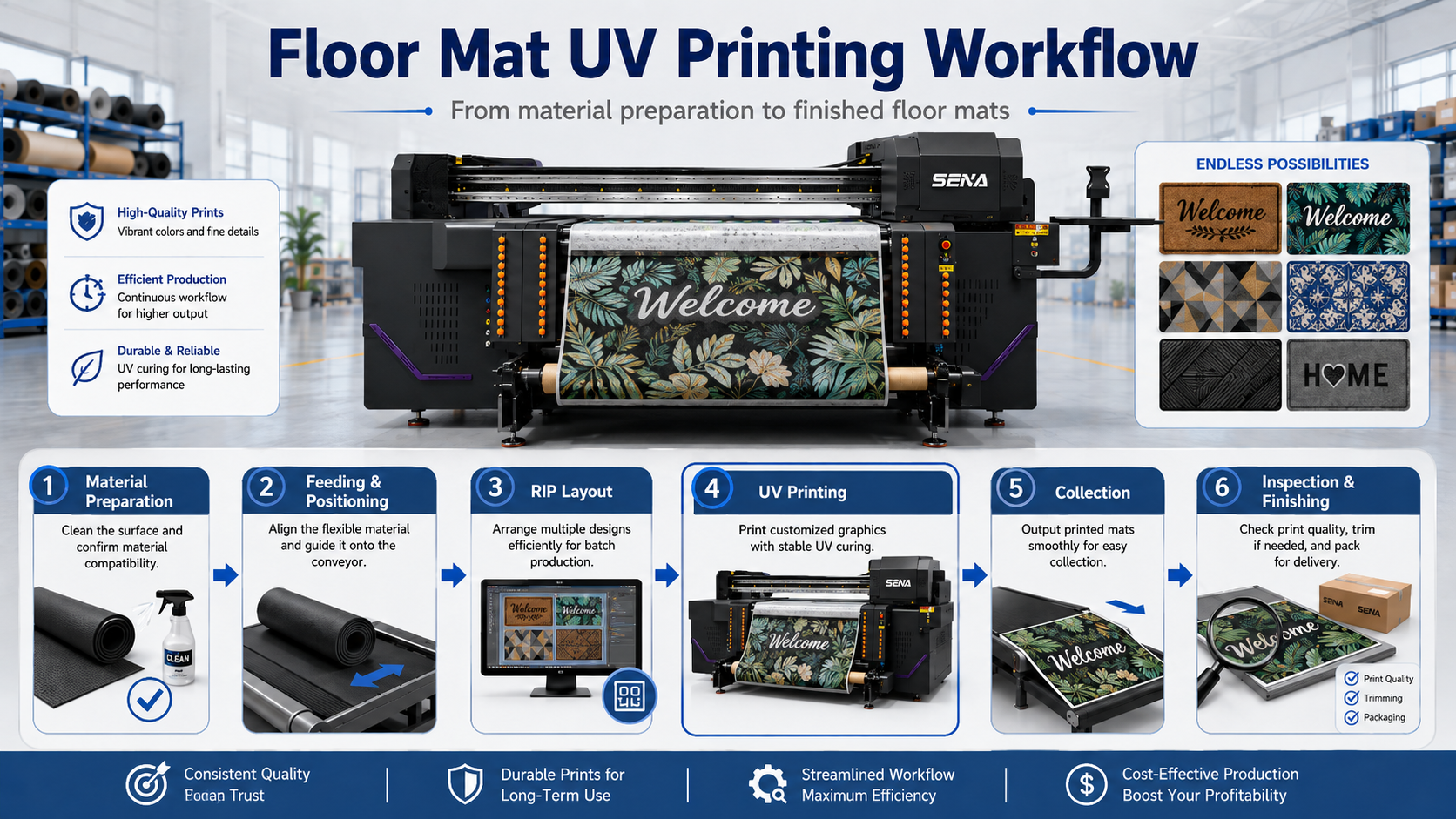
The solution was not simply to choose a faster printhead. The company needed to improve the entire material-handling workflow. A conveyor UV printer with an 1800 mm printing width offered a more suitable production structure for flexible substrates by combining continuous feeding, vacuum-assisted material control, UV curing, and a workflow designed for repeated production.
This case study explains why a conveyor system was selected, how it differs from a conventional UV flatbed printer, and what businesses should consider when evaluating a UV printer for flexible materials.
1. Customer Background
1.1 Main Products
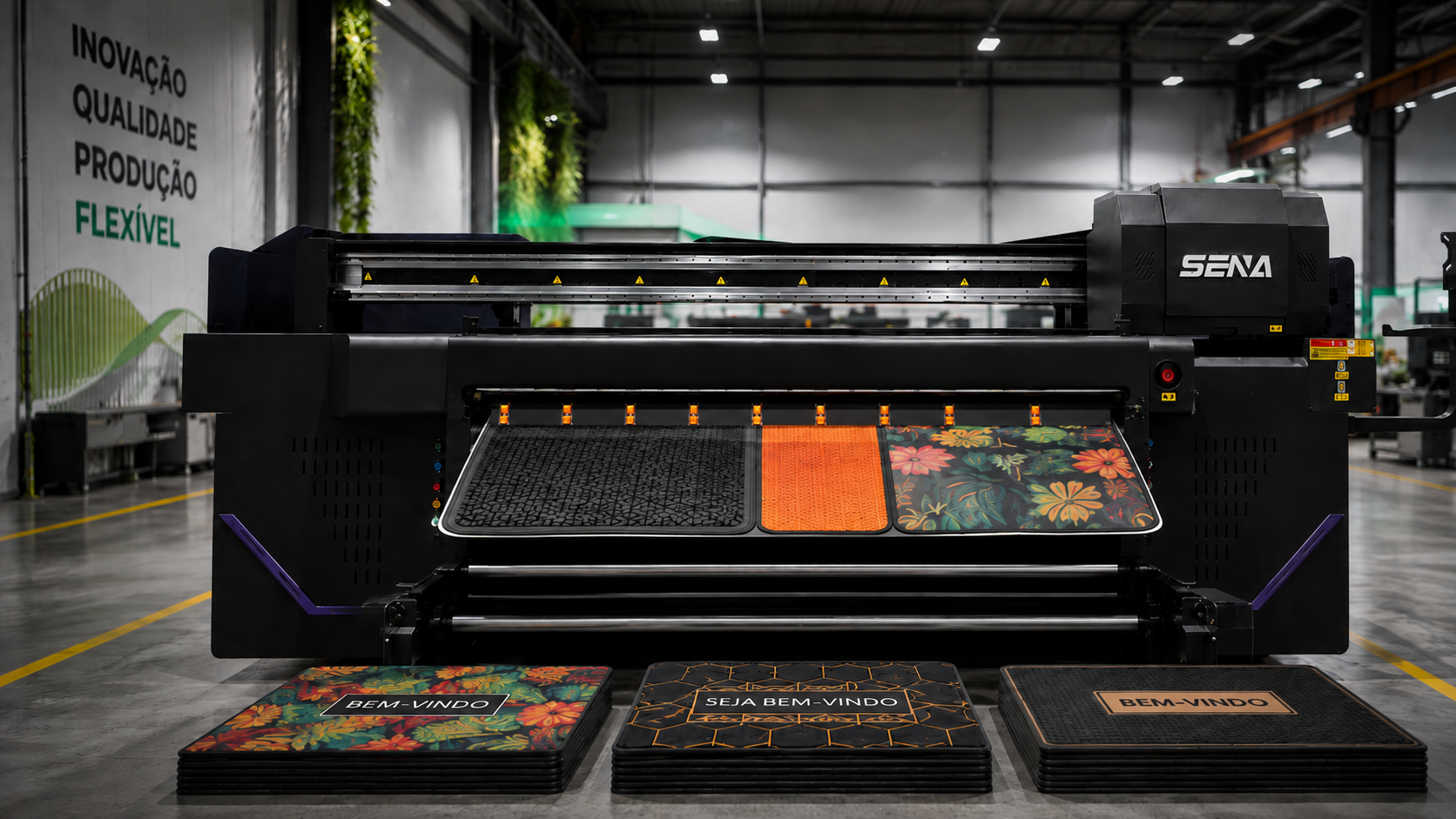
The Brazilian manufacturer serves customers requiring both standard and customized flexible products. Its production range includes floor mats, PVC mats, leather-based products, decorative flexible materials, and other printed products used for retail, interior decoration, promotional applications, and commercial branding.
Many of these products share one important characteristic: they are not rigid boards. Unlike acrylic sheets, metal plates, glass panels, or wooden boards, flexible materials can bend, curl, shift, or deform during handling. This makes the feeding method an important part of the printing process.
The company was therefore not looking for a printer simply to produce occasional samples. It needed an industrial production system capable of handling repeat orders and multiple designs while keeping material positioning and operator intervention under control.
1.2 Typical Order Volume
Orders ranged from short customized runs to repeat batch production. Some customers required different artwork across similar mat sizes, while others placed larger orders using the same or similar designs.
This order structure is important when selecting printing equipment. A machine that performs well for one-off samples does not automatically provide the most efficient workflow for hundreds of square meters of flexible material.
As order volume increased, the manufacturer found that material handling was becoming almost as important as actual printing speed.
1.3 Why Custom Printing Became Important
Customized products allow manufacturers to serve markets that cannot be addressed efficiently with only standard patterns. Floor mats can carry company logos, decorative graphics, regional designs, promotional messages, private-label branding, and short-run customer-specific artwork.
Digital UV printing also reduces the need to prepare a physical printing plate or screen for every artwork change. That makes it especially useful when a manufacturer must manage multiple SKUs or frequently changing designs.
However, increasing design flexibility also means that the production process must become more flexible. The company therefore needed equipment that could combine digital customization with a more efficient flexible-material workflow.
2. Production Problems Before the Upgrade
2.1 Manual Loading and Unloading
One of the largest productivity problems was the amount of manual handling required between print jobs.
On a conventional flatbed workflow, the typical process is:
- Place the material on the printing platform.
- Align the material to the required position.
- Flatten or secure the material.
- Start printing.
- Wait for the printing cycle to finish.
- Remove the finished material.
- Load and align the next piece.
For rigid panels, this workflow is often practical. For flexible materials produced repeatedly, however, loading and positioning can consume a significant part of every production cycle.
This means a manufacturer may purchase a printer with a high theoretical printing speed but still achieve much lower real-world output because operators repeatedly stop the production flow to handle the material.
2.2 Material Positioning
Flexible substrates introduce additional positioning challenges. Depending on the material, edges may curl, lightweight sections may move, and large flexible pieces may be difficult to keep consistently aligned.
If positioning changes between jobs, problems can include:
- uneven margins;
- incorrect image placement;
- registration differences between repeated products;
- material wrinkles;
- increased waste caused by misalignment.
For customized floor mat printing, consistent positioning becomes especially important when several products must be nested in the same production layout.
2.3 Limited Continuous Production
A common mistake when comparing UV printers is to look only at the advertised printing speed.
In real production, however:
Printer speed is not the same as production capacity.
Actual production capacity depends on the complete workflow:
Total Production Time = Printing Time + Loading Time + Positioning Time + Unloading Time + Job Changeover Time
If printing takes several minutes but material handling adds additional time before and after every job, the difference becomes significant across an eight-hour shift.
For the Brazilian manufacturer, reducing this non-printing time became one of the main reasons to consider a conveyor-based production system.
2.4 Labor Cost per Square Meter
Manual handling also affects cost. An operator who spends time repeatedly loading, aligning, and collecting material contributes labor cost to every square meter produced.
This cost may not appear in a simple ink-consumption calculation, but it can materially affect profitability.
For this reason, manufacturers comparing printing systems should evaluate not only ink cost per square meter but also:
- operator time;
- material handling;
- production interruptions;
- waste and reprints;
- equipment utilization.
3. Why a Conveyor UV Printer Was Selected
3.1 Continuous Material Feeding
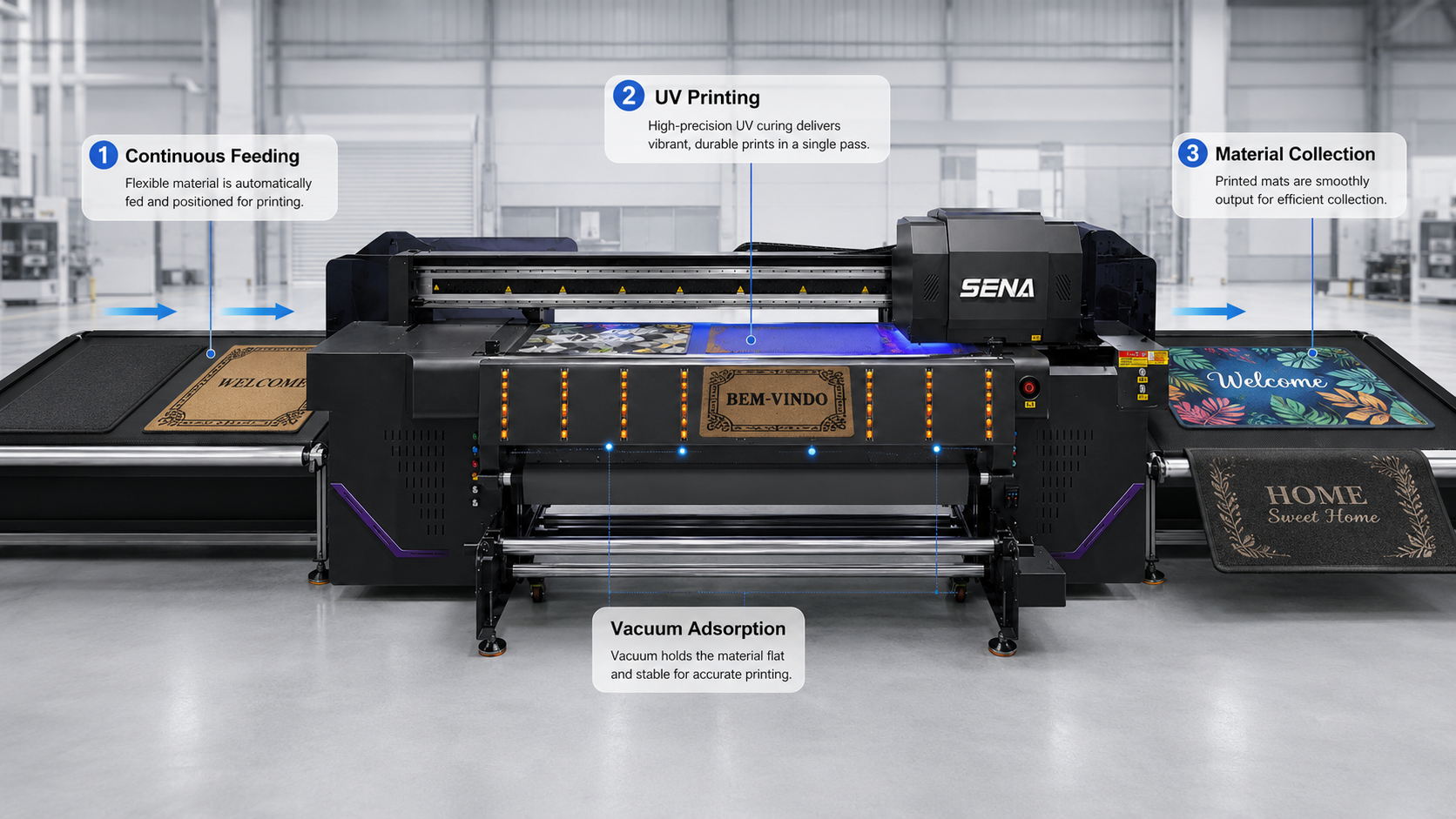
The main structural advantage of a conveyor UV printer is its ability to move flexible material through the printing area instead of treating every job as an individual sheet that must be manually placed and removed from a fixed flatbed.
This creates a more continuous production rhythm. Depending on the material format and production setup, operators can prepare incoming material while printed sections move toward the collection area.
The advantage is not simply that the machine is more automated. The practical benefit is that the workflow can reduce repeated stop-and-reload cycles.
For batch floor mat production, this can make production scheduling more predictable and allow more of the working shift to be used for actual printing.
3.2 1800 mm Printing Width
The manufacturer selected a configuration with an approximately 1800 mm printing width. A wide working area is particularly useful when printing large mats or arranging multiple smaller products across the same production width.
Printing width also affects how efficiently artwork can be nested. For example, several smaller floor mat designs may be arranged side by side when their combined dimensions fit within the available width.
A well-planned layout can therefore improve material utilization without increasing print speed.
For buyers considering an 1800mm UV printer, the correct question is not only, “Is 1800 mm wide enough?” It is also:
- What is the maximum width of our products?
- How many products can be arranged across the print area?
- Do we normally print sheets, long flexible material, or both?
- What daily production target must the machine support?
3.3 Vacuum Adsorption
Vacuum-assisted material control helps keep flexible substrates closer to the conveyor surface during printing. This can reduce unwanted movement and improve positioning stability.
However, vacuum performance is affected by material characteristics. A heavy PVC mat behaves differently from a porous textile or a lightweight flexible sheet.
Manufacturers should therefore test factors such as:
- material weight;
- surface texture;
- air permeability;
- thickness;
- flatness;
- edge curling.
A successful production configuration depends on matching the feeding and adsorption system to the actual substrate instead of assuming all flexible materials behave the same way.
3.4 Better Support for Flexible Materials
A conveyor design is particularly useful when flexible products represent a large percentage of production.
Typical applications may include:
- PVC mats;
- floor mats;
- leather;
- flexible advertising materials;
- soft plastic sheets;
- carpet-like materials;
- other compatible flexible substrates.
However, being physically flexible does not automatically mean a material is suitable for UV printing.
Before production, manufacturers should test ink adhesion, required bending resistance, surface treatment, curing settings, and final-use conditions. A flexible product that will be repeatedly folded or stretched may require different ink performance from a decorative mat that remains relatively flat during use.
4. Flatbed vs Conveyor UV Printer
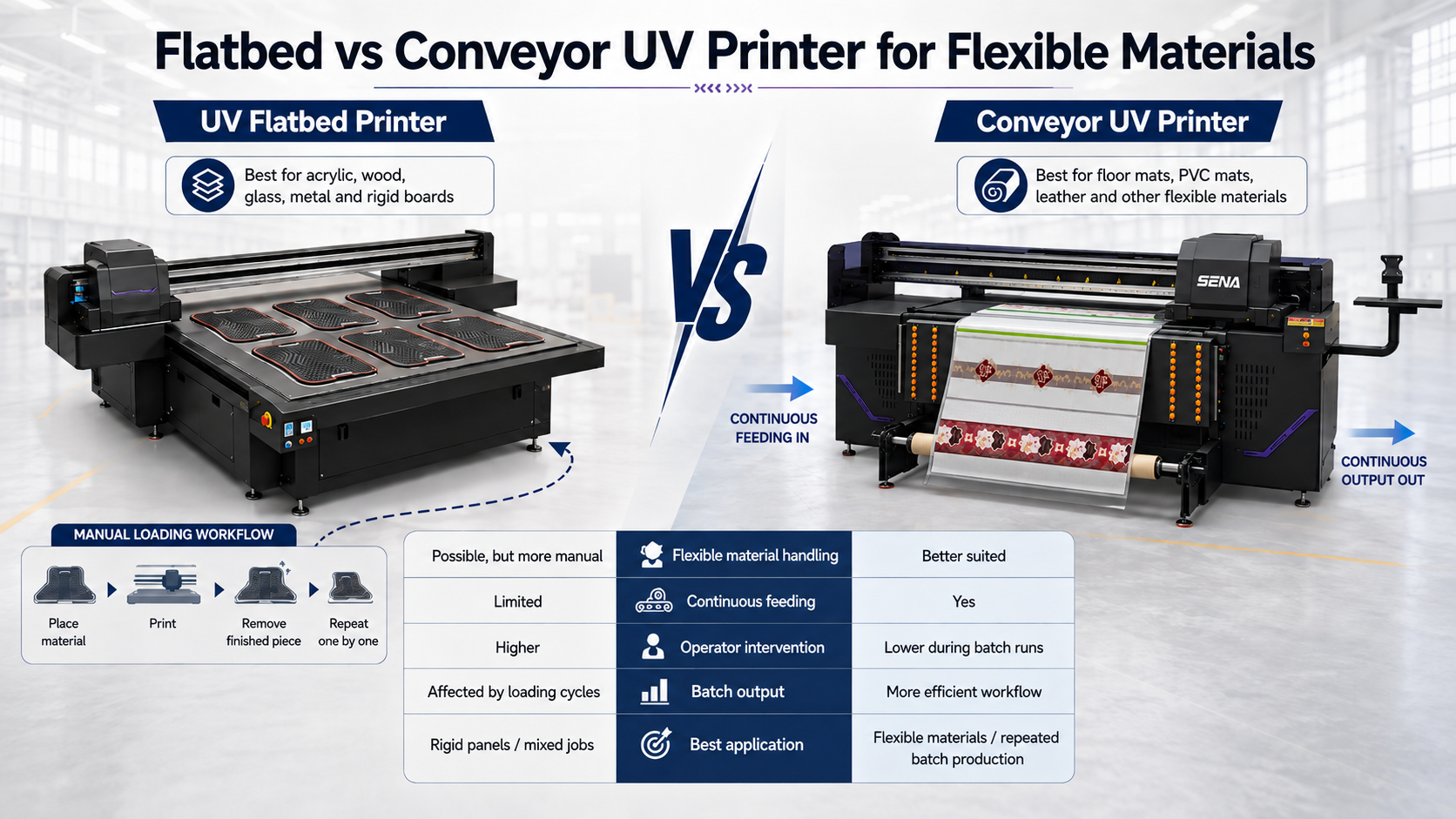
A conveyor printer is not automatically better than a UV flatbed printer. The correct choice depends primarily on the products being manufactured.
4.1 Loading Method
A conventional UV flatbed printer uses a fixed table. Operators place products on the table, position them, print them, and remove them after each job.
This structure is extremely useful for rigid products because it allows direct printing on acrylic, wood, glass, metal, PVC boards, signs, and many other objects.
A conveyor system changes the material movement. Instead of keeping the substrate stationary throughout the complete production cycle, material moves through the printing area using a controlled feeding system.
4.2 Material Compatibility
UV flatbed printers are generally more suitable when the product mix contains mostly rigid pieces. Conveyor systems become more attractive when flexible materials dominate production.
| 要素 | UVフラットベッドプリンター | Conveyor UV Printer |
|---|---|---|
| Flexible material handling | Possible, but often requires more manual handling | Better suited to repeated flexible-material production |
| Continuous feeding | 限定 | Supported |
| Operator intervention | Higher for repeated loading | Can be lower during batch runs |
| Batch output | Strongly affected by loading cycles | More efficient material flow |
| Rigid board printing | 素晴らしい | Not the primary advantage |
| Best application | Rigid panels and individual products | Flexible materials and repeated batch production |
4.3 Batch Production
The biggest advantage appears when production is repeated throughout the day.
If two printers have similar actual printing speeds but one workflow requires substantially more manual loading between jobs, the machine with lower material-handling time may deliver greater effective output over an entire shift.
This is why buyers should compare complete production cycles rather than only square-meter-per-hour specifications.
4.4 Labor Requirement
A flatbed machine may require operators to repeatedly move material between the preparation area, printing platform, and collection area.
With a suitable conveyor workflow, material movement becomes more integrated into the production process. The operator is still important for setup, inspection, feeding control, and collection, but less time may be spent repeatedly stopping the machine to load individual pieces.
5. Floor Mat Printing Workflow
5.1 Material Preparation
Stable floor mat printing begins before the file is sent to the printer. The material surface should be inspected for dust, oil, production residue, deformation, or other contamination that could affect adhesion or printing quality.
If the substrate has not been printed before, an adhesion test should be performed. Depending on the surface, pretreatment or primer may be required.
Manufacturers should also test whether the cured ink can tolerate the bending, abrasion, cleaning, and handling expected during the final product’s use.
5.2 Feeding and Positioning
The material is then positioned according to the required feeding direction. Edge alignment and vacuum settings should be checked before continuous production begins.
When several mats are being produced in one batch, consistent spacing between designs helps simplify later cutting or finishing.
5.3 RIP and Job Layout
RIP preparation has a direct impact on production efficiency. Multiple designs can often be nested across the available print width to improve material utilization.
Depending on the product, the RIP workflow may include:
- CMYK image data;
- white ink layers;
- varnish layers when required;
- multiple copies of the same artwork;
- different customized designs in one layout;
- spacing for cutting and finishing.
In other words, batch efficiency is not only a printer-speed problem. Good file preparation and nesting can also improve output per meter of material.
5.4 Printing
Print mode should be selected according to the required balance between image quality and production speed.
A higher-pass mode may improve certain image details but reduce hourly output. A faster production mode may be appropriate for graphics viewed from a greater distance or products that do not require very fine detail.
White ink coverage, color density, UV curing intensity, and printhead configuration can also affect the final production speed.
5.5 Collection and Finishing
After printing, products move to collection, inspection, cutting, packaging, or other finishing processes.
For efficient production, the downstream finishing process should be able to keep pace with printing. Improving printer output provides limited value if printed material accumulates because cutting or packaging becomes the next bottleneck.
6. Production Capacity Comparison
6.1 Output per Hour
When comparing a flatbed and a conveyor UV printer, buyers should calculate effective output rather than using only the manufacturer’s maximum speed specification.
A practical formula is:
Effective Output = Total Printed Area ÷ Total Production Time
Total production time should include printing, loading, alignment, unloading, file changeover, cleaning, and other interruptions.
For flexible-material production, reducing repeated loading cycles can improve effective output even if the printhead itself operates at the same nominal speed.
6.2 Output per 8-Hour Shift
A common mistake is calculating daily capacity by multiplying maximum printing speed by eight hours.
Real production should allow time for:
- machine setup;
- material preparation;
- RIP processing;
- job changeover;
- printhead cleaning;
- material inspection;
- operator breaks;
- unexpected production interruptions.
For this reason, manufacturers should calculate capacity from their own product dimensions and workflow instead of relying on a single theoretical speed number.
6.3 Labor per 100 m²
Another useful metric is the amount of operator time required to complete 100 square meters of production.
If an operator must manually load and remove dozens of individual flexible pieces, labor time increases with every production cycle.
A conveyor configuration can reduce the number of separate handling cycles when the substrate and job format allow a more continuous feeding process.
This is especially important in markets where labor availability, delivery time, or production consistency affects competitiveness.
6.4 Cost per Square Meter
The complete cost of UV printing should include more than ink.
A useful calculation is:
Cost per m² = Ink + Labor + Electricity + Consumables + Maintenance Allocation + Waste + Equipment Depreciation
A conveyor printer does not automatically reduce UV ink consumption. If the same artwork uses the same ink coverage, the ink cost may remain similar.
The potential savings come from other parts of the production process, especially labor allocation, handling time, reloading frequency, equipment utilization, and production overhead.
This distinction is important because buyers should evaluate a machine according to total production economics rather than assuming that one printer technology always has a lower printing cost.
7. Results After the Upgrade
7.1 Higher Daily Capacity
After moving toward a conveyor-based flexible-material workflow, more of the available production time could be used for printing instead of repeatedly loading and repositioning individual materials.
The improvement came from optimizing the workflow around the printer rather than relying only on faster printing specifications.
7.2 Lower Loading Labor
The continuous feeding structure reduced the need for operators to treat every section of flexible material as an entirely separate loading cycle.
This allowed operator time to be used more effectively for material preparation, quality inspection, finishing, and production control.
7.3 More Stable Batch Production
A more controlled feeding process also made repeat production easier to organize. Once suitable feeding, positioning, RIP, and curing parameters were established for a material, the same workflow could be repeated for similar jobs.
This is particularly valuable for manufacturers managing repeat commercial orders.
7.4 Faster Delivery for Large Orders
Higher effective production capacity gave the manufacturer more flexibility when scheduling larger orders and helped reduce the amount of production time lost between individual printing cycles.
For customers, the business value of the upgrade was therefore not only print quality. The larger benefit was the ability to organize flexible-material production more efficiently and respond more confidently to batch-order requirements.
8. Which Businesses Need a Conveyor UV Printer?
あ conveyor UV printer for floor mats is most relevant when flexible-material handling has become a significant production bottleneck.
Typical users may include:
- floor mat manufacturers;
- PVC mat manufacturers;
- leather product factories;
- flexible advertising material manufacturers;
- custom carpet or decorative mat businesses;
- industrial customization companies;
- factories producing repeated flexible-material orders.
However, a conveyor system may be unnecessary for a company that mainly prints rigid products or only produces a small number of individual flexible items each day.
The strongest use case is repeated flexible-material production where manual positioning, loading, and unloading are already limiting output.
9. Flatbed or Conveyor UV Printer: How to Choose?
There is no universal answer to the question of whether a flatbed or conveyor UV printer is better. The correct machine should match the production workflow.
Choose a UV Flatbed Printer If:
- most of your products are rigid;
- you print acrylic, glass, wood, metal, boards, or individual objects;
- you frequently switch between different product shapes and sizes;
- continuous flexible-material feeding is not a major requirement.
Consider a Conveyor UV Printer If:
- flexible materials represent a large percentage of your production;
- you regularly print floor mats, PVC materials, leather, or similar substrates;
- orders are repeated or batch-based;
- manual loading and unloading are reducing effective output;
- wide or long flexible products are common;
- labor efficiency is becoming an important production cost.
Before purchasing, prepare your actual product dimensions, material samples, expected daily output, number of designs per order, and finishing process.
These details are far more useful for machine selection than simply asking for the printer with the highest advertised speed.
The right printer is determined by production workflow, not only by printing size.
10. Frequently Asked Questions About Conveyor UV Printers
Can a conveyor UV printer print floor mats?
Yes, a conveyor UV printer can be suitable for printing compatible floor mat materials, especially when batch production and repeated material handling are important. However, floor mats are made from different substrates, so adhesion, flexibility, surface texture, thickness, vacuum performance, and curing settings should be tested before full production. Sending a material sample to the printer supplier before purchasing is strongly recommended.
What materials can a conveyor UV printer print?
Depending on the machine configuration and ink system, a UV printer for flexible materials may be used for PVC mats, leather, flexible plastic sheets, advertising materials, carpet-like substrates, and other compatible flexible products. Material compatibility should never be judged only by appearance. Adhesion, surface treatment, bending requirements, and final product use must also be considered.
What is the difference between a flatbed and conveyor UV printer?
A UV flatbed printer keeps products on a fixed printing platform and is particularly suitable for rigid boards and individual objects. A conveyor UV printer moves compatible material through the printing area using a feeding system. This structure can reduce repeated loading and unloading when flexible materials are produced in batches. The best choice depends on the substrate mix and production workflow.
Can a conveyor UV printer print leather?
UV printing on leather is possible for many leather and synthetic leather products, but testing is essential. The surface may require cleaning or pretreatment, and the ink must provide suitable adhesion and flexibility. Products that experience significant folding or stretching should be evaluated carefully because cured UV ink must tolerate the expected movement of the final product.
Is an 1800mm UV printer suitable for batch production?
アン 1800mm UV printer can be suitable for batch production when the printing width matches the manufacturer’s typical product sizes. A wider working width can allow several products to be arranged side by side, improving nesting and material utilization. However, buyers should also evaluate printhead configuration, actual print mode, feeding stability, RIP efficiency, and downstream finishing capacity.
How do I calculate UV printing production capacity?
Do not calculate production capacity from maximum printing speed alone. Measure the total printed area and divide it by the complete production time, including loading, alignment, printing, unloading, job changeover, cleaning, and other interruptions. For flexible-material factories, this calculation can reveal whether material handling rather than printing speed is the real production bottleneck.
Conclusion: The Real Advantage Is Production Flow
The Brazilian floor mat case shows why machine selection should begin with the production process rather than a specification sheet.
For rigid products and individual jobs, a UV flatbed printer can remain the more practical and flexible solution. But when floor mats, PVC materials, leather, and other flexible substrates become the main products, repeated manual loading can limit effective capacity even when print quality is already satisfactory.
あ conveyor UV printer can improve this workflow by supporting continuous material feeding, reducing repeated handling cycles, and helping manufacturers organize batch production more efficiently.
If you are evaluating an industrial UV printer for flexible materials, start with your actual products. Record the material type, maximum width, thickness, daily production target, typical order quantity, artwork requirements, and finishing process.
These details make it possible to evaluate whether a flatbed printer or an 1800 mm conveyor system is the more suitable investment.
Need help evaluating your production requirements?
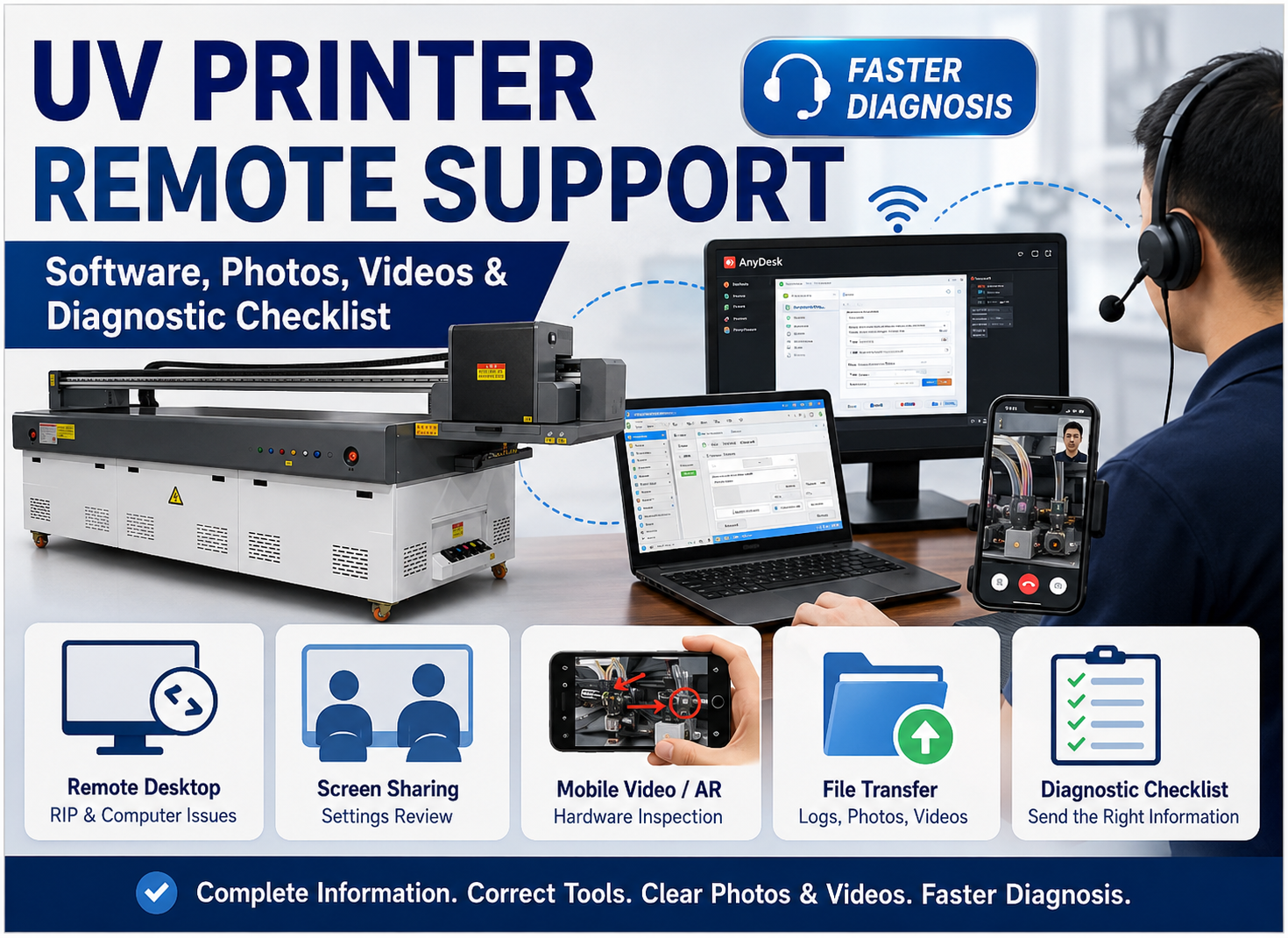
Send us your material photos, product dimensions, expected daily output, and sample artwork. Our team can help you compare printing widths, feeding methods, printhead configurations, and production workflows before you choose a UV printer.
You may also be interested in:
UV Printing on Leather: What Buyers Need to Know,
UV Printer Applications: A Complete Guide,
そして
UV Printing ROI & Pricing Strategy.