Ricoh Gen6 vs Epson I3200: Which Printhead Is Better for UV Printing?
When buyers compare two UV printers, one of the first questions is often about the printhead. A supplier may offer an Epson I3200 configuration, while another recommends a Ricoh Gen6 system at a noticeably different price. This naturally leads to an important question: Ricoh Gen6 vs Epson I3200—which printhead is actually better for UV printing?
The short answer is that there is no universal winner. Both printhead platforms can produce excellent UV prints when they are integrated into a properly designed printer. However, they have different architectures, specifications, cost structures and production priorities.
An Epson I3200-based UV printer may be an excellent choice for a growing print shop producing personalized products, signs, acrylic pieces or short-to-medium production runs. A Ricoh Gen6-based machine may make more sense when the printer is designed around higher industrial workloads, wider-format production and long operating shifts.
More importantly, a printhead should never be evaluated in isolation. The ink supply system, negative pressure control, white ink circulation, UV curing system, carriage mechanics, RIP software and machine calibration all influence the final print quality and production stability.
This guide compares Ricoh Gen6 and Epson I3200 from a practical buyer’s perspective so you can understand which configuration may better match your production volume, print quality requirements, budget and long-term operating strategy.
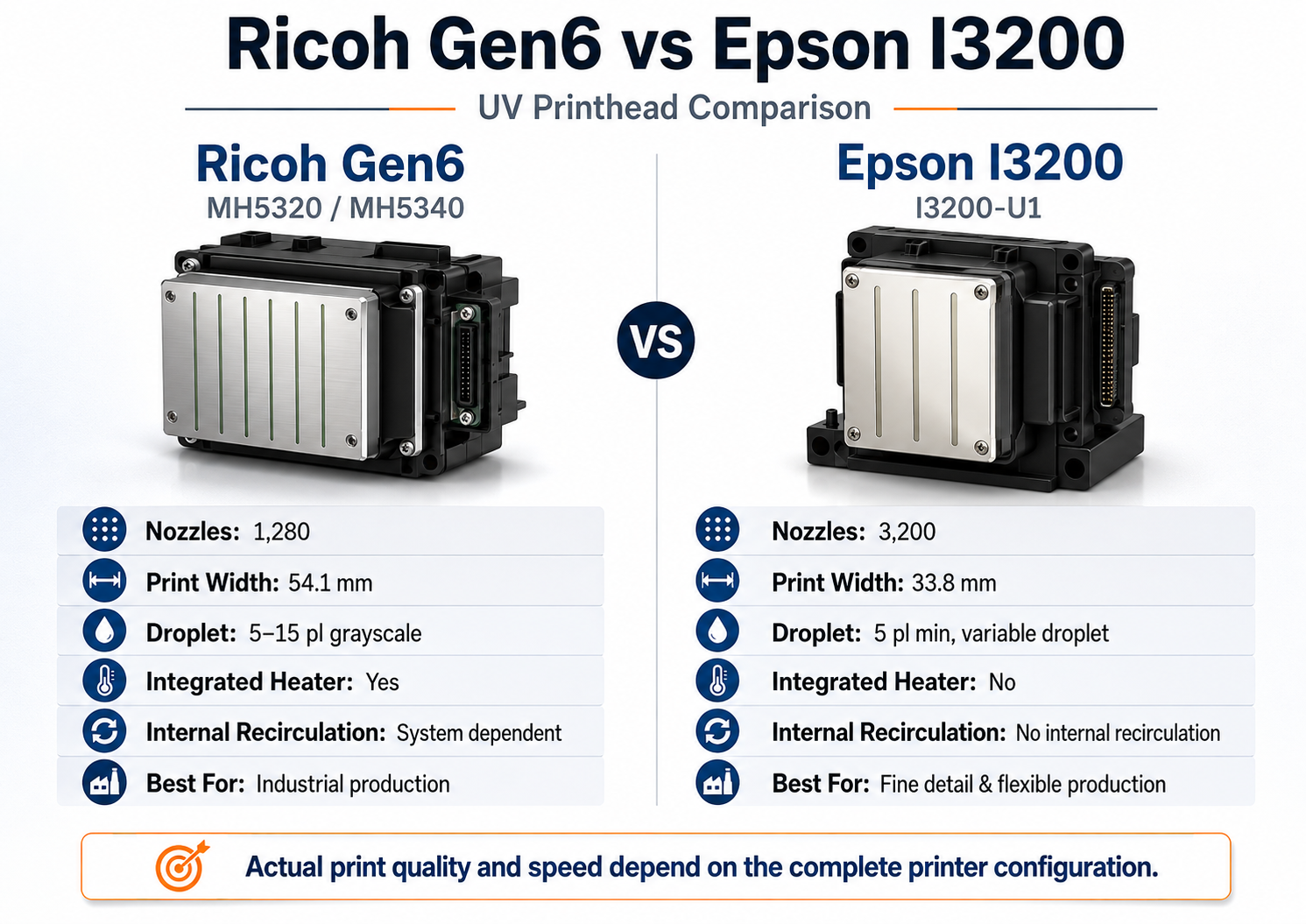
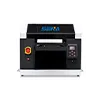
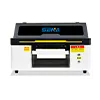
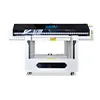
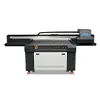
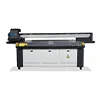
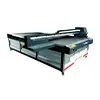
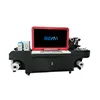
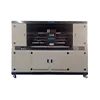
Ricoh Gen6 vs Epson I3200: two different approaches to UV inkjet printing.
Quick Answer: Ricoh Gen6 vs Epson I3200
If you only need a quick recommendation, the table below provides a useful starting point. These are not absolute rules because the performance of a UV printer depends on the complete machine configuration.
| Production Requirement |
Possible Starting Point |
| Small or medium UV printing business |
Epson I3200 |
| Personalized products and detailed graphics |
Epson I3200 |
| Lower initial equipment investment |
Epson I3200 |
| Large-format industrial flatbed production |
Ricoh Gen6 may be attractive |
| Long production shifts and high daily output |
Ricoh Gen6 may be attractive |
| Heavy white ink and varnish production |
Depends heavily on the complete ink system |
| Best overall choice |
Depends on workload and printer architecture |
A useful rule is to avoid asking only, “Which printhead is better?” Instead ask, “Which complete UV printer configuration can produce my required quality and daily output at an acceptable total operating cost?”
What Exactly Are Ricoh Gen6 and Epson I3200?
Ricoh Gen6
“Ricoh Gen6” is a market term commonly used when discussing a generation of Ricoh industrial inkjet printheads. In this article, the comparison mainly refers to the Ricoh MH5320 and MH5340 family rather than treating “Gen6” as a single universal model.
According to Ricoh’s published specifications, the MH5320/MH5340 platform provides 1,280 nozzles arranged as four staggered rows, a 54.1 mm print width and grayscale droplet control. The platform supports UV, solvent, aqueous and other compatible ink types. Ricoh also integrates a heater and thermistor into the printhead.
Ricoh positions these heads for high-definition and high-productivity industrial applications.
View the Ricoh MH5320/MH5340 official specifications
Epson I3200-U1
The Epson I3200 is based on Epson’s PrecisionCore MicroTFP technology. For UV printing, the relevant version in this comparison is the I3200(4)-U1 family.
The I3200 provides 3,200 nozzles across eight nozzle rows, an effective print width of 33.8 mm and support for up to four ink colors within one head configuration. Epson’s Variable Sized Droplet Technology allows different droplet volumes to be used for grayscale reproduction and smooth tonal transitions.
Unlike the Ricoh configuration discussed above, Epson’s specifications state that the I3200(4)-U1 does not include internal ink recirculation or an internal heater. This does not mean an I3200 UV printer cannot use circulation or ink temperature control. It means these functions must be designed into the printer’s external ink delivery system when required.
View the Epson I3200 official specifications
Ricoh Gen6 vs Epson I3200 Specifications
| Specification |
Ricoh MH5320 / MH5340 |
Epson I3200(4)-U1 |
| Teknoloji |
Piezo inkjet with metallic diaphragm structure |
PrecisionCore MicroTFP |
| Number of nozzles |
1,280 |
3,200 |
| Nozzle rows |
4 × 320 channels |
8 rows |
| Effective print width |
54.1 mm |
33.8 mm |
| Binary droplet |
5 pl |
5 pl at 43.2 kHz* |
| Grayscale capability |
Up to 4 levels; 5–15 pl grayscale range |
Variable droplet combinations, including 3- and 4-level modes* |
| Maximum ink colors per head |
Depends on MH5320/MH5340 model |
Up to 4 colors |
| Internal heater |
Integrated heater and thermistor |
Not available |
| Internal ink recirculation |
System-dependent; evaluate complete printer ink architecture |
Not available in the I3200(4)-U1 specification |
| Compatible ink |
UV, solvent, aqueous and others within specification |
UV / eco-solvent for U1 version |
*Manufacturer figures are reference specifications. Actual printer performance depends on waveform, ink, electronics, print mode and machine configuration.
Difference #1: Print Quality and Fine Detail
One of the biggest mistakes in a UV printer printhead comparison is assuming that nozzle count alone determines image quality.
The Epson I3200’s high nozzle density and PrecisionCore architecture can make it very attractive for applications where fine graphics, small text, gradients and detailed personalized images are important. Typical examples include acrylic gifts, decorative panels, small signs, packaging prototypes, QR codes and customized products.
However, Ricoh Gen6 should not be viewed as a low-resolution alternative. The MH5320/MH5340 architecture also supports small droplets and grayscale printing and is designed for high-definition industrial inkjet applications.
In real UV production, final image quality depends on much more than the printhead:
- Printhead alignment
- Droplet placement accuracy
- Ink waveform
- RIP yazılımı
- ICC profile
- Pass count
- Carriage accuracy
- UV ink formulation
- Material surface condition
- Mechanical stability
This means a well-calibrated I3200 printer can outperform a poorly designed Ricoh machine, while a properly engineered Ricoh system can deliver excellent industrial-quality results.
If color accuracy is critical to your application, also read our guide to
UV printing ICC profiles and color management.
Difference #2: More Nozzles Do Not Automatically Mean More Speed
The Epson I3200 has 3,200 nozzles compared with 1,280 on the Ricoh MH5320/MH5340 platform. It is tempting to conclude that 3,200 nozzles must automatically make the Epson printhead faster.
That conclusion is incorrect.
Real UV printer speed is determined by a combination of variables:
Production speed = printhead architecture + head quantity + head arrangement + carriage speed + pass count + ink configuration + RIP strategy + mechanical performance.
For example, a printer using multiple Ricoh heads arranged for separate CMYK, white and varnish channels may have a completely different production architecture from a machine using several I3200 heads.
A supplier advertising only theoretical head specifications without providing actual 4-pass, 6-pass or 8-pass production speeds is not giving you enough information to compare machines.
When evaluating a quotation, ask for realistic speeds under the same conditions:
- Same print size
- Same ink configuration
- Same number of passes
- Same resolution mode
- Same unidirectional or bidirectional setting
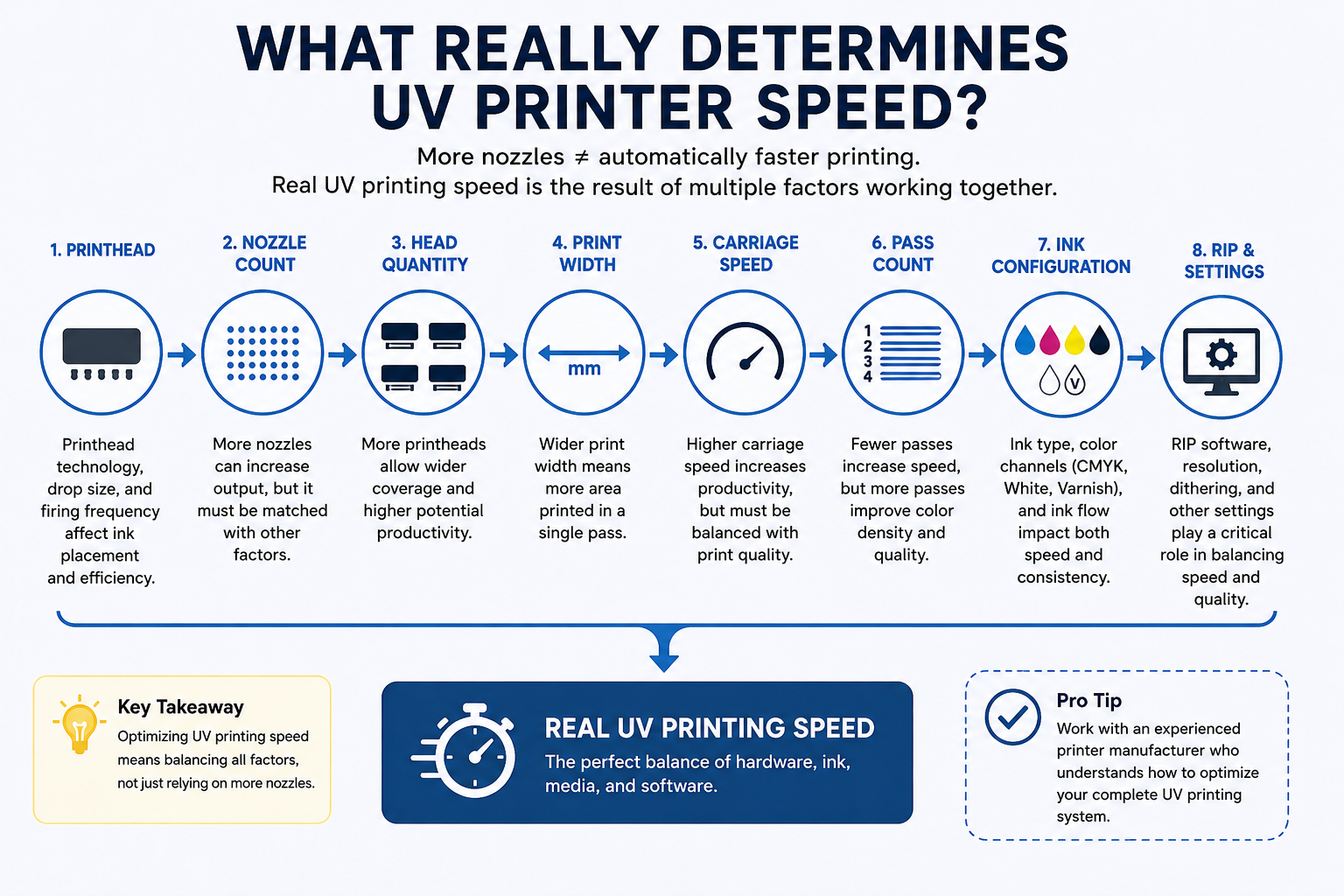
Nozzle count is only one factor in real UV printing productivity.
Difference #3: Effective Print Width and Productivity
The Ricoh MH5320/MH5340 has a published print width of 54.1 mm, while the Epson I3200 has an effective print width of 33.8 mm.
A wider jetting area can be advantageous when an industrial machine is designed around that architecture. However, this number should not be converted directly into a claimed percentage speed advantage.
Consider two hypothetical 2513 UV printers. One uses several Epson heads, while another uses Ricoh heads. Their productivity will still depend on how many heads are installed, how those heads are staggered, whether white and varnish print simultaneously, how quickly the carriage accelerates and how many passes are required to achieve acceptable quality.
This is why buyers should compare complete print modes rather than isolated printhead specifications.
If your business needs a specific daily production target, see our guide to
calculating real UV printer production capacity.
Difference #4: Industrial Workload and Production Environment
Another important difference is not simply image quality but the type of production environment the printer is expected to handle.
Consider two businesses.
Business A operates its UV printer for three or four hours per day. Most orders are personalized acrylic pieces, promotional products, plaques and short-run signs.
Business B operates large-format printers for eight or more hours per day, producing full sheets of PVC, acrylic, aluminum composite panels, glass or furniture components.
Both businesses need good print quality, but their priorities are different.
Business A may place greater emphasis on fine detail, flexibility and equipment investment. Business B may place greater emphasis on production continuity, thermal management, ink delivery stability, machine rigidity and the cost of downtime.
Ricoh’s MH5320/MH5340 architecture is explicitly designed for high-definition and high-productivity industrial applications. Its integrated heater and wider print width can be useful elements in industrial machine design.
At the same time, it would be inaccurate to describe Epson I3200 as unsuitable for professional or industrial production. Epson itself positions PrecisionCore printheads for industrial applications. A correctly engineered multi-head I3200 machine can perform serious commercial production.
The important distinction is therefore not simply “industrial head versus non-industrial head.” The question is whether the entire printer architecture matches the intended duty cycle.
Difference #5: White Ink and Varnish Printing
White ink is one of the most demanding parts of UV printing because white pigments can settle over time. Varnish also introduces additional considerations related to viscosity, curing and printhead configuration.
Therefore, buyers should be careful when a supplier claims that one printhead is automatically “better for white ink.”
Instead, investigate the complete ink system:
- Does the printer use white ink agitation?
- Is white ink continuously or periodically circulated?
- Where does circulation occur?
- How is negative pressure controlled?
- Is the ink filtered before reaching the printhead?
- Is ink temperature controlled where necessary?
- How does the machine handle overnight idle periods?
- How are white ink channels maintained?
This distinction is especially important with Epson I3200 because the printhead’s official specification does not include internal recirculation or an internal heater. A machine manufacturer must therefore design the required supporting ink-management functions externally.
With Ricoh configurations, buyers should still examine the complete white ink circuit rather than assuming that the printhead name alone guarantees stable white ink printing.
For a deeper explanation, read our
UV printer white ink circulation system guide.
Difference #6: Maintenance and Printhead Protection
Many buyers ask, “How many years does an I3200 last?” or “Does Ricoh Gen6 last three times longer?”
There is no responsible universal answer.
Printhead life depends heavily on operating conditions. Important factors include:
- Ink chemistry and compatibility
- Cleaning frequency
- Wiper and capping station condition
- White ink sedimentation
- Temperature and humidity
- Head strikes against uneven material
- UV light reflection toward the nozzle plate
- Long idle periods
- Incorrect negative pressure
- Operator maintenance habits
For this reason, statements such as “Epson lasts one year” or “Ricoh lasts five years” should be treated cautiously unless the supplier can explain the operating conditions behind the claim.
A better question is:
What systems does the printer use to protect the printhead and reduce nozzle failures?
Ask about automatic cleaning, capping quality, anti-collision protection, head-height detection, negative pressure monitoring and daily maintenance procedures.
For practical maintenance steps, see
how to extend UV printer printhead life
and our
UV printer maintenance checklist.
Difference #7: Printhead Price vs Total Cost of Ownership
Purchase price matters, but comparing printheads only by replacement price can lead to the wrong decision.
A more useful approach is to consider Total Cost of Ownership (TCO).
Your real UV printing cost may include:
- Initial machine investment
- Replacement printheads
- UV ink consumption
- Cleaning fluid
- Filters and dampers
- Preventive maintenance
- Rejected prints
- Operator labor
- Downtime
- Lost production capacity
Imagine a small print shop that only needs moderate daily output. If an Epson I3200 configuration comfortably meets its quality and capacity requirements, paying for a more expensive industrial architecture may produce little economic benefit.
Now consider a factory running large orders where every hour of downtime delays customer deliveries. In that environment, the decision may be driven less by initial printhead cost and more by production reliability, output and serviceability.
This is why “Which printhead is cheaper?” is usually less useful than “Which complete system produces the lowest cost per acceptable printed product?”
For a broader cost calculation, read our guide to
UV printer total cost of ownership.
Difference #8: Which Printer Size Is Better Suited to Each Platform?
There is no rule saying that a specific printer size must use a specific printhead. However, different configurations can make sense at different investment and production levels.
Compact and Medium-Format UV Printers
For desktop machines, 6090-class printers and many medium-format flatbeds, an Epson-based architecture can offer an attractive balance between detail, flexibility and overall equipment cost.
These printers are often used for:
- Acrylic products
- Small signs
- Personalized gifts
- Decorative panels
- Packaging samples
- Short-run customization
Large 2513 and Industrial Flatbed Systems
For 2500 × 1300 mm flatbed machines and other large industrial platforms, the correct decision depends more strongly on expected daily output.
An I3200 configuration may still be appropriate when the buyer wants a balance between investment, image detail and production capability. Ricoh Gen6 becomes particularly interesting when the machine is designed for production-oriented workloads, long shifts and higher industrial output.
Do not buy a Ricoh machine simply because it is large, and do not reject an I3200 machine simply because it costs less. Ask for measured production data from the actual configuration being offered.
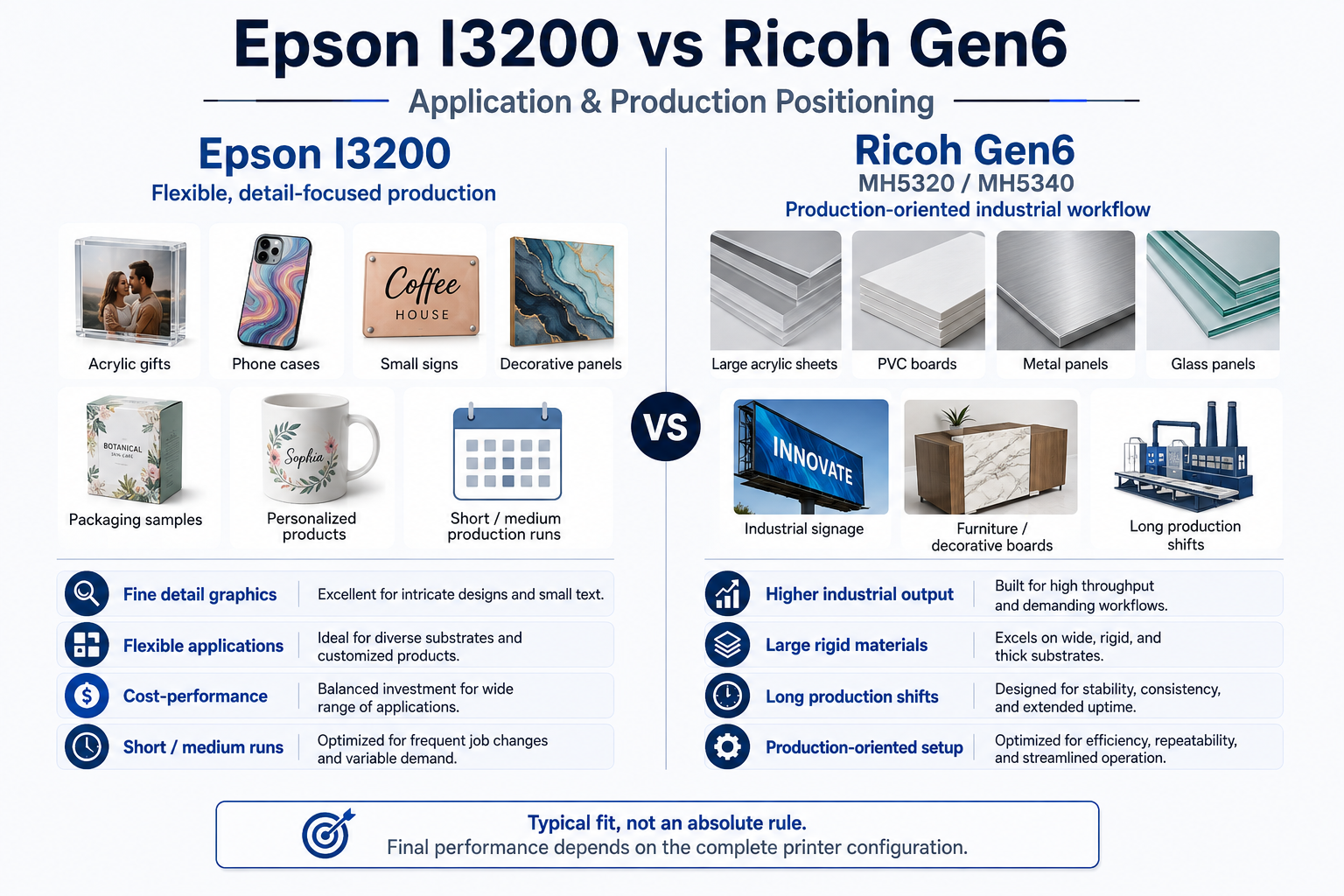
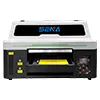
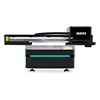
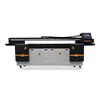
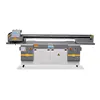
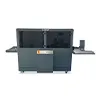
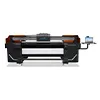
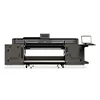
Different production environments can favor different UV printhead configurations.
Difference #9: Machine Design Can Matter More Than the Printhead Name
This may be the most important lesson in the entire Ricoh Gen6 vs Epson I3200 comparison:
A UV printer with a Ricoh Gen6 printhead is not automatically a high-quality UV printer.
Likewise:
An Epson I3200 UV printer is not automatically an entry-level machine.
A printhead is one component inside a much larger system. Before choosing between two printers, compare at least the following:
- Exact printhead model and quantity
- Printhead arrangement for CMYK, white and varnish
- White ink circulation system
- Negative pressure system
- Ink filtration and temperature management
- Servo motors and drive system
- Linear rails and carriage stability
- Encoder accuracy
- Vacuum table design
- UV LED curing system
- RIP software and ICC workflow
- Manufacturer calibration and technical support
Two printers advertised with exactly the same printhead can therefore perform very differently.
This is also why a large price difference between two apparently similar 2513 UV printers cannot be explained by the printhead alone.
For a complete equipment evaluation, see
12 UV printer components that determine reliability and print quality.
Ricoh Gen6 vs Epson I3200: Which One Should You Choose?
Choose an Epson I3200 Configuration If…
- You operate a startup or growing print business.
- You produce personalized products or short-to-medium production runs.
- Fine graphics, small text and detailed images are important.
- You want to control initial equipment investment.
- Your expected production volume does not require a heavier industrial architecture.
- You have a well-designed external ink circulation and maintenance system.
Consider a Ricoh Gen6 Configuration If…
- You are investing in a production-oriented large-format UV printer.
- The printer will operate for long shifts.
- Daily production output is a major purchasing criterion.
- Your business prints large rigid boards or industrial components.
- Downtime is expensive.
- The complete Ricoh-based machine architecture offers a measurable production advantage for your workflow.
Either Can Be the Right Choice If…
The machine is properly engineered around the printhead and meets your actual production target.
This point is worth repeating because buyers often spend too much time comparing printhead brands and too little time comparing machine configurations.
A correctly designed Epson I3200 machine can be a better investment than a poorly designed Ricoh system. A properly engineered Ricoh machine may be a better production tool than an under-specified Epson machine for high-output industrial work.
Your workload—not the logo on the printhead—should determine the final decision.
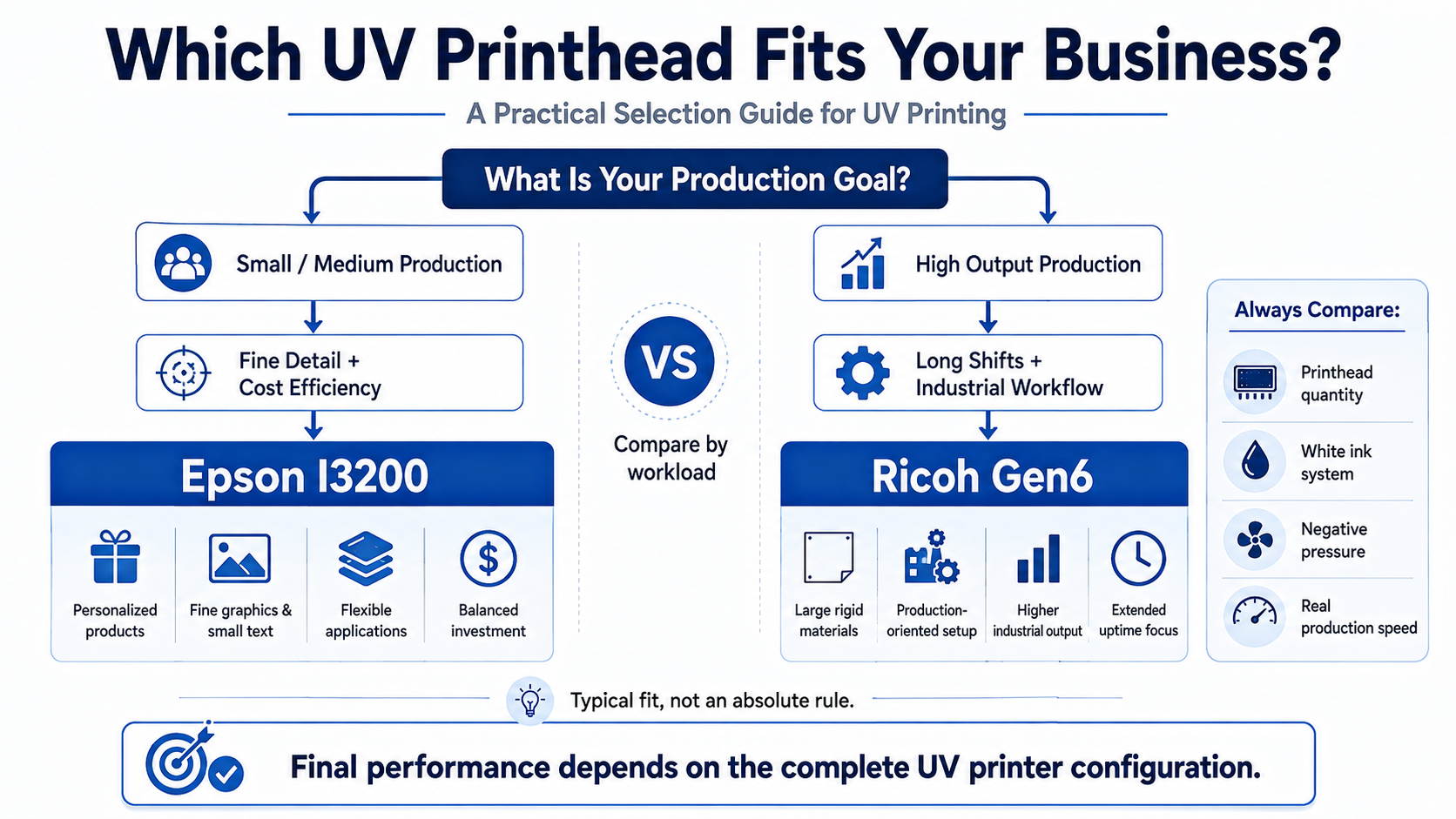
Choose the printhead configuration according to workload, quality target and total investment.
8 Questions to Ask a UV Printer Supplier Before Choosing a Printhead
Before signing a purchase contract, ask the supplier these questions:
- What exact printhead model is installed?
- How many printheads does the machine use?
- Which heads are used for CMYK?
- Which heads are used for white ink and varnish?
- What are the real 4-pass, 6-pass and 8-pass printing speeds?
- How does the white ink circulation system work?
- How is negative pressure controlled and monitored?
- What support is available if a printhead needs replacement or calibration?
A professional supplier should be able to explain the complete printing system rather than simply telling you that one printhead brand is “better.”
Sıkça Sorulan Sorular
1. Is Ricoh Gen6 better than Epson I3200 for UV printing?
Not universally. Ricoh Gen6 can be very attractive for production-oriented industrial printer architectures, while Epson I3200 offers an excellent combination of high nozzle density, image detail, flexibility and equipment cost. The better choice depends on your printer size, daily production volume, ink configuration and budget.
2. Which printhead gives better print quality: Ricoh Gen6 or Epson I3200?
Both can produce high-quality UV prints. Epson I3200 is particularly attractive for fine graphics and detailed applications, while Ricoh Gen6 also supports small droplets and grayscale printing. Actual quality depends heavily on ink, waveform, pass count, RIP software, alignment and mechanical precision.
3. Which is faster: Ricoh Gen6 or Epson I3200?
You cannot determine real printer speed from the printhead model alone. Printhead quantity, print width, firing strategy, carriage speed, pass count and CMYK-white-varnish arrangement all affect productivity. Compare measured machine speeds under identical print modes.
4. Which UV printhead lasts longer?
There is no reliable fixed service-life number that applies to every installation. Printhead life depends on ink quality, cleaning, capping, white ink management, environmental conditions, head strikes, UV reflection and operator maintenance. Evaluate the machine’s printhead protection system rather than relying on a simple number of years.
5. Is Epson I3200 suitable for a 2513 UV printer?
Yes, an I3200-based architecture can be used in a 2513-class UV flatbed printer. Whether it is the right choice depends on the number of heads, ink configuration, required daily production and expected print modes. Buyers should compare real production performance rather than choosing only by printer size.
6. What should I check besides the printhead when buying a UV printer?
Check the ink supply system, white ink circulation, negative pressure control, UV LED curing system, vacuum table, servo motors, linear rails, encoder system, RIP software, electrical components, calibration quality and technical support. These systems can have as much impact on long-term production as the printhead itself.
Final Verdict: Do Not Choose a UV Printer by Printhead Brand Alone
The Ricoh Gen6 vs Epson I3200 comparison is useful, but it should be the beginning of your equipment evaluation rather than the final decision.
The Epson I3200 offers high nozzle density, strong detail reproduction, flexible color configuration and attractive cost-performance. It can be an excellent solution for personalized printing businesses, commercial print shops and many small-to-medium or even larger UV flatbed configurations when the complete machine is properly engineered.
Ricoh Gen6 printheads such as the MH5320/MH5340 offer a wider print width, grayscale capability, integrated temperature management and an architecture designed around high-definition, high-productivity industrial inkjet applications. They can be particularly attractive in production-oriented large-format systems.
But neither printhead can compensate for a poor ink system, weak mechanical structure, unstable negative pressure, inadequate UV curing or incorrect calibration.
The best UV printer is not the machine with the most expensive printhead. It is the machine whose complete configuration matches your materials, required quality, production volume, operating hours and total budget.
If you are comparing different UV printer configurations, prepare the following information before asking for a recommendation:
- Maximum material size
- Main materials you plan to print
- Expected daily production
- Required CMYK / white / varnish configuration
- Preferred print quality
- Number of working hours per day
- Available equipment budget
With this information, a supplier can recommend a complete printhead and machine configuration instead of simply selling you the most expensive specification.
Need Help Choosing a UV Printer Configuration?
Tell us your material, maximum print size, expected daily output, ink configuration and budget. Our technical team can help you compare suitable UV printer configurations based on your actual production requirements.
Contact Us for a UV Printer Configuration Recommendation →


 Turkish
  English
  Arabic
  German
  French
  Spanish
  Italian
  Russian
  Persian
  Bengali
  Hebrew
  Persian (Afghanistan)
  Scottish Gaelic
  Panjabi
  Croatian
  Slovenian
  Greek
Greek  Afrikaans
  Czech
Czech  Korean
  Japanese
  Portuguese