

 Russian
  English
  Arabic
  German
  French
  Spanish
  Turkish
  Italian
  Persian
  Bengali
  Hebrew
  Persian (Afghanistan)
  Scottish Gaelic
  Panjabi
  Croatian
  Slovenian
  Greek
Greek  Afrikaans
  Czech
Czech  Korean
  Japanese
  Portuguese





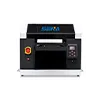
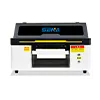
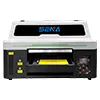
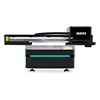
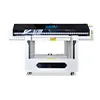
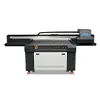
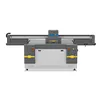
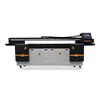
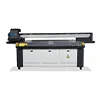
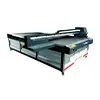
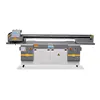
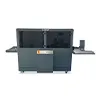
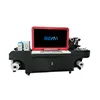

A3 UV Printer for Personalized Gifts: How an Indian Manufacturer Built a Profitable Custom Product Line
Personalized gift manufacturers are receiving more orders that combine small quantities, multiple designs, short delivery times, and higher expectations for print quality. For one Indian gift manufacturer, this change created a practical production problem: traditional workflows worked well for repeated designs and larger batches, but became less efficient when customers requested names, photos, logos, event graphics, or only a few pieces of each design.
The company began evaluating an A3 UV printer for personalized gifts as a way to bring more customization work in-house. Instead of relying heavily on outsourced printing or processes that required more setup for every new design, the manufacturer wanted a compact system capable of printing different graphics directly onto acrylic, wood, coated metal, promotional products, and other small items.
This case study explains why an A3 UV flatbed printer matched the company’s product size and order structure, what applications can be produced, how the printing workflow works, where white ink and varnish add value, and how a small manufacturer can evaluate costs, pricing, and return on investment before making a purchase.
Case Study at a Glance
Customer: Gift and customized product manufacturer
Market: India
Main Applications: Acrylic gifts, keychains, promotional products, small signs, wooden gifts and customized accessories
Main Challenge: Producing small customized orders efficiently without excessive setup or outsourcing
Solution: A3 UV flatbed printer with CMYK, white ink and optional varnish capability
Main Business Goal: Expand personalized products while keeping investment and production complexity under control
1. Customer Profile: From Standard Gifts to Personalized Production
The manufacturer already had experience supplying decorative gifts, promotional products and small customized items. Its traditional business model focused mainly on standard products or designs that could be produced repeatedly in larger quantities.
That model remained useful, but customer demand was changing. Retailers, event companies, corporate buyers and online sellers increasingly wanted products that were customized for a specific person, company or occasion.
1.1 The Existing Product Range
The factory handled products such as acrylic decorations, keychains, nameplates, souvenirs, promotional items and other compact gift products. Most of these items were physically small enough to fit easily within a 30 × 45 cm printing area.
This detail became important when selecting a printer. A larger machine can offer more production area, but additional bed size has limited value if most daily orders consist of products that are only a few centimeters wide.
1.2 Why the Market Was Changing
Instead of ordering hundreds of identical pieces, customers increasingly requested:
- Personalized names and dates
- Individual photos
- Corporate logos
- Wedding and event designs
- Short-run promotional products
- Different artwork within the same order
A 100-piece order, for example, might no longer mean 100 identical products. It could include twenty designs with five pieces of each design. That creates a very different production challenge.
2. The Problem: Small Custom Orders Were Difficult to Produce Profitably
2.1 More Designs Meant More Setup
Personalized production is not difficult simply because quantities are small. The real challenge is the number of artwork changes inside each order.
If every new graphic requires additional preparation, tooling or external processing, the setup cost can become too high compared with the value of a five-piece or ten-piece order.
For gift manufacturers, this creates a common problem: customers are willing to pay more for personalization, but the factory still needs a production method that keeps the customization process efficient.
2.2 Outsourcing Increased Lead Time
Some customized jobs had to be sent to external suppliers. That created additional steps:
Artwork preparation → file transfer → external sample → approval → production → return shipment → final delivery
Every additional step increased communication time and made urgent orders more difficult to control. Small revisions could also restart part of the process.
2.3 Small Orders Were Hard to Price
Pricing a customized order based only on material and ink cost is rarely enough. A small order may also require artwork checking, machine setup, product positioning, testing, packaging and customer communication.
The company therefore needed a production system that reduced preparation between designs and made it practical to print multiple artworks during the same production cycle.
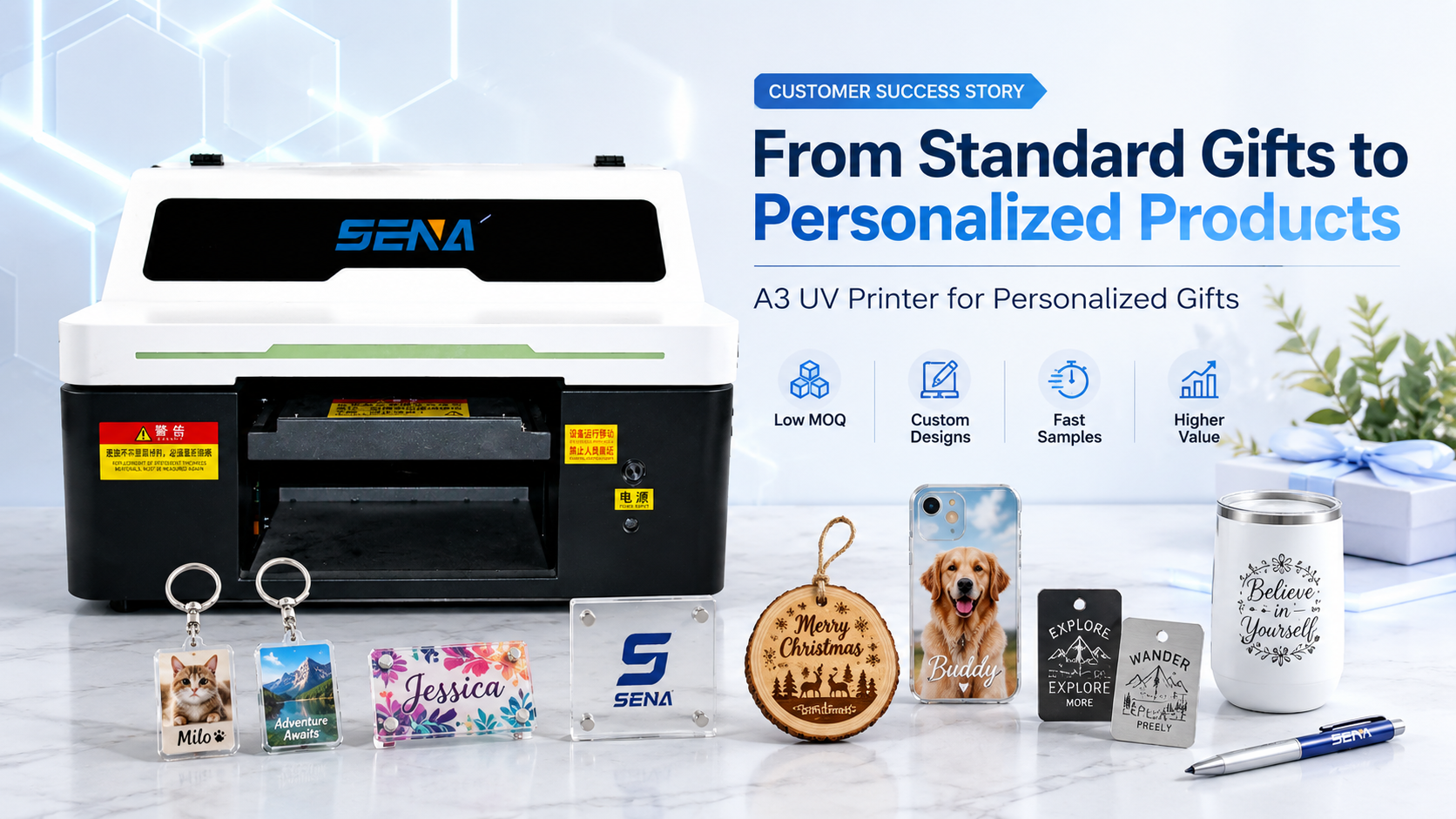
Suggested Image 1: From Standard Gifts to Personalized Products with an A3 UV Printer
3. Why the Customer Chose an A3 UV Printer for Personalized Gifts
The company did not simply look for the largest printer it could afford. It first compared the actual size of its products, typical order quantities, required print effects and available workspace.
Ан УФ-принтер формата А3 offered a practical balance between printing capability and investment for this type of business.
3.1 A 30 × 45 cm Print Area Matched Most Products
A 30 × 45 cm printing area is suitable for many common personalized products, including acrylic keychains, phone cases, plaques, small nameplates, decorative panels, badges, promotional pieces and souvenir products.
Several small products can also be arranged on the bed at the same time. When combined with a positioning jig, this allows repeat orders to be loaded more consistently.
3.2 Direct-to-Object Printing Reduced Setup
UV flatbed printing allows digital artwork to be processed through RIP software and printed directly onto a suitable object or material.
A typical workflow is:
Artwork → RIP settings → Product positioning → UV printing → UV curing → Quality inspection
Because graphics are digital, the operator can change from one name, photo or logo to another without creating a new printing plate for every design.
This is especially useful for businesses that receive many low-volume customized orders.
3.3 White Ink Expanded the Application Range
White ink is one of the most important features when using a UV printer for personalized gifts.
CMYK ink alone may work on white or light-colored surfaces, but transparent acrylic, dark materials and colored substrates often require a white layer to maintain image brightness and color accuracy.
White Ink on Transparent Acrylic
When printing on clear acrylic, white ink can be used behind selected colors or behind the full image. This prevents the artwork from appearing too transparent.
For some applications, reverse printing can also be used so that the graphic is viewed through the front surface of the acrylic. The correct printing sequence depends on the desired appearance and product design.
White Ink on Dark Products
On black, dark blue or other colored materials, a white underbase helps CMYK colors remain visible. Without the white layer, dark substrates can significantly affect the final color.
3.4 Varnish Created Premium Product Options
Optional varnish can create additional surface effects such as spot gloss, highlighted logos, texture or raised decorative areas.
Varnish is not necessary for every order. For price-sensitive promotional products, standard CMYK or CMYK plus white may be more economical. For higher-value gifts, however, selective varnish can make the finished product feel more premium.
3.5 A Smaller Printer Reduced the Entry Barrier
For a manufacturer focused on small customized products, buying a much larger industrial printer immediately would have increased capital investment and workspace requirements without automatically creating more profitable orders.
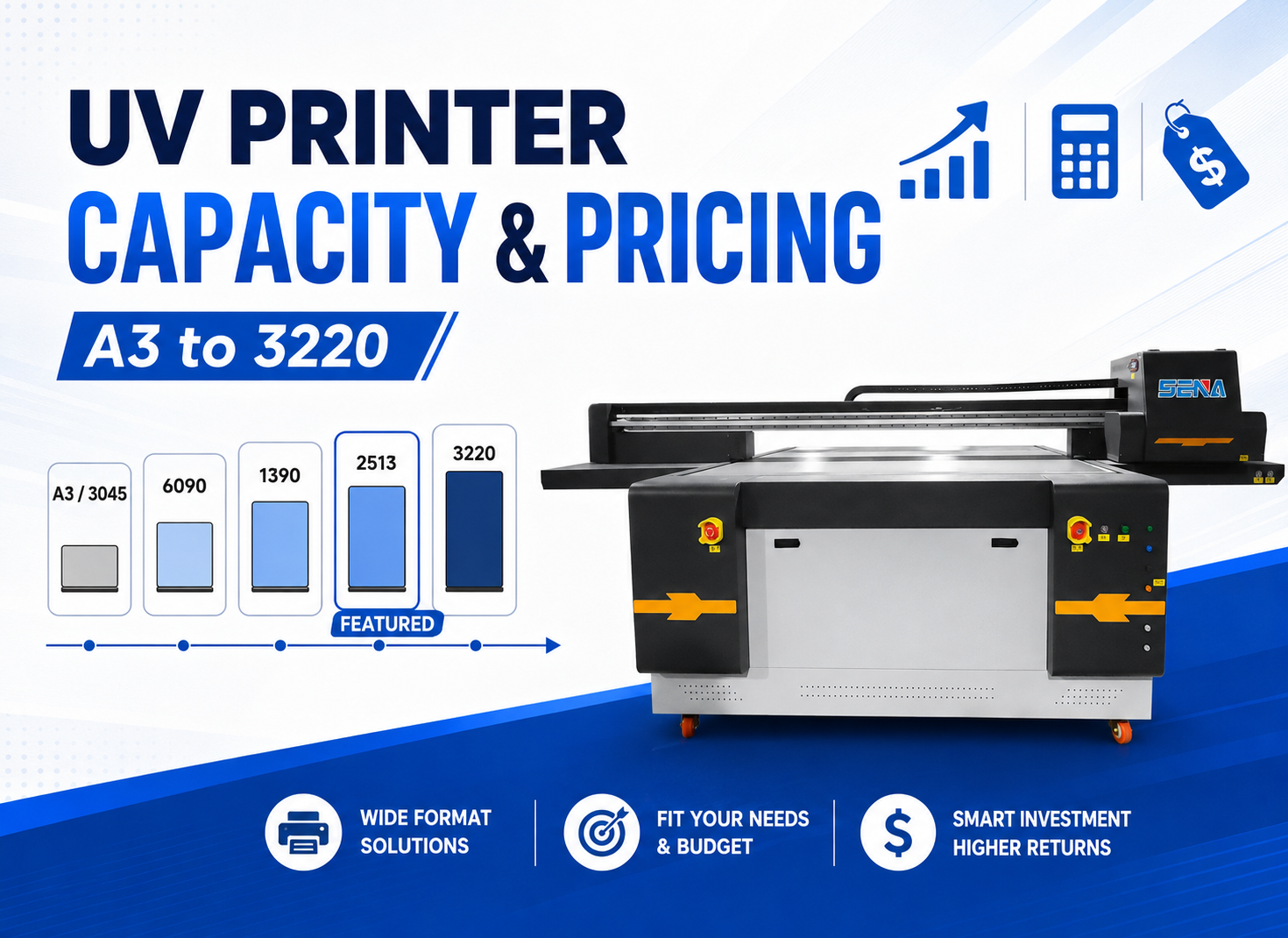
| Printer Size | Typical Applications | Best Fit |
|---|---|---|
| A3 / 30 × 45 cm | Gifts, phone cases, keychains, small signs | Startups and personalized product businesses |
| 60 × 90 cm | Medium products and larger batches | Growing customization shops |
| 130 × 90 cm | Panels and higher-volume mixed production | Established production businesses |
| 250 × 130 cm | Large signs, boards and industrial applications | Industrial production |
4. What Personalized Products Can an A3 UV Printer Produce?
The commercial value of a small UV flatbed printer comes from product diversity. One machine can serve several product categories as long as the materials, surface treatment and dimensions are suitable.
4.1 Acrylic Keychains and Personalized Acrylic Gifts
Acrylic is a popular material for personalized gifts because it is available in many shapes, colors and thicknesses. Typical products include photo keychains, ornaments, name tags, desk decorations and souvenir pieces.
Transparent acrylic often benefits from white ink. Before production, the operator should also test adhesion because acrylic surface characteristics can vary between suppliers.
For more information about acrylic preparation and printing methods, see our guide to УФ-печать на акриле.
4.2 Custom Phone Cases
Phone cases are a common personalized product because customers frequently request names, photographs, illustrations and branded designs.
Consistent positioning is important. A fixture can help hold multiple cases in fixed locations so artwork alignment can be repeated across different batches.
The case material should always be tested before commercial production. Different plastics and surface coatings can produce different adhesion results.
4.3 Wooden Gifts
UV printing can also be used on suitable wooden ornaments, plaques, photo gifts and decorative products.
Surface texture matters. A smooth, sealed board normally provides a different print result from raw wood with deep grain or high absorption. Small text and fine graphics are easier to reproduce when the surface is relatively flat.
See our detailed guide to УФ-печать на дереве for more information about surface preparation and adhesion.
4.4 Metal Nameplates, Tags and Souvenirs
Small coated metal products are another possible application. Examples include aluminum tags, promotional badges, souvenir plates and decorative metal pieces.
However, metal surfaces vary significantly. Some coated metals print easily, while other surfaces may require pretreatment or primer.
Always perform an adhesion test before accepting a large order. You can also read our guide to UV printing on metal.
4.5 Promotional Gifts and Corporate Products
A company logo can add considerable value to an otherwise standard product. This creates opportunities for corporate events, trade shows, staff gifts, promotional campaigns and small branded product runs.
Unlike mass production of one identical design, UV printing makes it easier to run different corporate logos or names in smaller quantities.
4.6 Personalized Acrylic Signs
Small acrylic signs can include wedding signs, table numbers, desk nameplates, QR code displays, café signs and personalized decorative plaques.
These products can be attractive to small UV printing businesses because the selling price is often based on customization and design value rather than only the amount of material used.
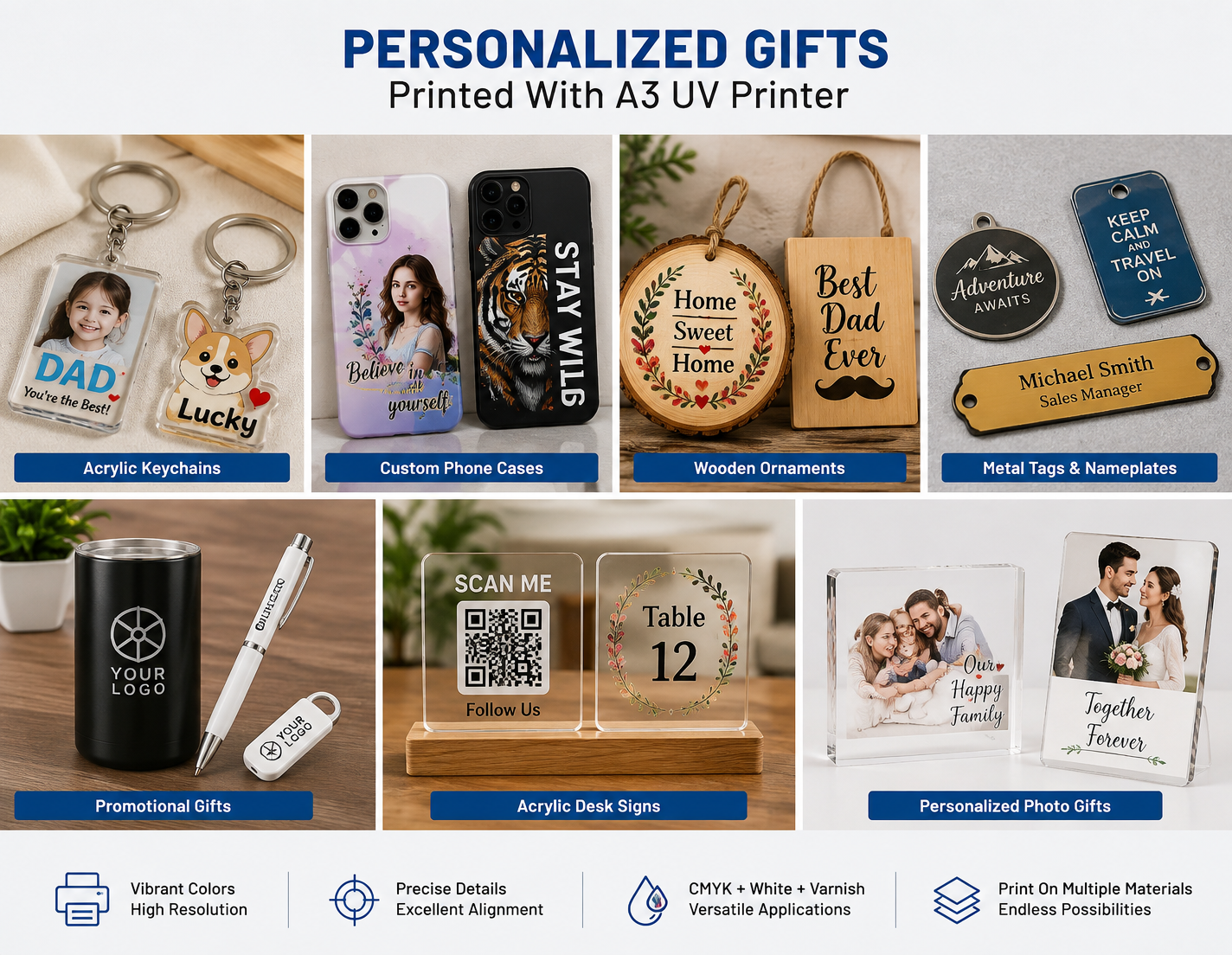
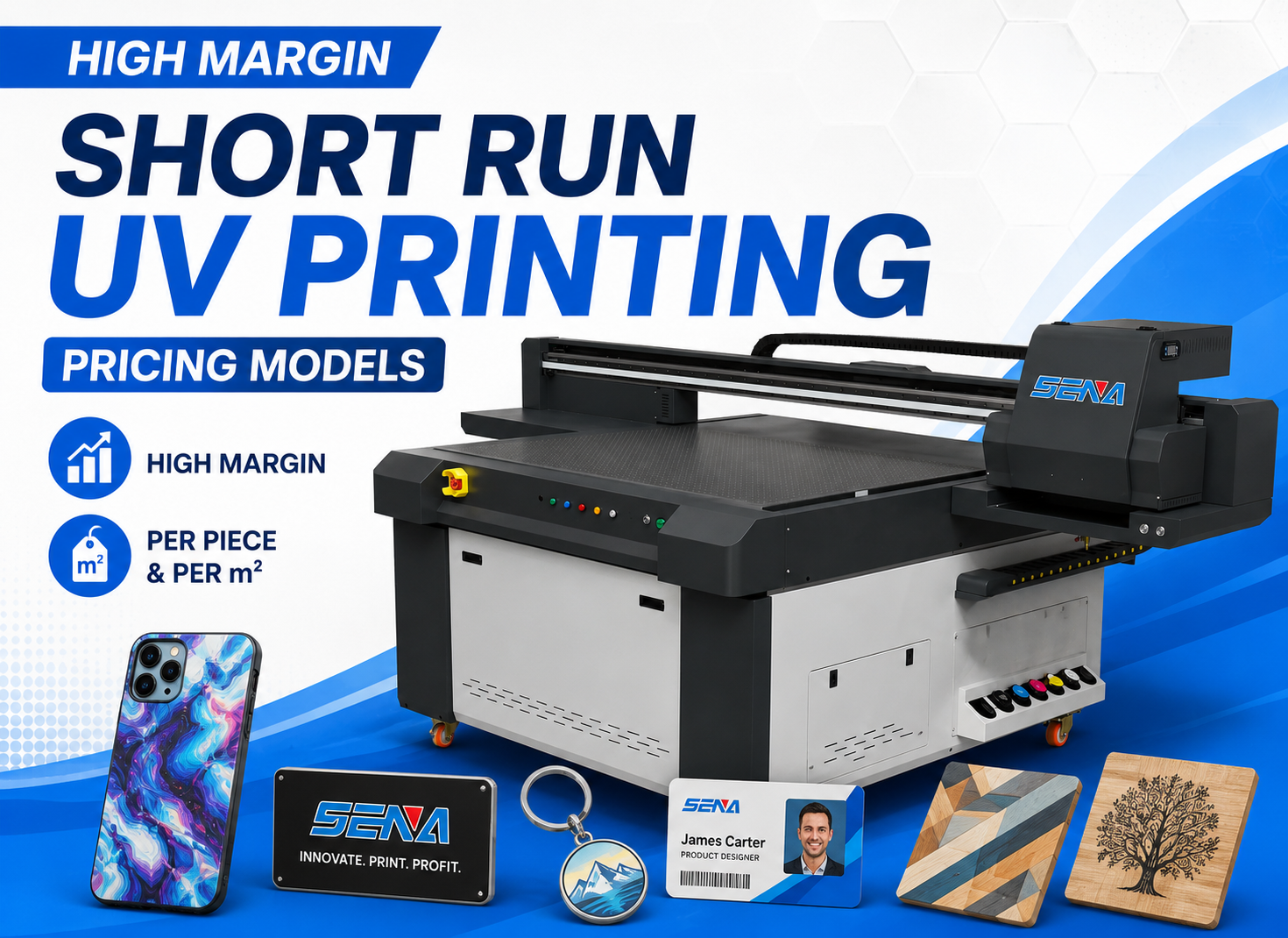
Suggested Image 2: Personalized Gift Applications for an A3 UV Printer
5. The Actual A3 UV Printing Workflow
Buying a printer is only one part of building a reliable personalized product business. The company also needed a repeatable workflow that could be followed by operators every day.
5.1 Prepare the Artwork
Artwork may come from Adobe Illustrator, Photoshop, CorelDRAW or other design software. Depending on the RIP system, files can normally be prepared in common formats such as PNG, TIFF or PDF.
The important point is to confirm final dimensions, image resolution and printing position before production.
5.2 Prepare White Ink and Varnish Layers
If the product is transparent or dark, the artwork may require a separate white ink layer. Varnish areas can also be prepared if a gloss or raised effect is required.
These layers should be planned during file preparation rather than adjusted randomly during production.
5.3 Position Products Accurately
For one-off samples, products can often be positioned individually. For repeated batch orders, a custom jig or fixture improves efficiency.
A good fixture helps:
- Reduce positioning time
- Maintain consistent print alignment
- Load multiple products at once
- Reduce operator errors
5.4 Print and Cure
During UV printing, ink is deposited onto the product and cured by UV light. This allows the printed surface to become ready for handling much faster than production methods that require extended drying.
Printing mode, pass settings and white ink coverage should be selected according to the required quality, not simply set to maximum quality for every order.
5.5 Inspect Before Packing
Finished products should be checked for color, alignment, adhesion and surface quality.
When introducing a new material, a basic scratch or adhesion test is useful before beginning mass production. This small step can prevent expensive reprints later.
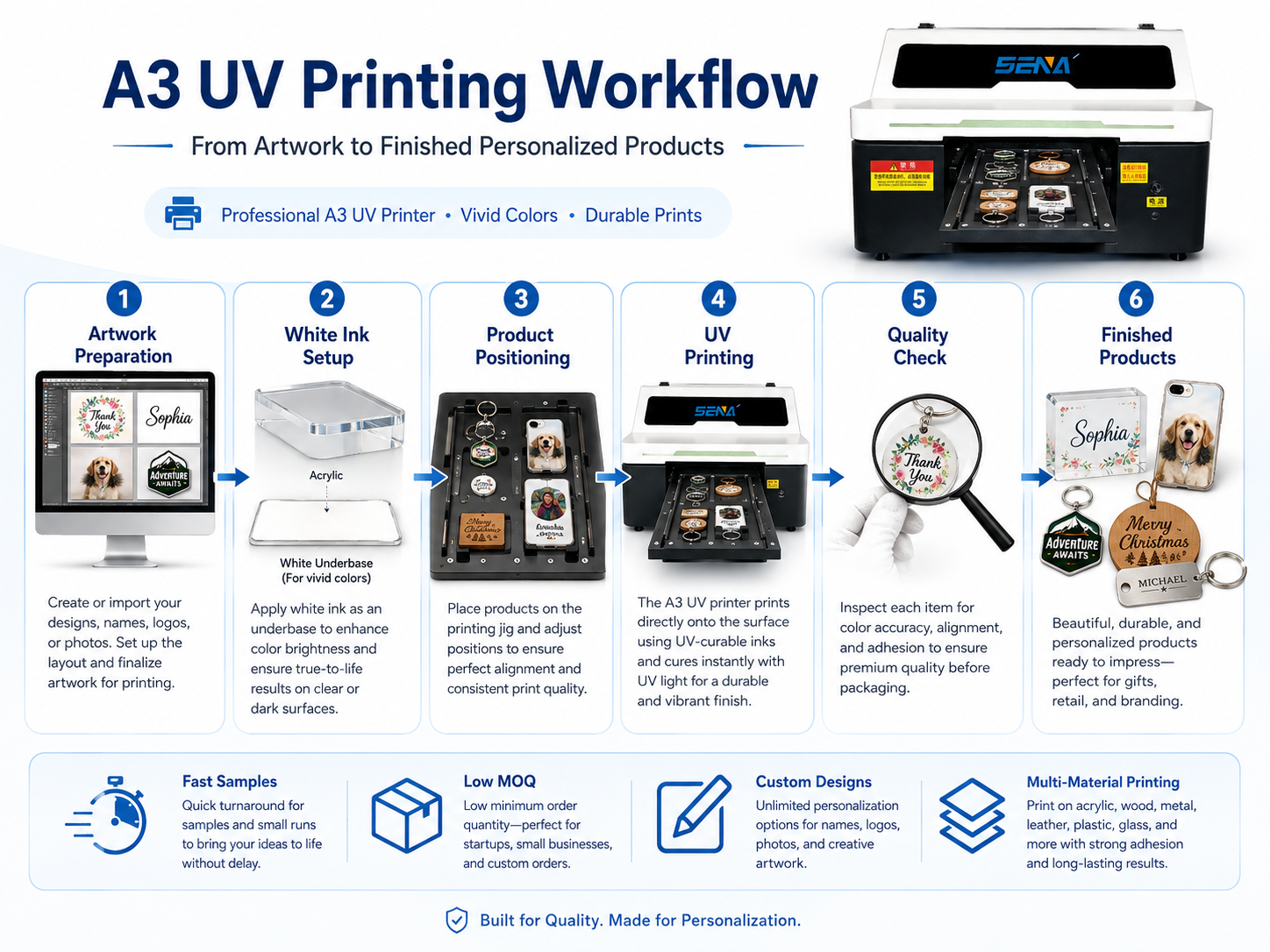
Suggested Image 3: Artwork → White Ink Setup → Positioning → UV Printing → Quality Check → Finished Product
6. From One Product Category to Multiple Revenue Streams
One of the main reasons the manufacturer considered UV printing was not simply to make existing products faster. The larger opportunity was to use the same machine for several types of customized orders.
6.1 One Machine Can Serve Multiple Product Categories
A compact UV printer can support gifts, promotional items, acrylic signs, customized accessories, small décor products and souvenir products without dedicating one printing system to each category.
This can make product testing easier. A company can introduce a new personalized item in small quantities before investing in large inventory.
6.2 Small MOQ Orders Became More Practical
Digital artwork changes can make it easier to handle jobs with many designs.
Instead of requiring a customer to purchase a large quantity of one graphic, a business can offer smaller runs, provided that the setup and pricing structure remain profitable.
6.3 Samples Could Be Produced In-House
For customized products, sample approval is often a major part of the sales process. If sample production is outsourced, even a small change can add days to the project.
In-house UV printing allows the manufacturer to test new images, colors or positions more quickly.
6.4 Customization Can Increase Selling Value
The cost of printing a name or logo may be relatively small compared with the perceived value created for the buyer.
This is why personalized product businesses should not calculate prices based only on ink consumption. Customers are paying for personalization, design flexibility, short production runs and fast turnaround.
7. Cost and Pricing Example for Personalized Gifts
A successful UV printing business needs to understand total production cost. Ink is important, but it is only one part of the calculation.
7.1 What Should Be Included in Product Cost?
A practical cost model can include:
- Blank product or raw material
- CMYK ink
- Белые чернила
- Varnish, if used
- Primer or surface treatment, if required
- Operator labor
- Electricity
- Test prints and waste
- Упаковка
- Machine maintenance allowance
For a deeper cost calculation, read our guide to UV printing cost and profitability.
7.2 Illustrative Example: Personalized Acrylic Keychain
The following numbers are an illustrative example only. They are not presented as verified financial data from the customer in this case study.
| Cost Item | Illustrative Cost |
|---|---|
| Blank acrylic product | $0.45 |
| UV ink and white ink | $0.10 |
| Labor and machine allowance | $0.25 |
| Упаковка | $0.20 |
| Estimated total cost | $1.00 |
| Illustrative selling price | $3.50 |
| Illustrative gross margin before overhead | $2.50 |
The actual numbers will vary by country, material supplier, ink configuration, design coverage, order quantity, labor cost and sales channel.
7.3 Why Very Small Customized Orders Can Still Be Attractive
A low-volume customized product can command a higher unit price because customers are not purchasing only the physical object. They are purchasing personalization and convenience.
Businesses should therefore consider adding minimum order charges, artwork fees or setup fees when necessary rather than trying to compete only on the lowest unit price.
8. ROI: How Many Orders Are Needed to Recover the Printer Investment?
An A3 UV printer should not be evaluated only by purchase price. The better question is whether the expected order volume and gross profit can recover the investment within an acceptable period.
8.1 Include the Full Initial Investment
Initial investment may include:
- УФ-принтер
- Initial ink set
- Fixtures or jigs
- Sample materials
- Computer and RIP requirements
- Shipping and import costs
- Basic spare parts
8.2 Calculate Average Gross Profit per Order
Instead of using the profit of one unusually successful product, calculate an average across your expected product mix.
For example, a business may sell acrylic gifts, phone cases and promotional products at different margins. Monthly profit should reflect this mix.
8.3 Use a Simple Break-Even Formula
Orders to Break Even = Total Initial Investment ÷ Average Gross Profit per Order
If the complete setup investment were $8,000 and average gross profit were $40 per order, the business would need approximately 200 comparable orders to recover the initial investment before considering tax, financing and other company overhead.
This is only a calculation example. Real ROI should use the customer’s verified machine price, product mix, utilization rate and selling price.
For a more detailed calculation, see our UV printer ROI guide.
8.4 Utilization Can Matter More Than Maximum Print Speed
A small personalized product business does not necessarily need the fastest machine available.
A high-speed industrial printer sitting idle for most of the week can produce a poorer return than a smaller printer that is used consistently for profitable orders.
The correct machine is the one whose capacity matches realistic sales demand.
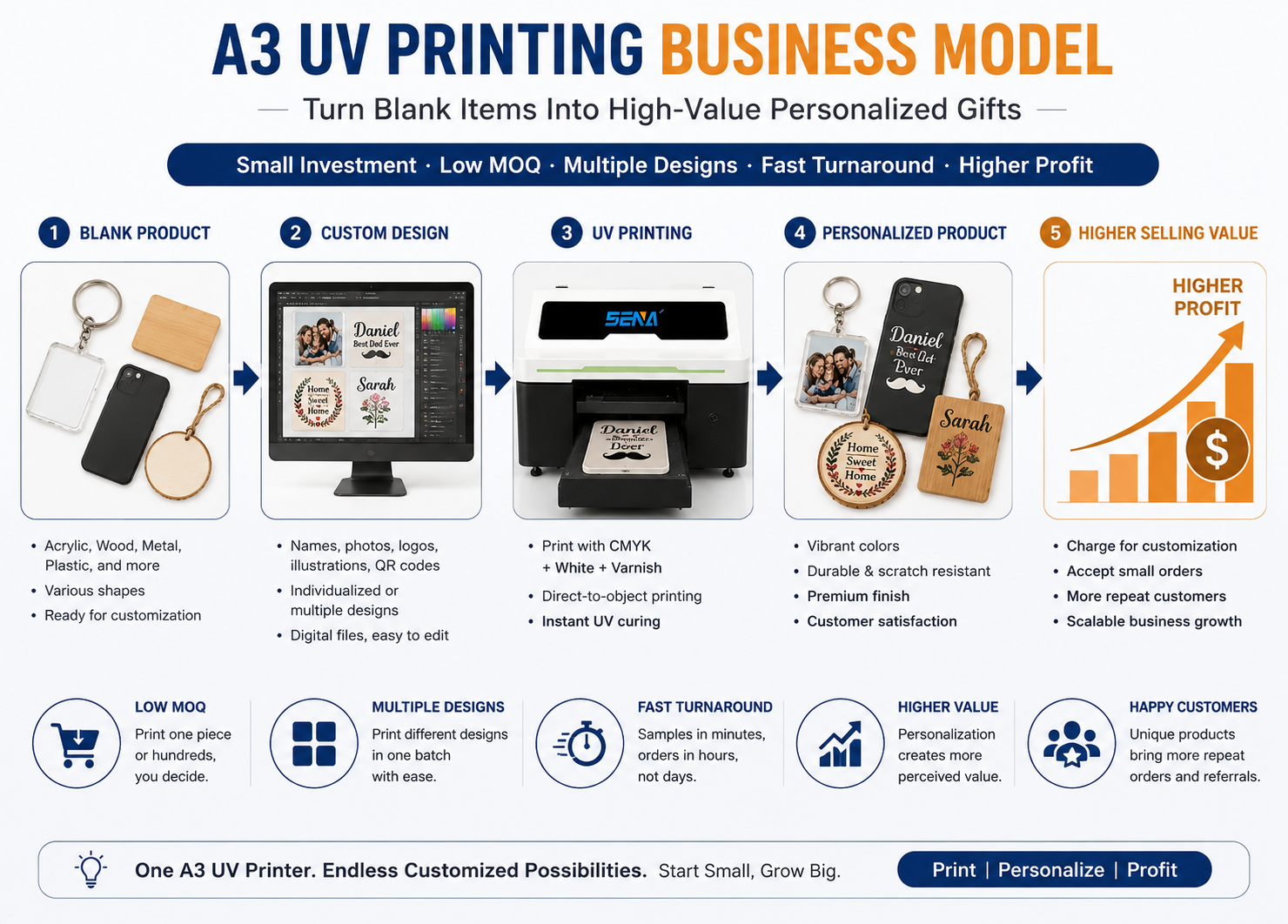
Suggested Image 4: Blank Product → Custom Design → UV Printing → Personalized Product → Higher Selling Value
9. Challenges the Customer Still Had to Solve
A customer success story is more useful when it also explains what required adjustment after installation. UV printing is flexible, but it is not a completely automatic process.
9.1 Adhesion Varied Between Materials
Acrylic, metal, plastic and coated products can have very different surface energy and coatings. A print setting that works on one product may not produce the same adhesion on another.
The solution is to create a simple material testing procedure before adding a new product to the catalog.
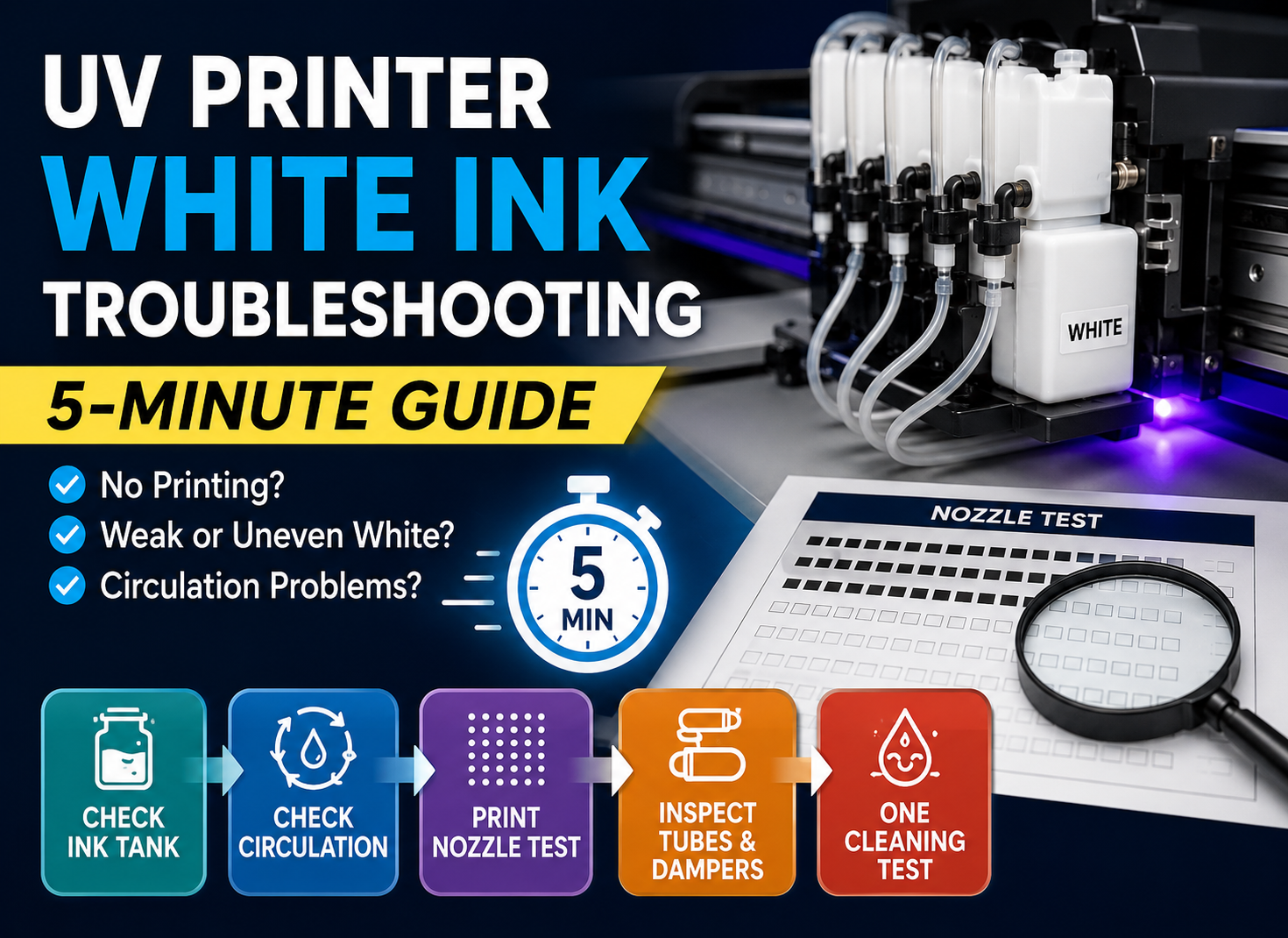
9.2 White Ink Required Regular Maintenance
White UV ink contains a high concentration of pigment and requires proper circulation, agitation and routine maintenance.
Skipping maintenance may eventually affect white ink consistency or nozzle condition. Operators should follow a daily and weekly maintenance schedule rather than waiting for a printing problem to appear.
For troubleshooting information, see our UV printer white ink maintenance guide.
9.3 Fixtures Needed Improvement
At the beginning, manually positioning every small product consumed unnecessary time. Creating dedicated fixtures for repeat products improved loading speed and consistency.
9.4 Pricing Needed to Reflect Customization Work
Very small orders can become unprofitable if artwork changes, customer communication and setup are provided for free.
The manufacturer therefore needed to treat customized printing as a value-added service rather than simply charging by ink area.
10. What Changed After Bringing More UV Printing In-House?
The most important changes were operational rather than one single financial number.
10.1 Faster Sample Turnaround
More samples could be produced without waiting for an external printing supplier, making it easier to approve custom designs before larger production.
10.2 More Personalized SKUs
The company could test a wider variety of graphics and product combinations without committing immediately to large production quantities.
10.3 Less Dependence on Outsourcing
Keeping suitable printing jobs in-house improved control over scheduling, urgent changes and sample production.
10.4 Smaller Orders Became Easier to Accept
Because designs could be changed digitally, the company gained more flexibility when customers requested multiple graphics within the same order.
These improvements are the main reason an A3 UV printer can make sense for a personalized product manufacturer even when the company does not need industrial production speed.
11. Is an A3 UV Printer Right for Your Gift Business?
Ан A3 UV printer for personalized gifts is not automatically the best choice for every company. The decision should be based on product dimensions, order volume and business model.
Choose an A3 UV Printer If:
- Most products are relatively small
- You receive frequent customized orders
- You need to change designs often
- Your daily volume is moderate
- You want to keep initial equipment investment controlled
- You want to test several personalized product categories
Consider a Larger UV Printer If:
- You regularly print large panels
- Your daily production quantity is high
- You need to place many large products on the bed at once
- Your main business is industrial board or signage production
- Production capacity is more important than compact size
Machine selection should start with your products rather than with a specification sheet.
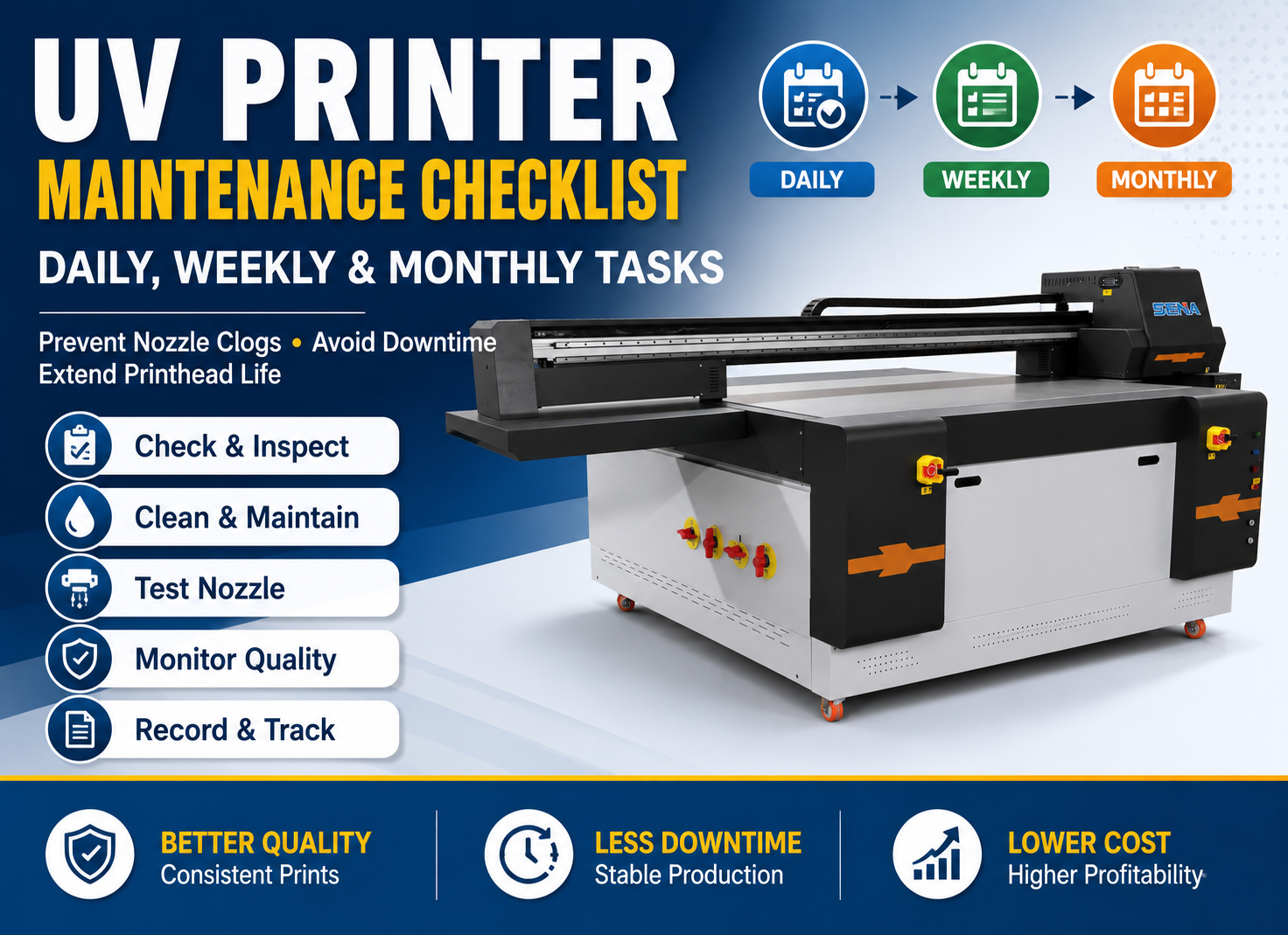
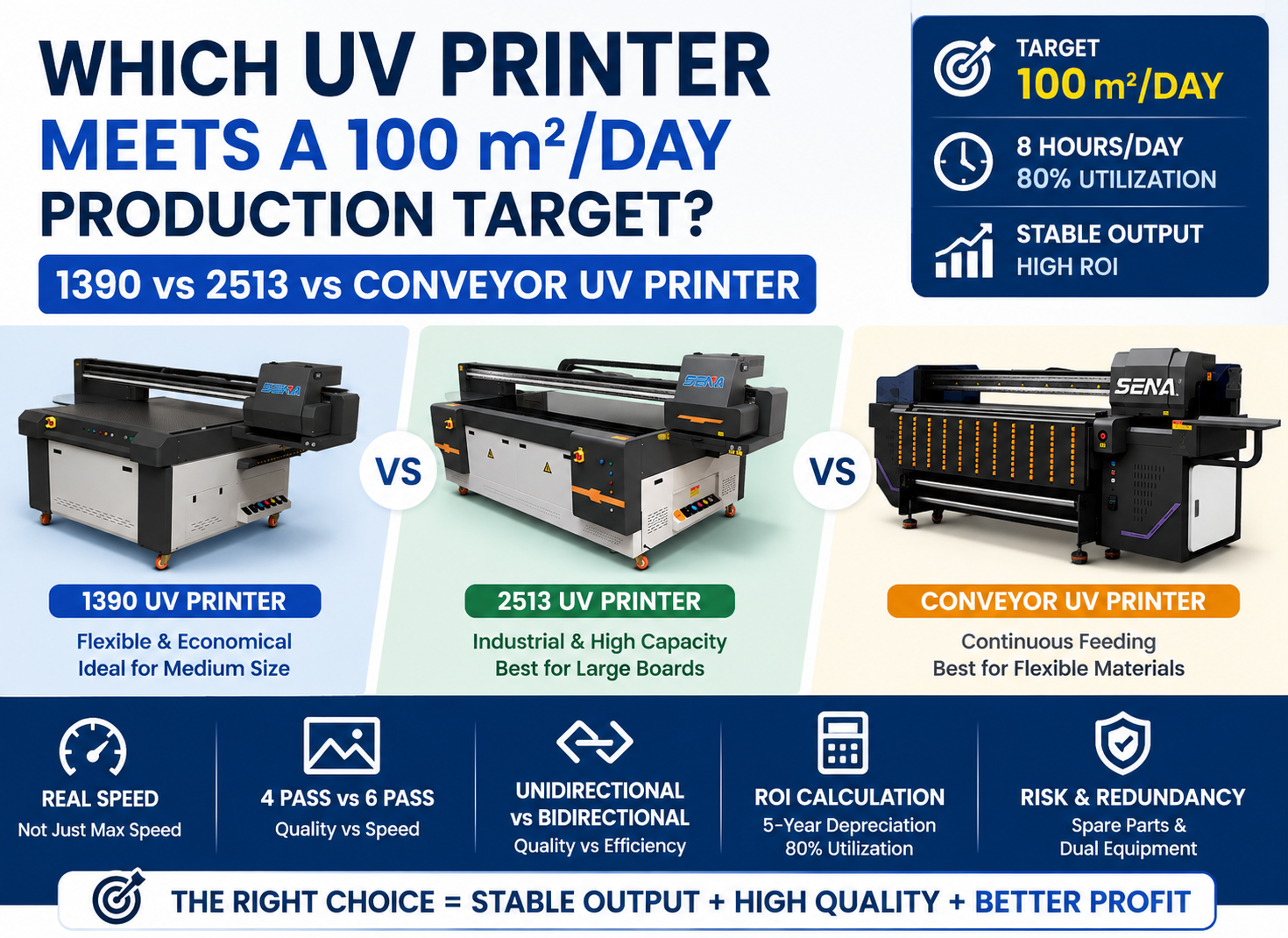
Before purchasing, list your five main products, their dimensions, material types, expected daily quantity and required print effects. This makes it much easier to determine whether an A3, 6090, 1390 or 2513 UV printer is the better fit.
12. Five Lessons for Personalized Gift Businesses
- Choose your products before choosing printer size. A larger printing bed does not automatically create a better business.
- Test adhesion before mass production. Different suppliers can provide materials with different surface characteristics.
- Use fixtures for repeat products. Good positioning tools reduce labor and improve consistency.
- Price the customization value. Do not calculate selling price only from material and ink consumption.
- Start with a focused product range. Prove demand first, then expand into additional products and materials.
13. Frequently Asked Questions About A3 UV Printers for Personalized Gifts
What can an A3 UV printer print?
An A3 UV flatbed printer can print on many suitable flat or slightly raised products, including acrylic, coated metal, wood, plastic, phone cases, keychains, nameplates, promotional products and small signs. Actual material compatibility should always be confirmed with a sample test because surface coatings and adhesion vary.
Is an A3 UV printer suitable for a small business?
Yes, particularly when the business focuses on personalized products, short runs and smaller objects. Its compact printing area can reduce the initial investment compared with larger industrial machines while still supporting several product categories.
Can an A3 UV printer print on transparent acrylic?
Yes. White ink is commonly used when printing transparent acrylic because it creates an opaque base behind CMYK colors. Depending on the product design, front printing or reverse printing can be used.
Can UV printers print directly on metal and wood?
They can print on many metal and wood products, but adhesion depends on the specific surface. Coated metal, raw metal, sealed wood and untreated wood may all behave differently. Sample printing and adhesion testing are recommended before mass production.
Is white ink necessary for personalized gifts?
Not always. White or light-colored products may only require CMYK. White ink becomes especially useful for transparent, dark or colored materials where the substrate would otherwise affect the appearance of the printed colors.
Do all materials require primer before UV printing?
No. Some products provide good adhesion without primer, while others may require surface treatment. The correct method depends on the substrate and coating. Testing is more reliable than applying primer automatically to every product.
How many products can an A3 UV printer print at once?
The number depends on product dimensions and the usable printing area. For example, many small keychains can be arranged on one bed, while larger plaques may only allow a few pieces per cycle. Fixtures can help use the printing area more efficiently.
Is an A3 UV printer profitable?
It can be profitable when product demand, selling price, order volume and machine utilization support the investment. Profitability should be calculated using real material, ink, labor, maintenance and sales costs rather than relying only on theoretical printing speed.
Should I choose an A3 or 6090 UV printer?
Choose based on your product size and expected production volume. An A3 machine is suitable for smaller gifts and entry-level customized production. A 6090 printer offers more bed space for larger products, more pieces per batch and businesses with increasing order volume.
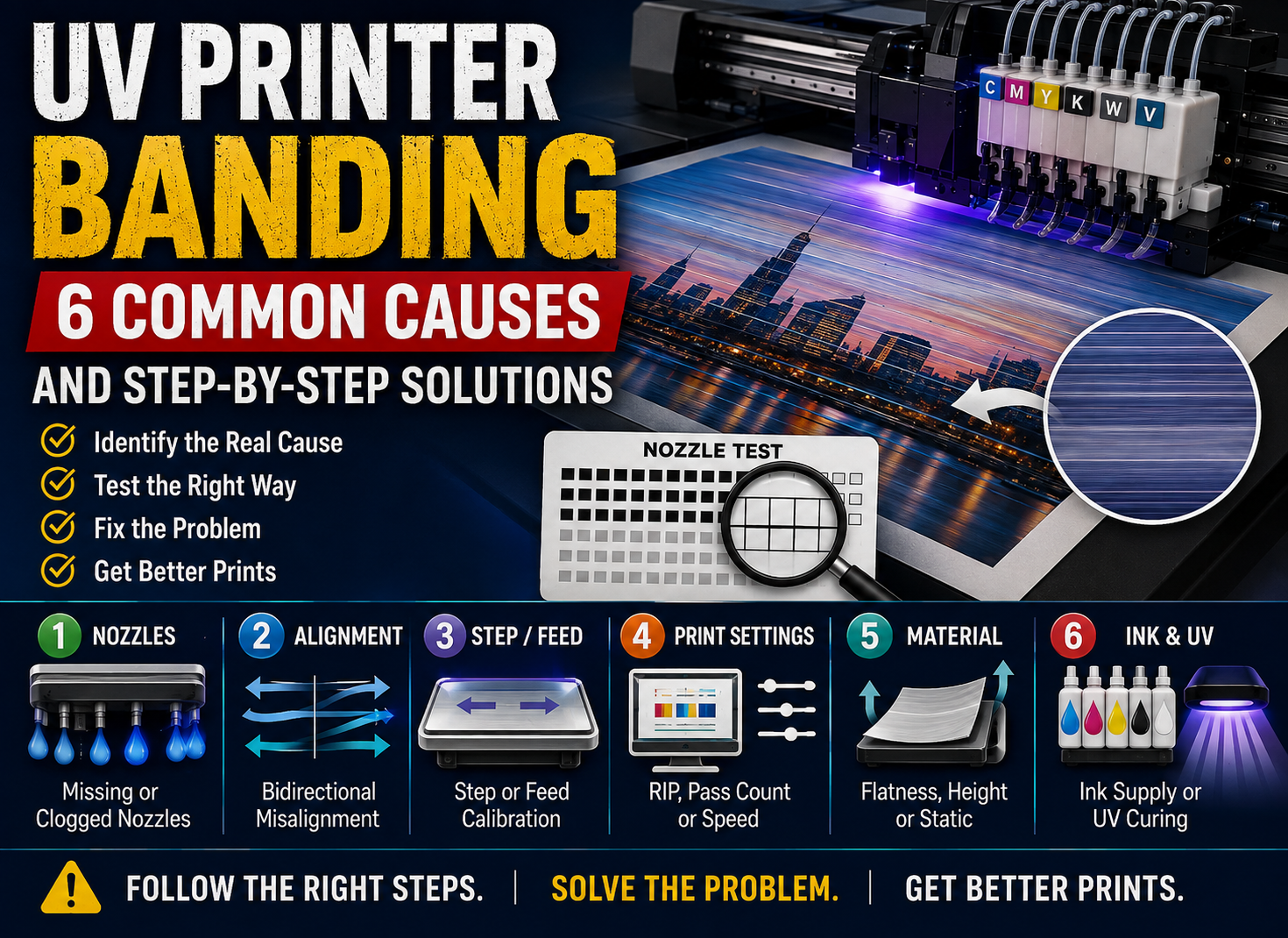
What maintenance does a small UV printer require?
Routine maintenance typically includes nozzle checks, printhead cleaning when necessary, white ink circulation inspection, platform cleaning, ink system checks and maintaining a suitable working environment. Preventive maintenance is usually less expensive than recovering from long periods of improper use.
Conclusion: Small Equipment Can Support a High-Value Custom Business
This case shows why an A3 UV printer for personalized gifts can be a practical choice when a manufacturer’s products are small, designs change frequently and customers are willing to pay for customization.
The main advantage is not simply printing speed. It is the ability to move from one design to another, produce samples quickly, accept smaller orders and use one machine across several product categories.
At the same time, success still depends on correct material testing, white ink maintenance, accurate positioning, realistic pricing and sufficient order demand.
If you are planning to print acrylic gifts, phone cases, wooden products, metal souvenirs, promotional products or other customized items, send us your product dimensions, material type, expected daily quantity and sample artwork. We can help you compare A3, 6090 and larger UV printer configurations and determine which option better matches your production requirements.
Need Help Choosing a UV Printer?
Send us the products you want to print, their dimensions, materials and estimated daily order quantity. A suitable machine should be selected around your real production needs—not simply by choosing the largest printing area available.