

 Afrikaans
  English
  Arabic
  German
  French
  Spanish
  Turkish
  Italian
  Russian
  Persian
  Bengali
  Hebrew
  Persian (Afghanistan)
  Scottish Gaelic
  Panjabi
  Croatian
  Slovenian
  Greek
Greek  Czech
Czech  Korean
  Japanese
  Portuguese




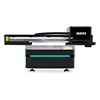
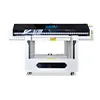
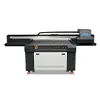
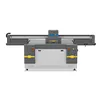
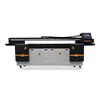
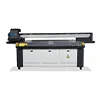
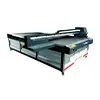
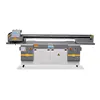

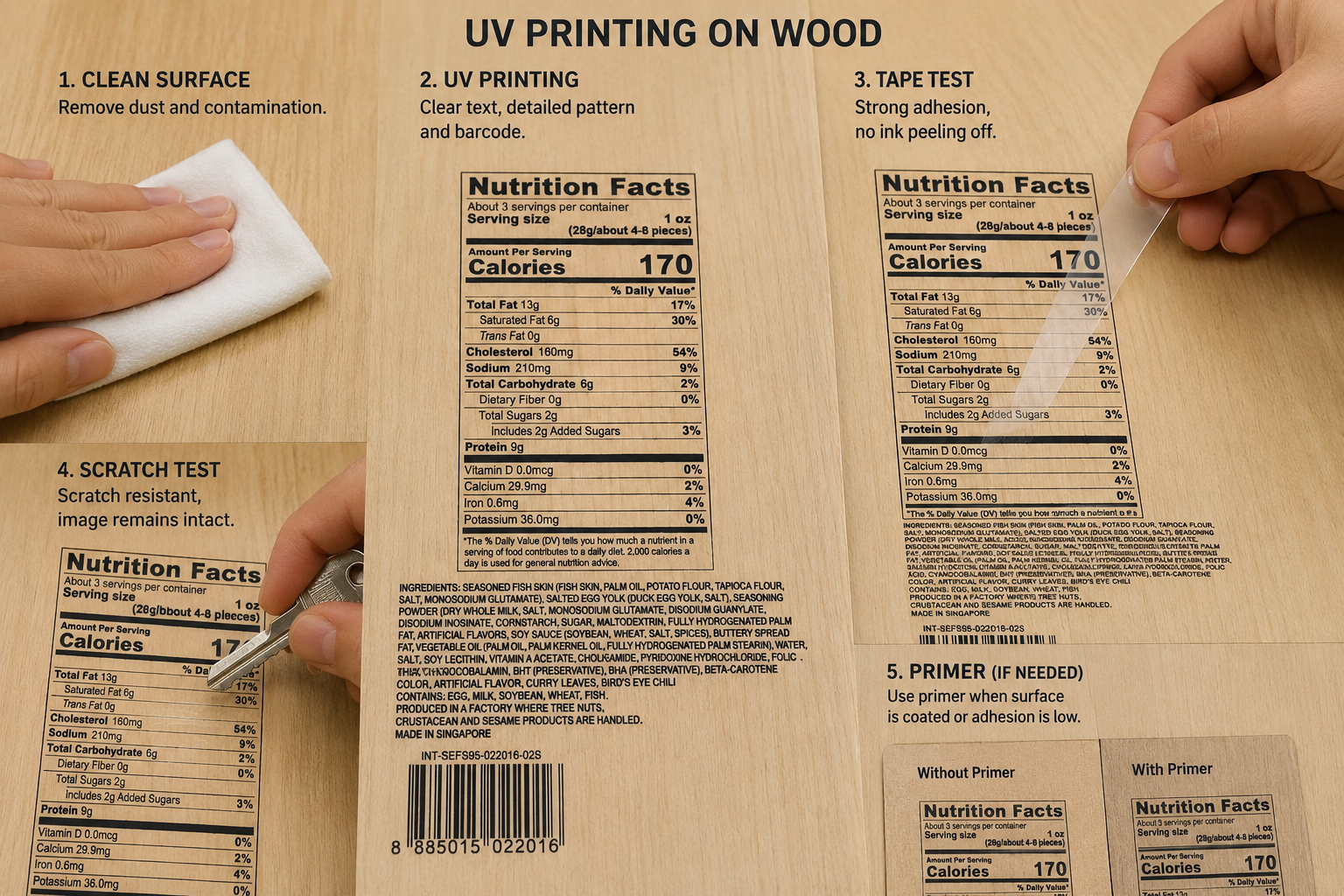
UV-druk op hout makes it possible to print photographs, logos, labels, small text and customized designs directly onto wooden surfaces. It is widely used for wooden boards, gift boxes, furniture panels, signs and decorative pictures. However, wood texture, surface coatings and dust can affect image clarity and ink adhesion. This guide explains how direct printing on wood works, when white ink or primer is needed, and how to choose a suitable wood UV printer.
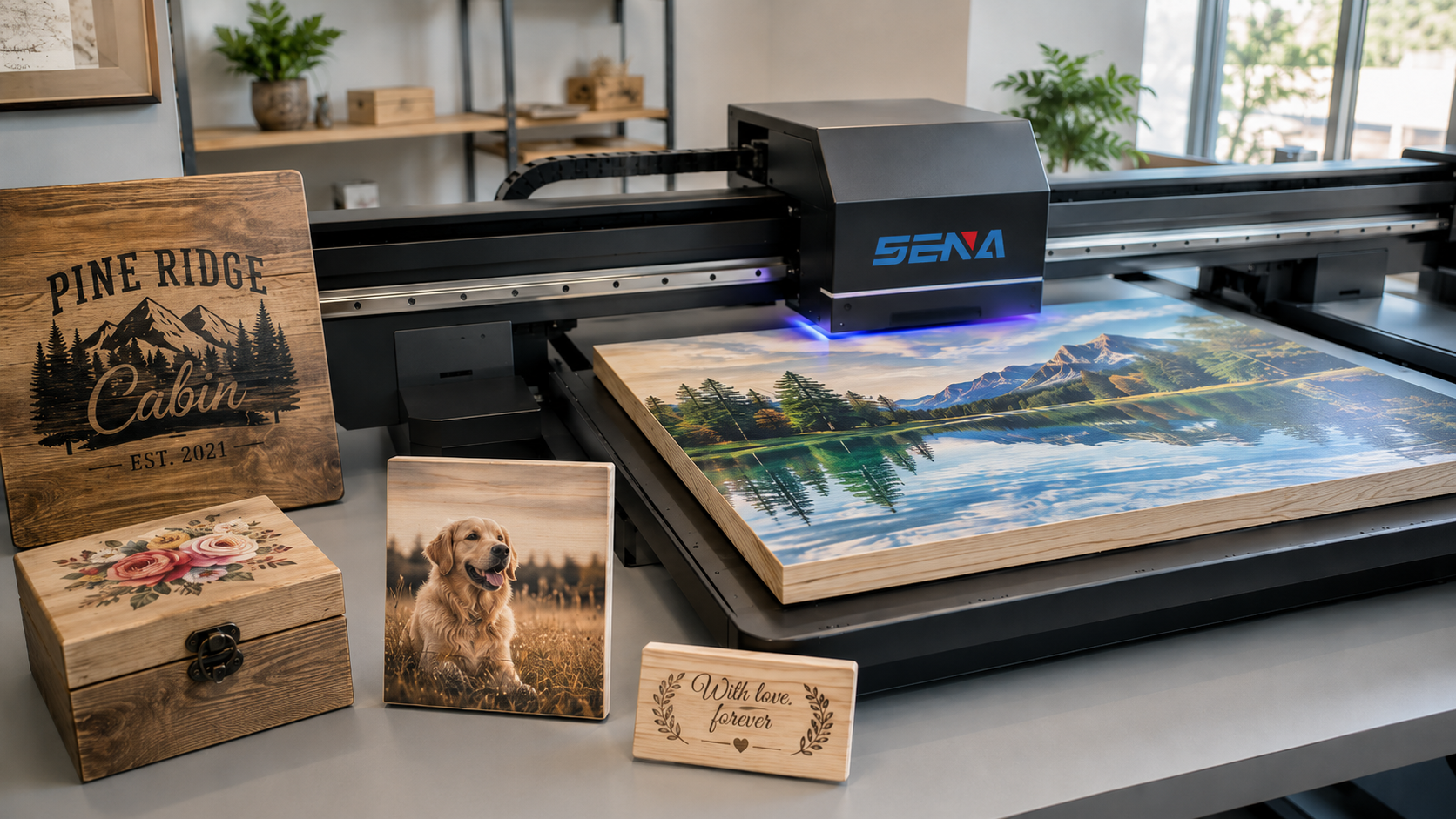
What Is UV Printing on Wood?
UV printing on wood is a direct digital printing process. A UV flatbed printer sprays ink onto the wooden surface, while UV lamps cure the ink immediately during printing.
The process can reproduce photographs, company logos, product information, barcodes, QR codes and decorative patterns. Color ink, white ink and varnish can be used separately or together.
Unlike screen printing, UV printing does not require a separate plate for every design. This makes it suitable for short production runs, customized orders and products with different names, numbers or images.
The final result depends on the wood type, surface flatness, grain, color, coating and moisture level. For this reason, real material testing is recommended before mass production.
Common Applications of UV Printing on Wood
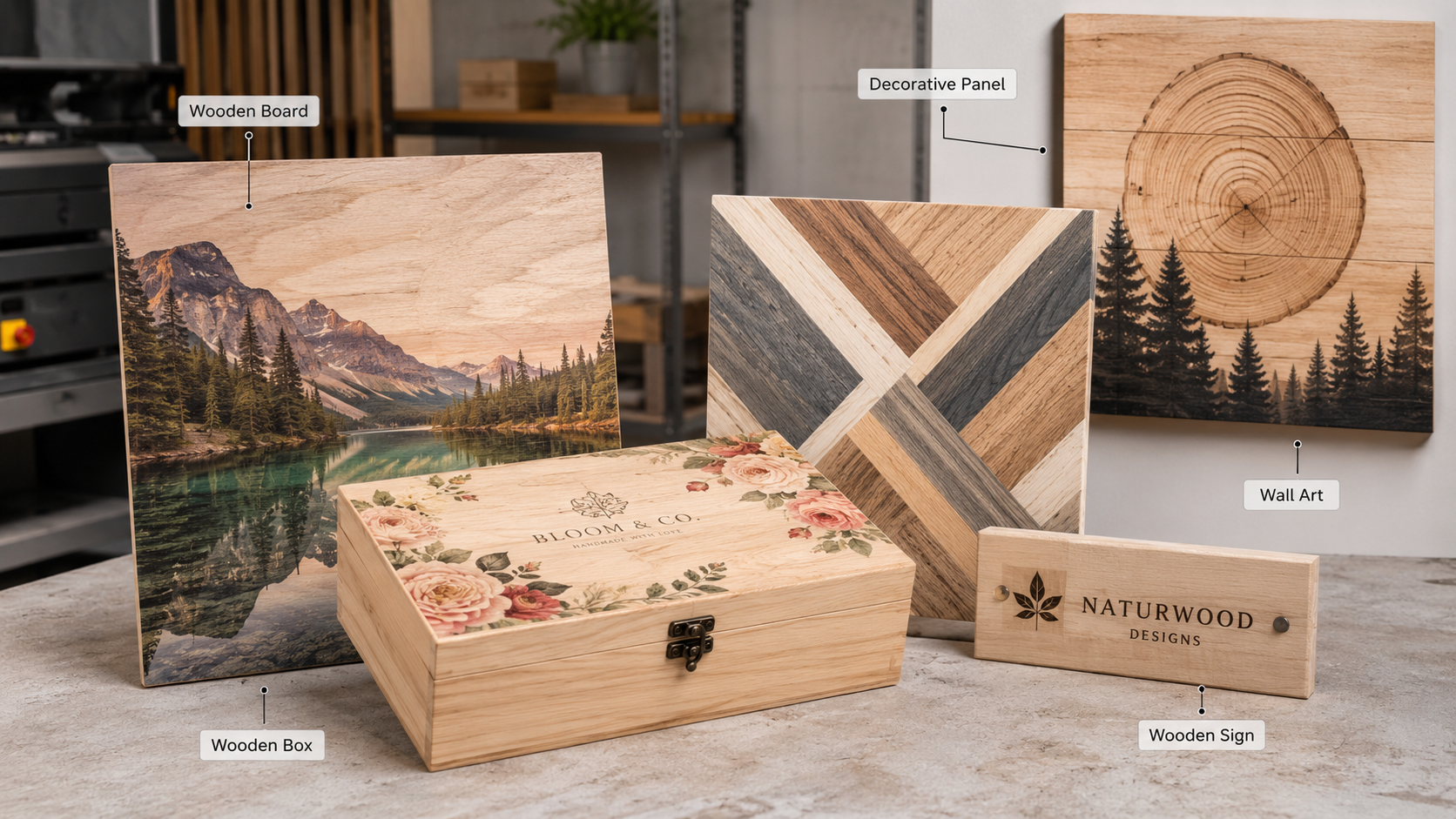
Wooden Boards and Panels
Direct printing on wood can be used for plywood, MDF, decorative boards, advertising panels, wall panels and interior display boards. Large wooden sheets can be printed with photographs, textures, branding and decorative designs.
Wooden Boxes and Packaging
Wooden gift boxes, tea boxes, wine boxes, jewelry boxes and cosmetic packaging can be printed with logos, product information, limited-edition numbers and personalized graphics.
Furniture Panels
A wood UV printer can print cabinet doors, tabletops, wardrobe panels, partitions and furniture components. It is useful for customized furniture, design samples and short-run decorative panels.
Wooden Wall Art and Decorative Pictures
Natural wood grain can be combined with photographs and artwork to create a warm, handmade or vintage effect. Common products include photo panels, home decoration, hotel artwork, signs and personalized gifts.
How Wood Surface Texture Affects Print Quality
Wood is not always as smooth as acrylic, glass or metal. Surface texture can directly affect image detail, color consistency and ink coverage.
Smooth Wood Surfaces
Smooth MDF, coated boards and finely sanded wood usually produce clearer images. The printhead can maintain a stable distance from the material, helping small text, fine lines and barcodes remain sharp.
Rough or Textured Wood
Rough wood can cause ink droplets to spread unevenly. Low areas may receive less ink, while raised grain can affect fine details. Small text and thin barcode lines may become difficult to read.
Light sanding can improve flatness. After sanding, all dust should be removed before printing. The printhead height should also be set as close as safely possible to the surface.
Natural Wood Grain
Natural grain can remain visible through the color image. This is useful when the design should keep the original wood appearance.
When accurate brand colors or strong image contrast are required, a white ink base can reduce the influence of the wood color.
White Ink or Natural Wood Grain: Which Effect Is Better?
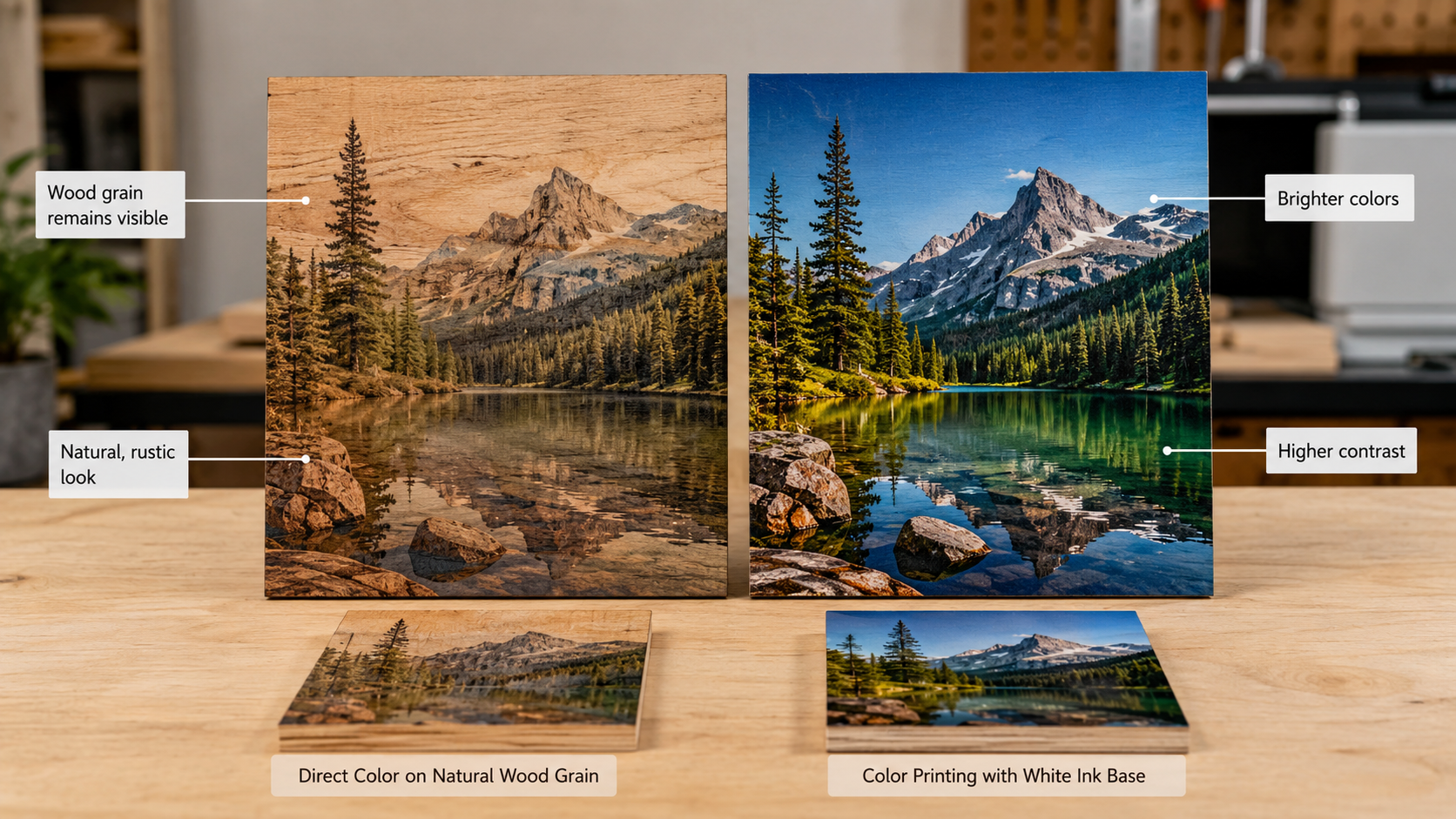
Printing Color Directly on Natural Wood
Printing color ink directly onto wood allows the grain to remain visible. The image becomes part of the natural surface rather than completely covering it.
This effect is suitable for rustic signs, handmade products, gift boxes, wall art and natural-style decorations. However, the wood color may change the appearance of the printed image.
Printing with a White Ink Base
White ink creates a more neutral background under the color layer. It improves color saturation and makes logos, photographs and product labels closer to the original file.
Common white ink methods include:
- Full white base: White ink covers the complete color area.
- Partial white base: White ink is printed only under selected details.
- White only: White text or graphics are printed without color.
- Color over white: Full-color ink is printed over a white background.
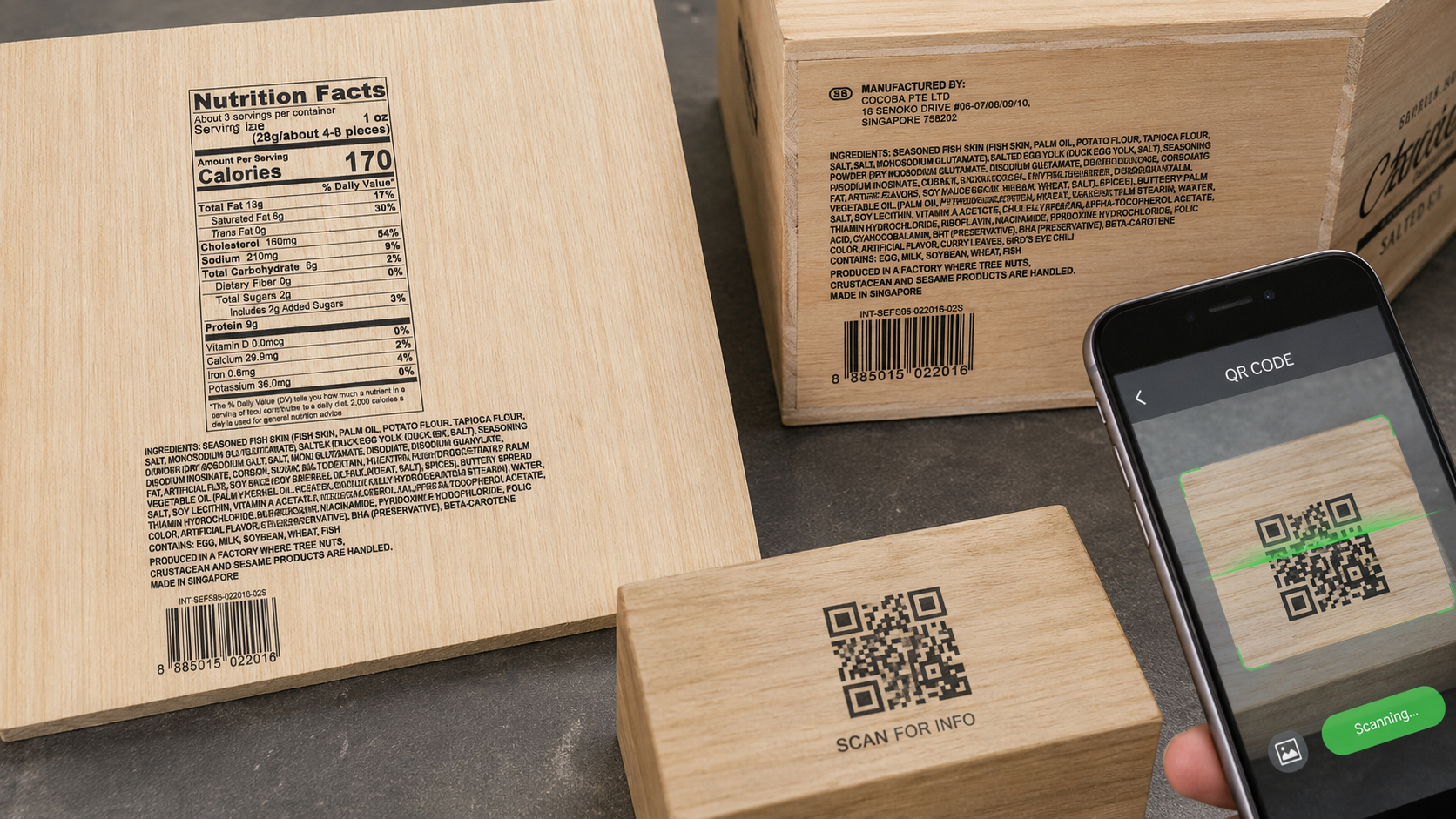
How to Print Clear Small Text, Barcodes and Labels on Wood
Wooden products may require ingredient labels, product information, warning text, QR codes, serial numbers or barcodes. These details require a stable surface and accurate printing settings.
Use a Smooth and Clean Printing Area
Fine text should be placed on the smoothest part of the wood. Deep grain and rough areas can break thin lines and reduce barcode readability.
Prepare High-Resolution Files
Vector files are recommended for small text, barcodes and logos. Avoid low-resolution screenshots or compressed images. Text should not be extremely thin or small.
Maintain the Correct Printing Height
When the printhead is too far from the wood, ink droplets can spread before reaching the surface. This causes blurred text and unclear edges.
Use White Ink to Improve Contrast
On dark or strongly textured wood, a white background can improve the contrast between the code and the material.
Test Barcode Readability
A barcode may look clear but still fail during scanning. Test it with a phone and a professional barcode scanner under different lighting conditions before production.
Does Wood Require Primer Before UV Printing?
Not every wooden material requires primer. The need for primer depends on the wood type, surface coating, absorbency and required durability.
When Primer May Not Be Required
Primer may not be necessary on clean, smooth and untreated boards that already provide acceptable adhesion. Some MDF and coated panels can also produce stable results without additional treatment.
When Primer May Be Necessary
Primer may be required when the surface contains paint, wax, oil, waterproof treatment or a coating that does not bond well with UV ink.
Products used outdoors or frequently cleaned may also require stronger adhesion. The primer should first be tested on a small area because it may affect color, gloss or the natural grain.
How to Improve Ink Adhesion on Wood
Remove Dust and Contamination
Sanding dust, oil, wax and fingerprints can reduce adhesion. Use a clean, lint-free cloth and make sure the surface is dry before printing.
Check Existing Surface Coatings
Paint, varnish, waterproof coating and release agents may react differently with UV ink. Always test the actual board rather than relying only on the material name.
Use Primer When Needed
Apply a thin and even primer layer. Too much primer may change the surface appearance and affect image quality.
Adjust UV Curing Settings
UV lamp power, printing speed, ink amount and printing layers can affect curing. The settings should match the material and required result.
Perform Adhesion Tests
Recommended checks include tape tests, light scratch tests, rubbing tests and cleaning tests. The final product should also be tested under its actual use conditions.
Common Problems in UV Printing on Wood
Image Details Are Not Clear
The wood may be too rough, the printing height may be too high or the source file may have low resolution. Sand the surface, reduce the safe print height and use a clearer file.
Colors Look Dark or Uneven
Natural wood color and uneven absorbency can change the result. Use a partial or full white ink base when stronger color accuracy is needed.
Ink Peels Off Easily
Dust, oil, wax, incompatible coatings or incorrect curing may cause poor adhesion. Clean the surface, test primer and adjust the curing settings.
White Ink Is Uneven
Check the material flatness, printhead condition, white ink circulation and printing height.
Barcode Cannot Be Scanned
Increase the barcode size, avoid rough areas, improve contrast with white ink and test the code before batch production.
How to Choose a Wood UV Printer
The correct wood UV printer should match the product size, thickness, surface condition, daily output and required image quality.
Desktop Wood UV Printer
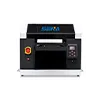
Desktop machines are suitable for small wooden boxes, signs, gifts, craft products and photo boards. They require less space and are suitable for small workshops and customized businesses.
For small wooden products, buyers can review the
SN-3045 UV Flatbed Printer
.
Medium-Format UV Flatbed Printer
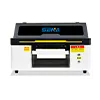
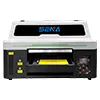
Medium-format machines are suitable for decorative pictures, furniture panels, signs and batch printing of several wooden boxes at the same time.
Suitable options may include the
SN-6090 UV-platbeddrukker
en
SN-9060 UV-platbeddrukker
.
Large-Format Industrial Wood Printer
Large-format machines are suitable for furniture boards, wooden wall panels, large signs and higher-volume production.
Businesses processing large sheets can consider the
SN-2513 UV Flatbed Printer
.
Important Selection Factors
- Maximum wooden panel size
- Maksimum materiaal dikte
- Surface flatness and grain
- Required printing resolution
- White ink and varnish configuration
- Automatic height detection
- Vacuum platform strength
- Printhead type and maintenance cost
- Daily production volume
- After-sales support and spare parts supply
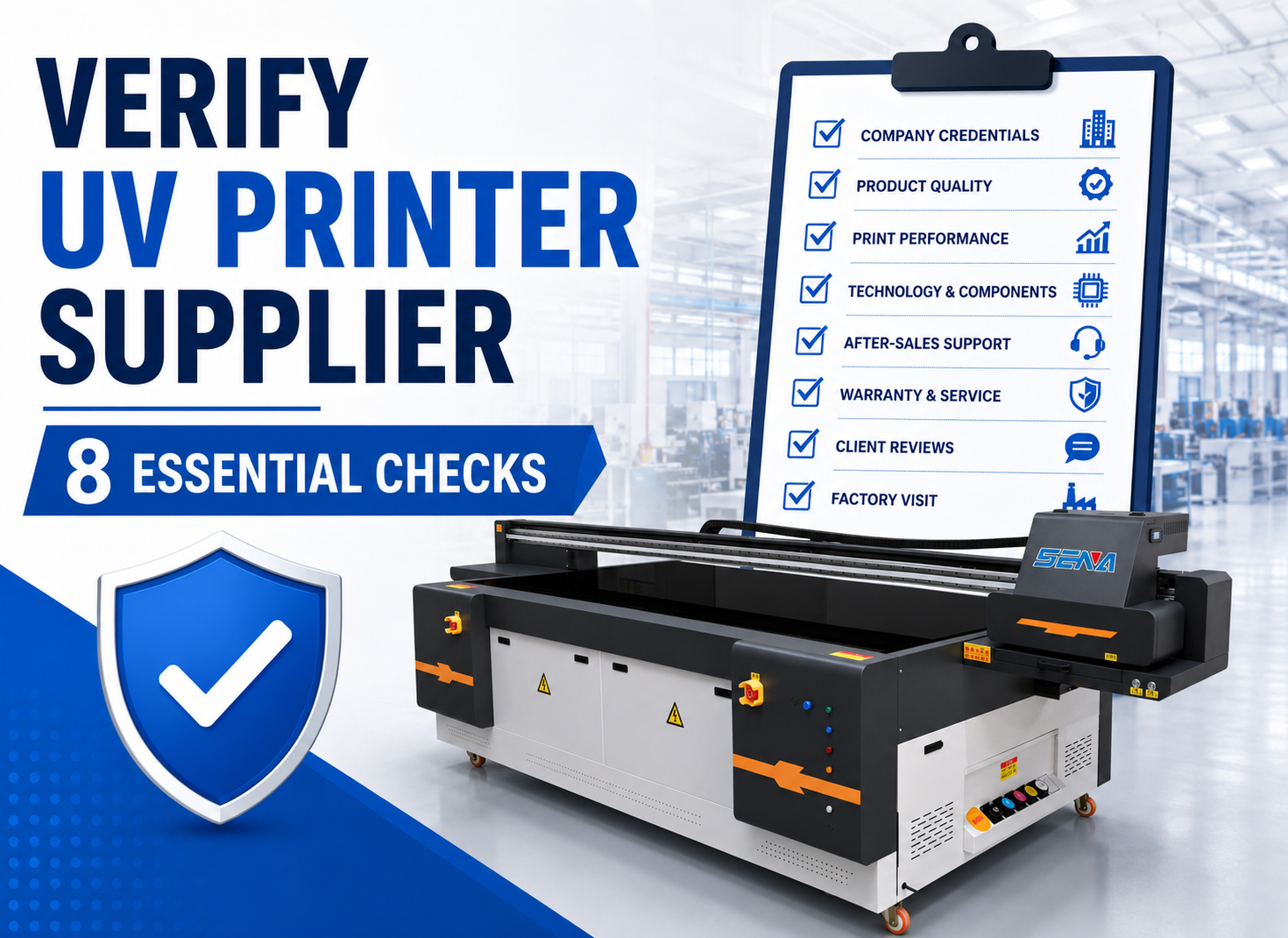
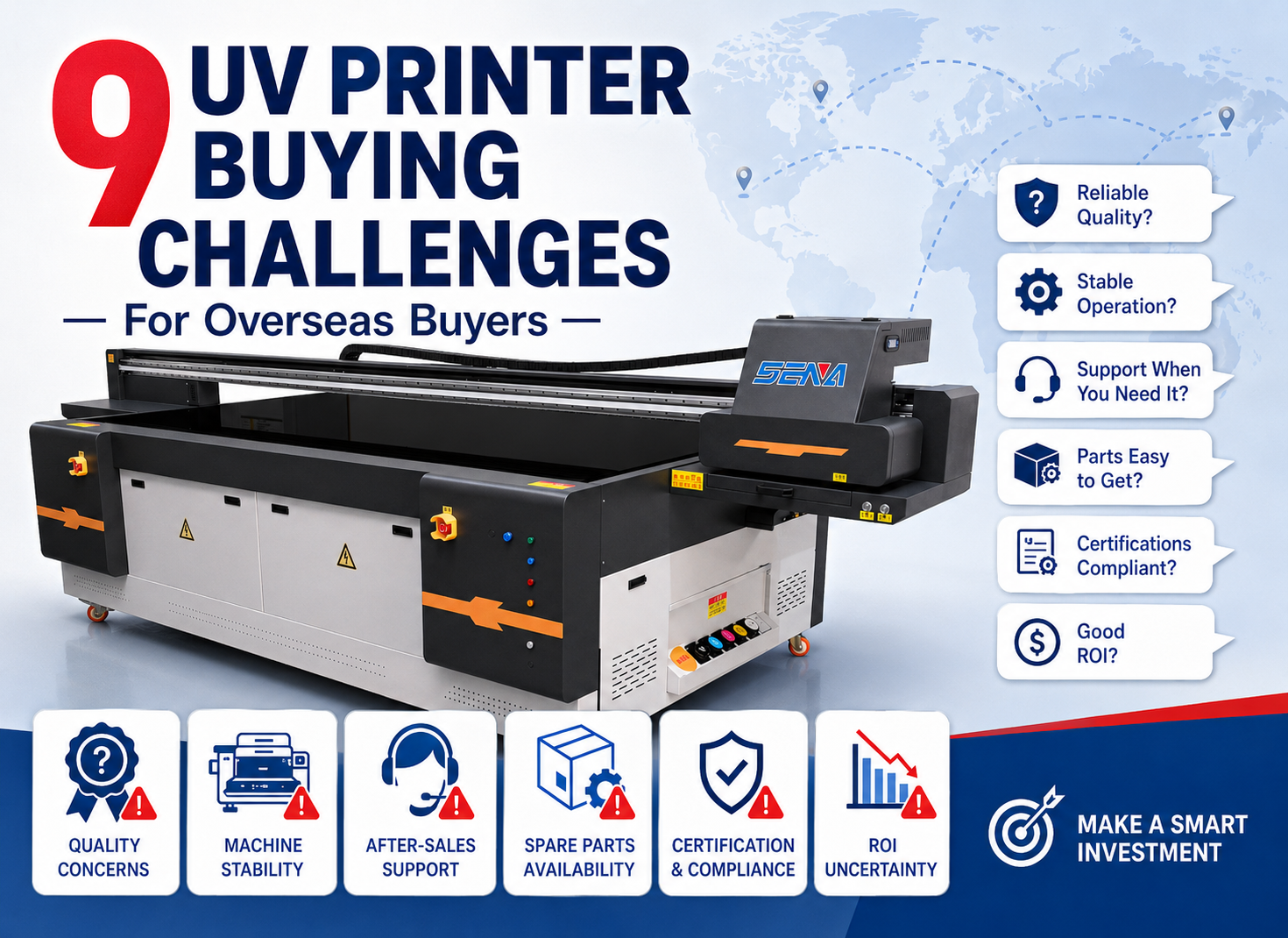
Before choosing a machine, overseas buyers should also review the
common risks of purchasing a UV printer overseas
and learn
how to verify a reliable UV printer supplier
.
Buyers interested in other materials can also read our
UV printing on acrylic guide
.
Business Opportunities in Custom Wood Printing
Personalized Home Decoration
Custom wall art, family photographs, door signs and holiday decorations can be produced in small quantities or as single pieces.
Customized Wooden Gifts
Wedding gifts, company gifts, souvenirs, wooden awards and personalized boxes can provide higher added value than standard products.
Branded Wooden Packaging
Wine boxes, tea boxes, cosmetic boxes and collector packaging can be printed with brand designs and product information.
Furniture and Interior Decoration
Furniture factories and design studios can create customized cabinet doors, decorative panels, tabletops and commercial interior elements.
On-Demand Production
UV printing does not require a printing plate, making it suitable for online orders, short runs and frequently changing designs. Businesses can produce products after receiving orders and reduce inventory.
Request Wood Sample Testing Before Purchase
Different wood materials can produce very different results, even when the same file and machine settings are used. Testing the actual material is the best way to confirm image quality and adhesion.
Provide the supplier with:
- Wood type and surface finish
- Product size and thickness
- Information about paint, wax or coatings
- Printing artwork
- White ink and varnish requirements
- Indoor or outdoor use
- Required adhesion and scratch resistance
The completed sample should be checked for color accuracy, small-text clarity, barcode readability, white ink coverage, visible wood grain, adhesion and production time.
Buyers who need help selecting a machine can
contact SENA for wood sample testing
.
Frequently Asked Questions About UV Printing on Wood
Can a UV printer print directly on wood?
Yes. Many flat wooden products can be printed directly after surface cleaning and material testing.
Does wood always need primer?
No. Some clean and untreated boards provide good adhesion without primer. Coated, waxed or waterproof surfaces may require primer.
Can a wood UV printer print small text and barcodes?
Yes. A smooth surface, high-resolution file, correct printing height and barcode scanning test are important.
Can white ink cover dark wood?
White ink can create a brighter background and improve color saturation on dark wood. More than one white layer may be required for some materials.
Can the natural wood grain remain visible?
Yes. Printing color directly onto the surface allows much of the natural grain to remain visible.
Which UV printer is suitable for wooden boards?
The machine should be selected according to the maximum board size, thickness, required resolution and daily production volume.
Achieving Better UV Printing Results on Wood
UV printing on wood provides a flexible solution for boards, boxes, furniture panels, signs and personalized decorative products.
Clear images and strong adhesion depend on surface preparation, material flatness, correct printing height, white ink settings, primer testing and UV curing.
A suitable wood UV printer should match the product size, material thickness, image quality requirements and expected production volume. Real material testing before purchase helps reduce risk and confirms whether the machine can meet actual production needs.
Need to Test Your Wooden Products?
Send SENA your wood material, product size, surface information, printing file and required effect. Our team can arrange sample testing and recommend a suitable UV printing solution.